
En
The most important thing to consider when creating a blog post is the featured image. This is the first thing people will see when they land on your page, and you must make a good first impression. A well-chosen featured image can help to set the tone for your blog post and capture the reader's attention.
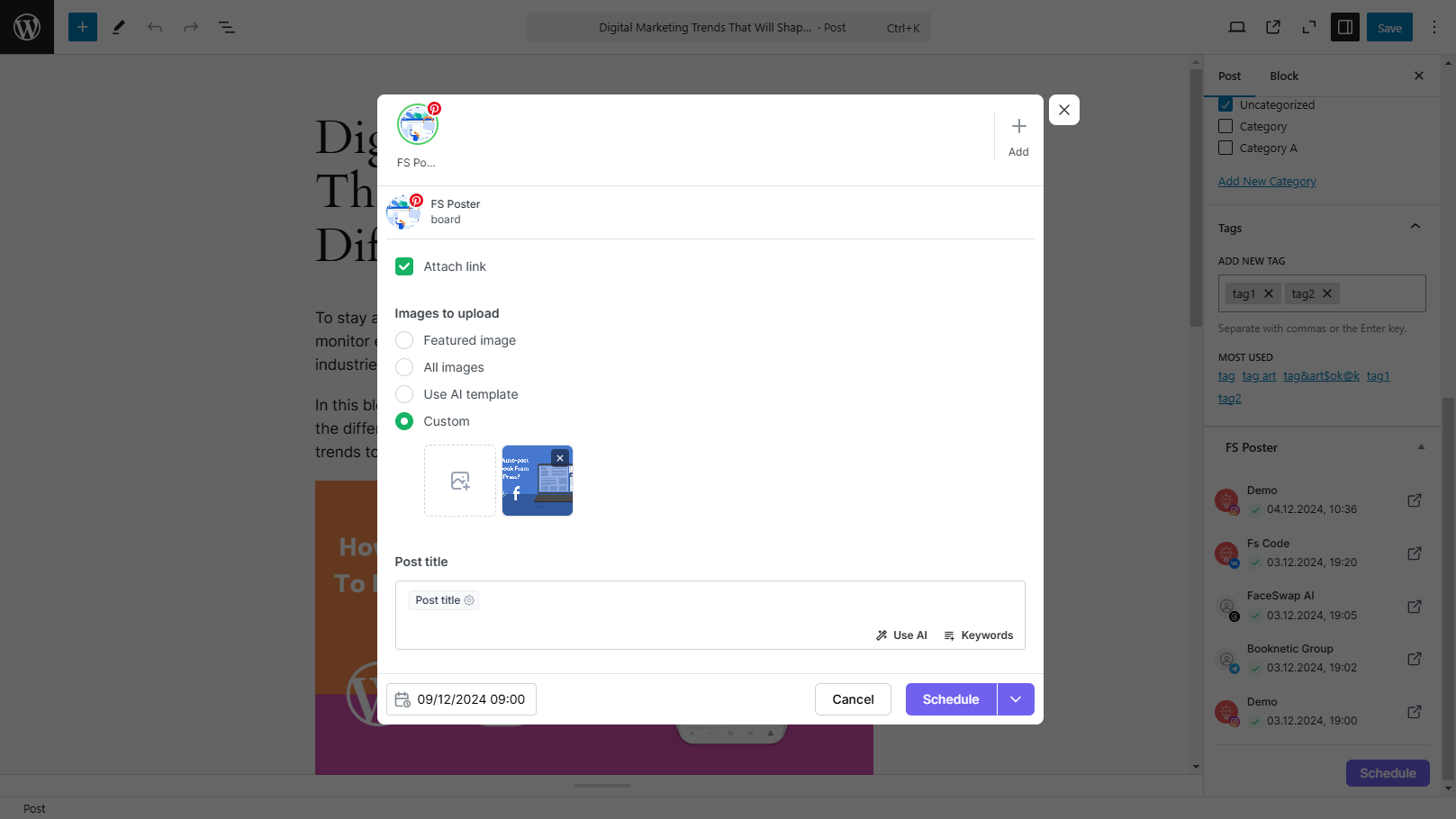
There are a few reasons why you might want to use a custom image instead of the featured image:
- You might want to share a different image on social networks rather than the post's Featured image;
- Your posts might not have a featured image but you would like to share an image on social networks. Also, Instagram, Pinterest, etc. always require an image to share posts, so you can add a custom image to share posts on Instagram and Pinterest successfully;
- The featured image size would not be compatible with social network requirements, so you can add a custom image to share successful posts;
- You might have a featured image as a link from external sources, but because the FS Poster plugin requires an image stored on your website to share posts on social networks that always require an image, shares will not be successful. You can add a custom image to avoid the issue.
Automatically share new WordPress posts to your connected social media accounts with FS Poster.
You will be able to create Schedules which allow you to share your blog posts within the determined interval and selected filters.
You will be able to share or schedule custom contents, images, links without creating any WordPress post.

By using this site, you agree to our Cookie Policy


