
En
Most social networks have no bold button. A post is plain text, so a headline, a price or a call to action blends into the rest.
The FS Poster composer has a formatting toolbar with Bold, Italic, Underline and Strikethrough. Select the words, click a button, and they are shared exactly as they look in the editor.
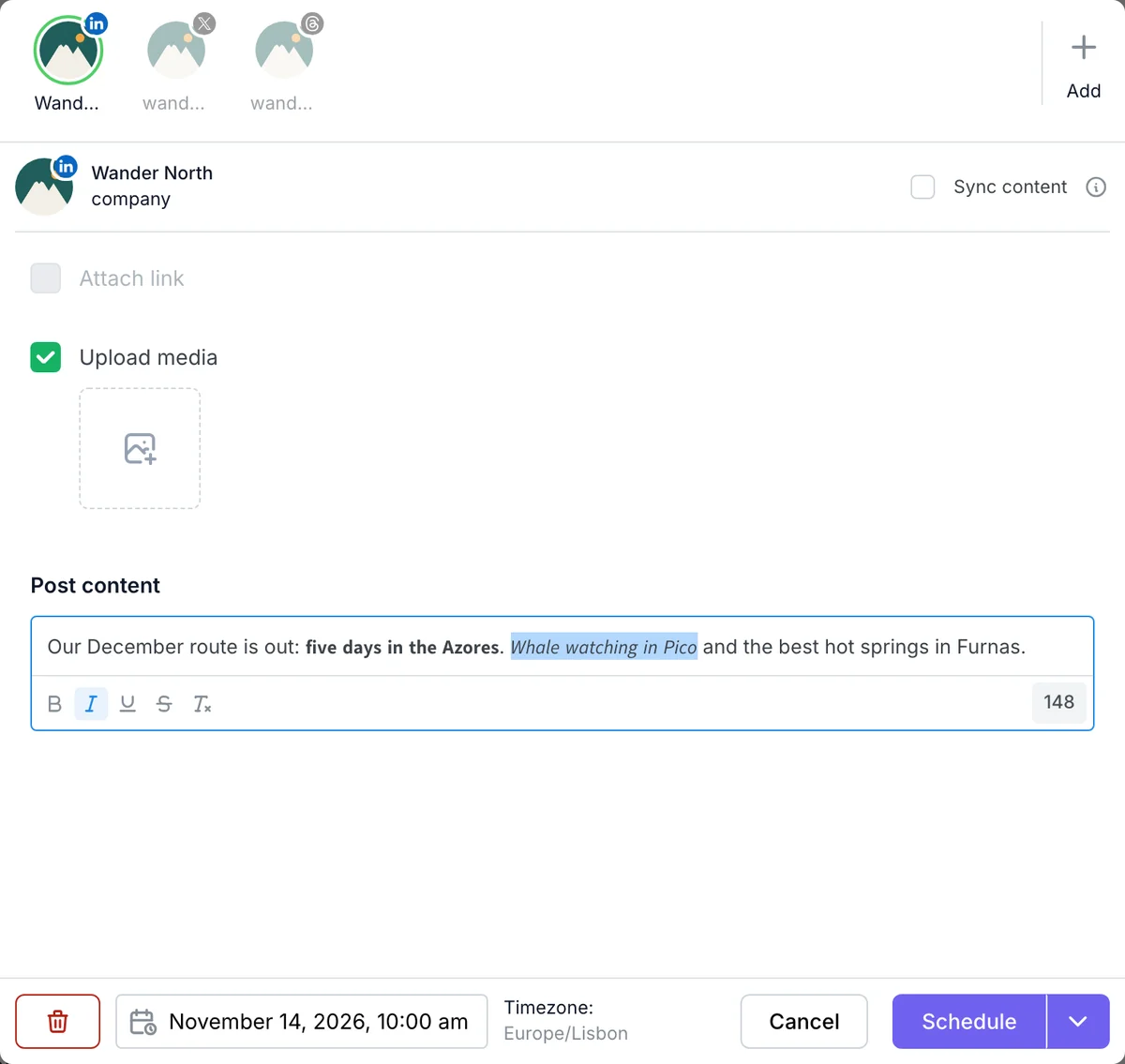
Formatted text is made of Unicode characters, the same approach Buffer and Hootsuite use. That is why it survives on networks that remove formatting, such as Facebook, Instagram, LinkedIn, X and Threads.
Keywords such as the post title, the excerpt or the product price have a Text style option: Normal, Bold, Italic or Bold italic. Set the post title to bold once in your post template, and every auto-shared and planner post starts with a bold title.
The toolbar is in the composer, the FS Poster box in the WordPress post editor, planners, the first comment, and the post templates in Settings and in each channel's custom settings.
Select the text in the FS Poster composer and click Bold. FS Poster turns it into bold Unicode letters, which Facebook shows as bold.
Yes. The formatted characters show on LinkedIn, X, Instagram, Threads, Facebook and other networks that publish plain text.
Yes. Open the options of the post title keyword in your post template and set Text style to Bold.
Screen readers may spell Unicode letters out or skip them. Use formatting for a few words, not for whole posts.
Automatically share new WordPress posts to your connected social media accounts with FS Poster.
You will be able to create Schedules which allow you to share your blog posts within the determined interval and selected filters.
You will be able to share or schedule custom contents, images, links without creating any WordPress post.

By using this site, you agree to our Cookie Policy


