
En
As you know, Social Networks do not like users who share too many posts one after another.
Social Networks or your followers might mark your posts as spam when you share too many posts, which is a terrible experience for businesses.
It is the worst scenario that might happen, but still, if you are posting too often, you will become a complete nuisance, and your audience will be bored seeing your posts overcrowding their feed.
On the other hand, if you post too infrequently, your audience will forget that you exist.
For those reasons, you need to balance your posting frequency.
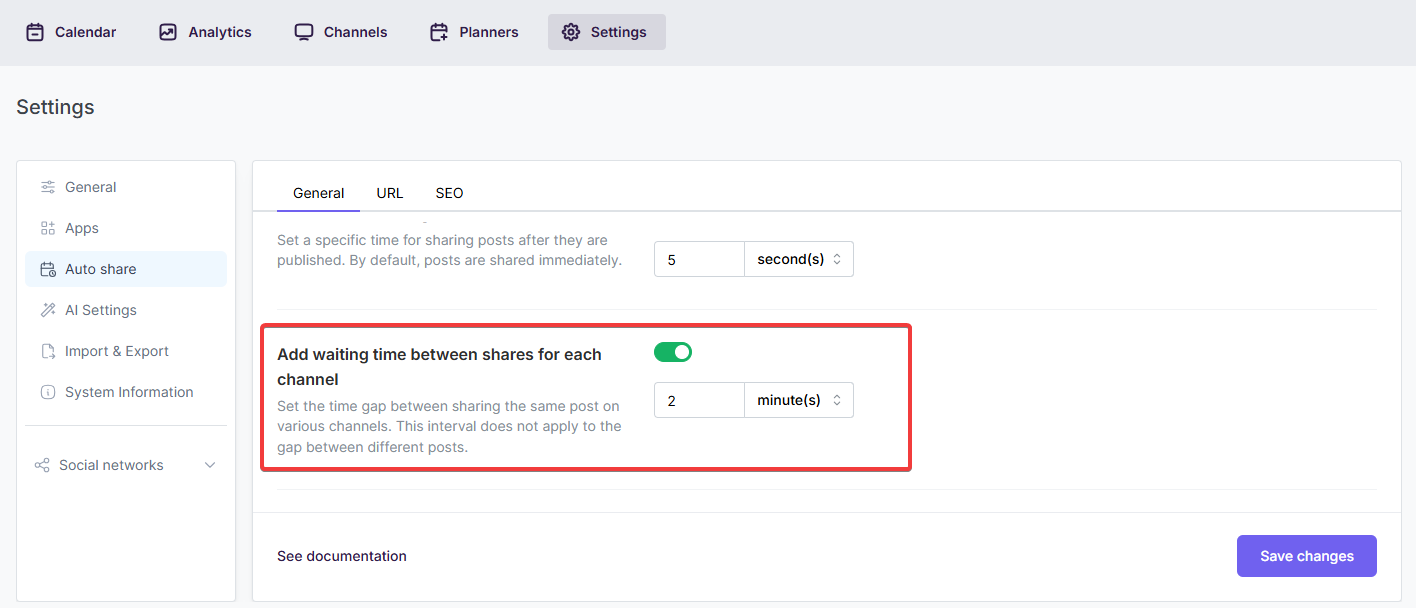
Luckily, the FS Poster social media automation tool has a post-interval option, which allows you to control your posting frequency.
When you share a post on many Facebook pages and groups, Facebook will say, "Hey, what are you doing? You are posting too much."
For this reason, we need to set time intervals between each channel.
Automatically share new WordPress posts to your connected social media accounts with FS Poster.
You will be able to create Schedules which allow you to share your blog posts within the determined interval and selected filters.
You will be able to share or schedule custom contents, images, links without creating any WordPress post.

By using this site, you agree to our Cookie Policy


