
En
The calendar shows every post FS Poster has shared or will share, on every channel, in one place. Switch between the month and week views or a list.
Each post shows its time, its channels and its status: pending, sending, shared or failed. Click a post to view it, edit it before it goes out, reschedule a failed one or open it on the social network once it is live.
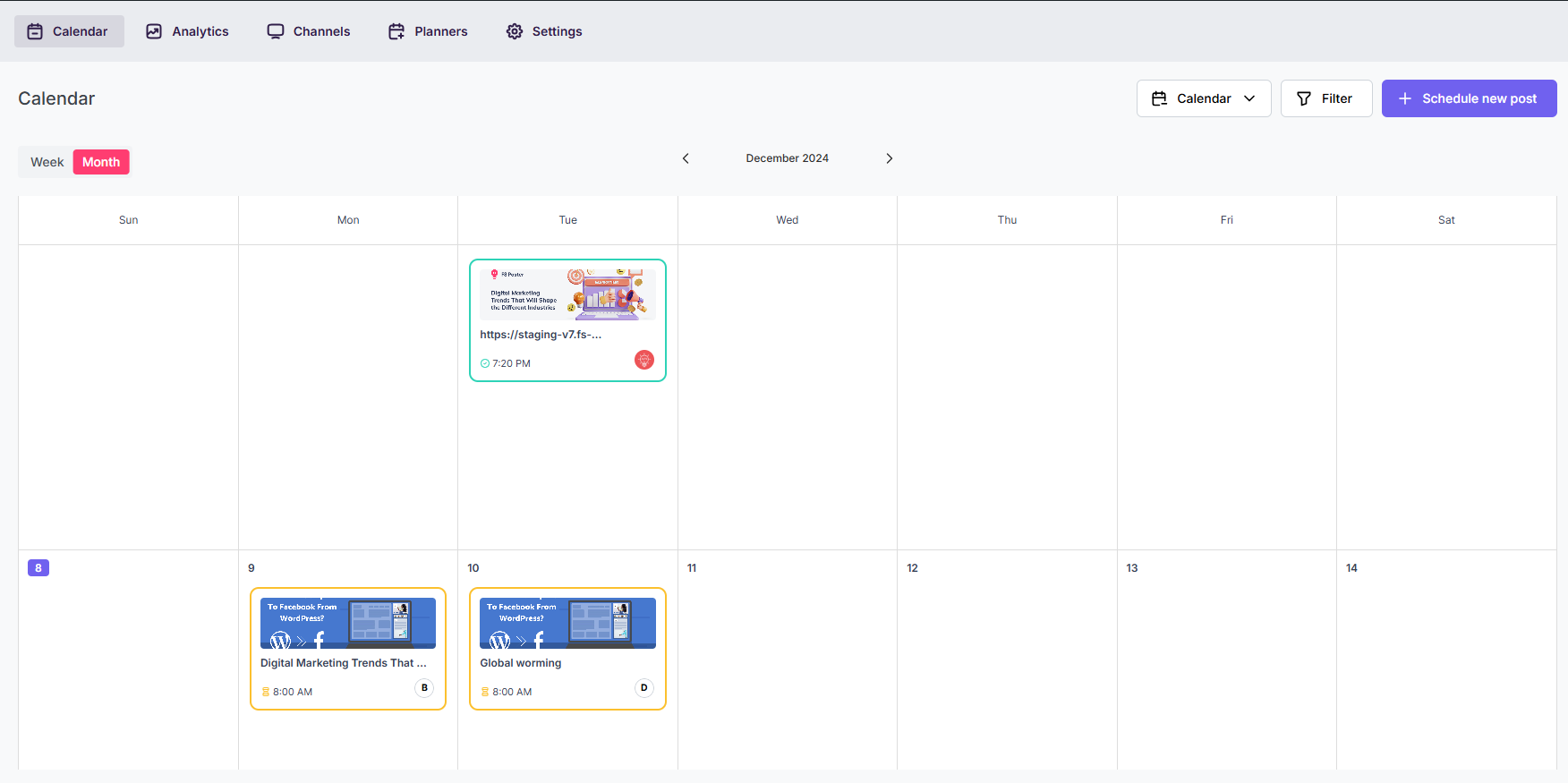
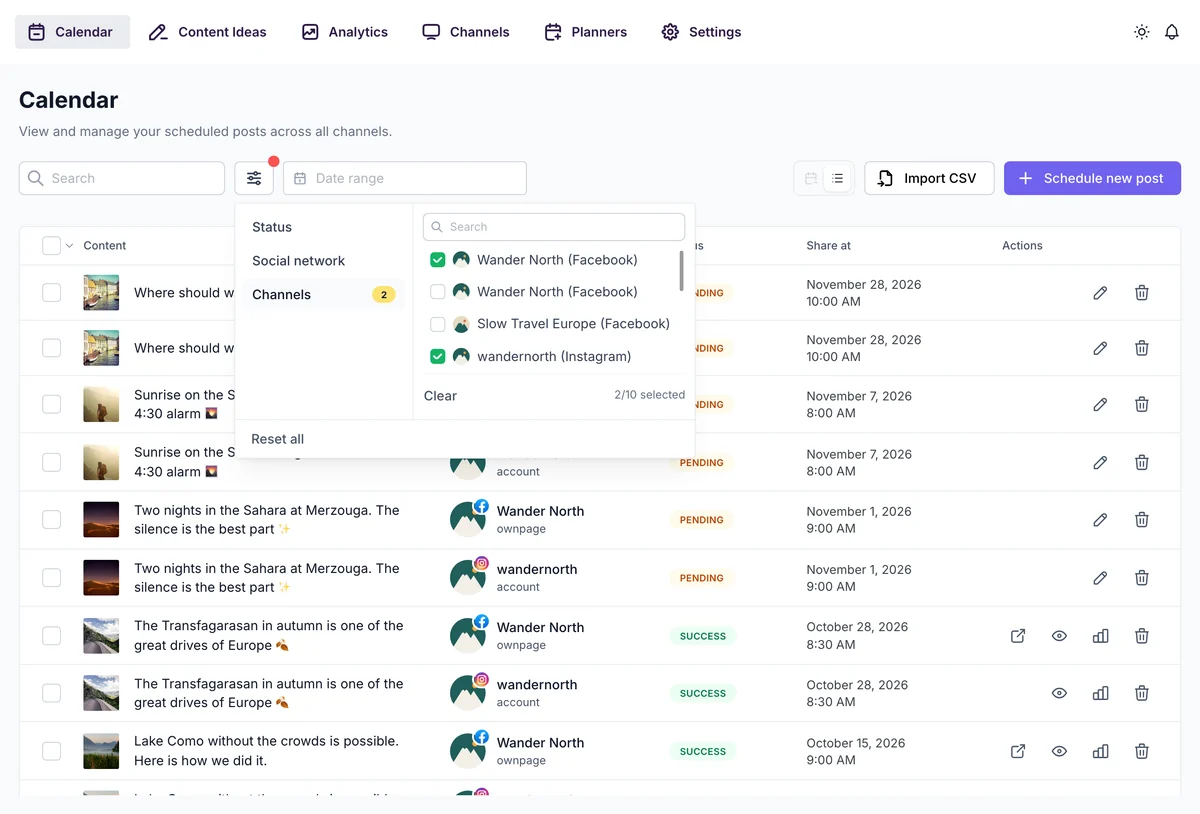
Schedule new post opens the composer for a post that isn't tied to a WordPress post. Import CSV schedules up to 100 posts from a spreadsheet, see Bulk Scheduling & CSV Import.
The week starts on the day set in WordPress > Settings > General, and times follow your WordPress time format, 12 or 24 hours. The calendar, every date picker and the time fields use them.
New to planning? Read how to set up a social media calendar.
Automatically share new WordPress posts to your connected social media accounts with FS Poster.
You will be able to create Schedules which allow you to share your blog posts within the determined interval and selected filters.
You will be able to share or schedule custom contents, images, links without creating any WordPress post.

By using this site, you agree to our Cookie Policy


