


Animations can make an Elementor website more attractive, interactive, and engaging. They can help highlight important sections, guide visitors' attention, and create a better browsing experience. However, creating smooth animations from scratch can take time and may require coding skills.
There are many WordPress animation plugins that work with Elementor and make it easier to add different effects without writing much code. From simple entrance animations to advanced scroll effects, hover interactions, and motion effects, these plugins offer many options.
In this article, we'll walk through some of the best WordPress animation plugins for Elementor, covering their key features, pricing, and limitations, so you can choose the right one for your website. Let's get started.
Quick Overview of the Plugins
Before jumping into the main discussion, here's a quick overview of the WordPress animation plugins covered in this post. Take a look.
| Plugin | Best For | Animation Type | Free Version | Pricing Starts |
|---|---|---|---|---|
HappyAddons | Advanced interactive websites and Webflow-style animations | GSAP, scroll, SVG, text, image, physics | Yes | $39/ |
Animation Addons | Developers and designers needing advanced GSAP controls | GSAP, MotionPath, SVG, SplitText, Lottie, FLIP | Yes | $49/ |
UiCore Animate | Visual effects, animated backgrounds, and page transitions | Gradients, borders, masks, scroll, transitions | Yes | $89/ |
The Plus Addons | Large Elementor projects and agencies | GSAP, Lottie, parallax, scroll, MultiScroll | Yes | $43/ |
Animate It! | Simple animations for blogs and content-focused websites | CSS3, entrance, hover, click, scroll | Yes | $108/ |
1. HappyAddons (GSAP Pack)
Best for: Elementor users who love GSAP animations and often look at Webflow for its advanced animation capabilities. It is especially useful for designers, agencies, and Elementor power users who want to create Webflow-style animations without leaving the Elementor ecosystem.
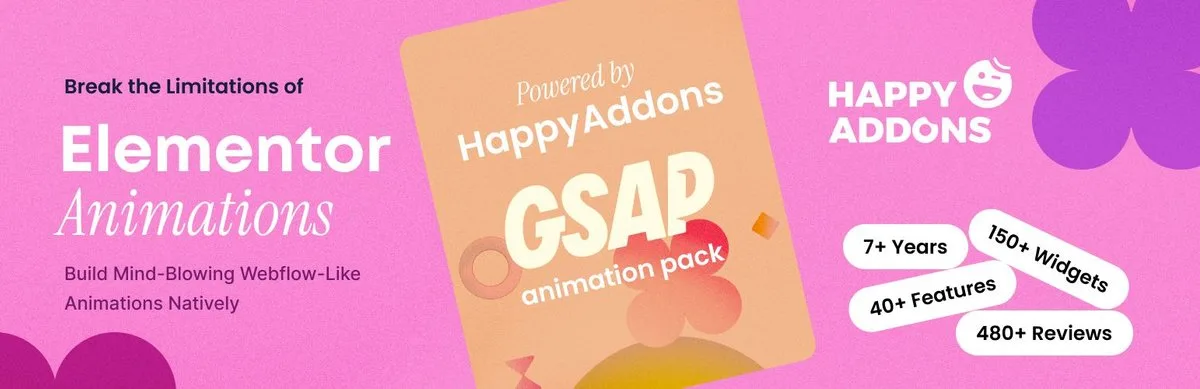
HappyAddons is a popular Elementor addon that comes with more than 160 widgets, ready-made templates, and various website-building tools. It has been helping users extend what they can do with Elementor for more than seven years.
Its dedicated GSAP Pack brings the power of GSAP animations directly into the Elementor editor. It gives you visual controls for creating scroll-based animations, movement, scaling, rotation, SVG effects, image trails, and other interactive effects. You do not need to write custom JavaScript for these animations, which makes it much easier for designers and Elementor users to experiment with the kind of motion effects that were once more common in platforms like Webflow.
So, if you've considered switching to Webflow mainly for its animation capabilities, HappyAddons GSAP Pack gives Elementor users a credible no-code alternative. It brings many of those advanced motion effects directly into the Elementor editor, without needing a separate platform.
Key Features
- Apply GSAP animations to almost any Elementor or HappyAddons widget.
- Huge collection of premium GSAP-powered landing page templates.
- Control animation progress based on the user's scrolling.
- Pin elements or sections while other content continues to move.
- Create SVG drawing and morphing animations.
- Add realistic falling and bouncing effects with Dropping Elements.
- Create animated stacked card layouts.
- Add cursor-based image trails and image cycles.
- Active, ongoing development with regular plugin updates.
- Live chat support available for premium users.
Pricing
HappyAddons offers a free version on WordPress.org, though it has limited animation features and widgets. The premium version, which includes the GSAP Pack, starts from $39/year with a 14-day refund policy.
Limitations
Elementor v4 introduced a new widget architecture, and third-party addon compatibility has been evolving alongside it. HappyAddons has been rolling out updates to support newer Elementor versions, but GSAP Pack coverage for every Elementor v4 widget type may still be in progress depending on your installed versions. Before relying on specific GSAP effects in a v4 project, check HappyAddons' current changelog and confirm compatibility with your exact Elementor and HappyAddons versions.
2. Animation Addons
Best for: WordPress developers, agencies, and UI designers who want to create advanced GSAP animations directly in Elementor. It is especially useful for building interactive landing pages, portfolios, and other websites where smooth motion is an important part of the design.
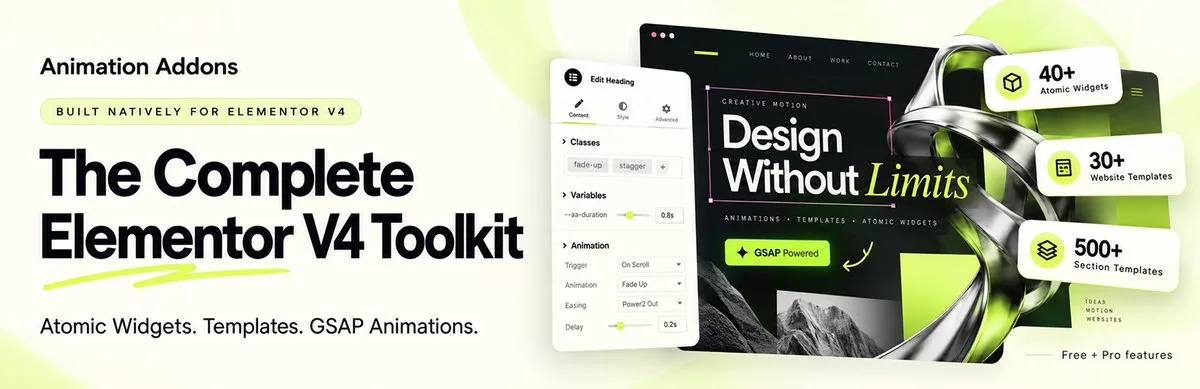
Animation Addons focuses heavily on animations and motion effects. It also brings GSAP into the Elementor editor and gives you different widgets, templates, and extensions for creating interactive designs. It comes with a visual, no-code GSAP system, so you do not have to write JavaScript for most of the animations.
You can control animation timing, movement, and other properties directly from the Elementor editor. It also supports advanced effects such as scroll-based animations, text animations, SVG effects, horizontal scrolling, and cursor interactions, making it a useful choice for users who want more control over their website animations without handling the code manually.
Key Features
- Use MotionPath to move elements along custom paths.
- Transform one SVG shape into another with MorphSVG.
- Create character, word, and line-based text animations with SplitText.
- Add smooth scrolling with ScrollSmoother.
- Create draggable elements with GSAP Draggable.
- Add Lottie animations to Elementor pages.
- Create horizontal scrolling sections with ScrollTrigger.
- Use FLIP animations for smooth layout changes.
- Load animation scripts only when the related feature is used.
Pricing
Animation Addons has a free version available on WordPress.org. Its premium version starts from $49/year with a 15-day money-back guarantee.
Limitations
Using many heavy scroll animations on the same page can affect performance if they are not optimized properly. The large number of settings and modules may take some time to learn.
3. UiCore Animate
Best for: Website owners and designers who want to add visual depth to otherwise static Elementor pages. UiCore Animate is a good fit for websites that need animated backgrounds, glowing borders, gradient effects, and smooth page transitions without building complex animations from scratch.
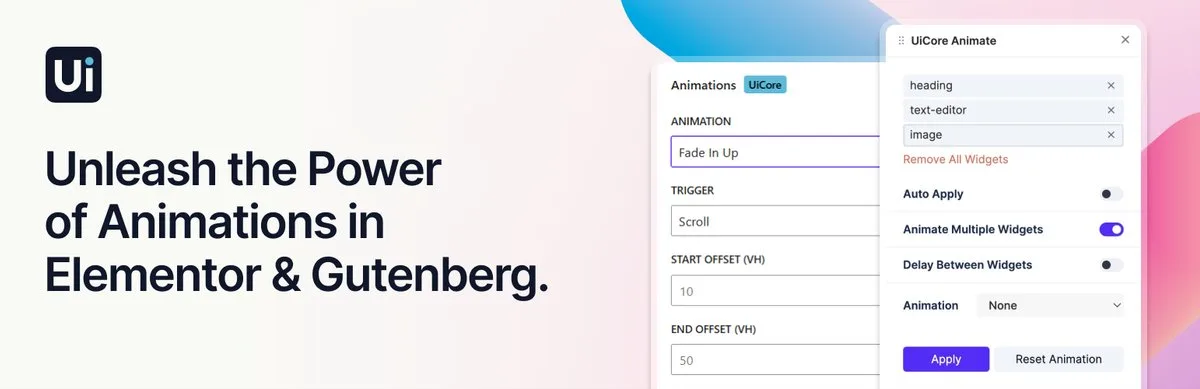
UiCore Animate focuses on making websites look more dynamic through ready-made animation effects and visual controls. One of the main things that makes UiCore Animate different is its focus on background and section-level effects. You can add moving gradients, glowing borders, aurora-style backgrounds, and mask reveals to your pages.
It also includes page preloaders, scroll effects, and smooth scrolling options. The plugin offers different animation styles, including light, modern, and high-impact presets, so users can quickly match the effects with their website design.
Key Features
- Add animated multi-color gradient backgrounds.
- Animate multiple widgets or layout blocks at the same time.
- Create glowing, gradient, and animated borders.
- Add mask-based reveals and scaling effects on scroll.
- Create custom page transitions and preloaders.
- Use ready-made light, modern, and stylized animation presets.
- Add smooth scrolling and custom anchor interactions.
- Control animation timing directly from the visual interface.
Pricing
UiCore Animate has a free version available. Full Pro features are unlocked through a UiCore PRO subscription, which starts from $89/year and includes a 30-day refund policy.
Limitations
The plugin relies more on ready-made animation presets, so it offers less control than a full GSAP timeline system.
4. The Plus Addons
Best for: Agencies and developers managing larger Elementor projects who want animation tools alongside widgets, WooCommerce features, dynamic content, and other website-building options.
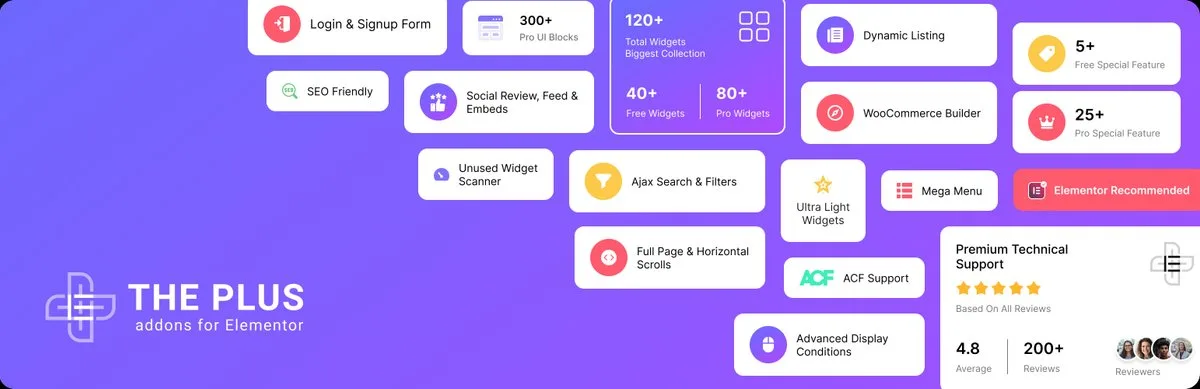
The Plus Addons for Elementor is a well-known Elementor addon developed by POSIMYTH Innovations. It includes more than 120 widgets and a wide range of website-building features. Along with tools for menus, dynamic content, WooCommerce, and other parts of a website, it also provides several options for creating advanced animations and interactions.
Its animation features include a dedicated GSAP Scroll Interactions system that lets you create effects based on the visitor's scroll position. You can also create staggered animations, Lottie animations, parallax effects, SVG background changes, and multi-scroll layouts.
Another useful feature is its widget optimization scanner, which can prevent unused scripts from loading and help reduce unnecessary frontend assets.
Key Features
- GSAP Scroll Interactions for scroll-based animations.
- Create staggered animations across multiple elements.
- Add interactive LottieFiles animations.
- Create SVG backgrounds that change while scrolling.
- Build Page Piling and MultiScroll layouts.
- Scan and disable unused widget scripts.
- Create multi-stage animations with the Magic Scroll Timeline.
- Add parallax and other interactive motion effects.
Pricing
The Plus Addons has a free version available. Its premium version starts from $43/year with a 30-day refund guarantee.
Limitations
The large number of features can make the settings area feel overwhelming when you only need the animation tools. Some advanced frame-by-frame and multi-layer animation controls require a Pro license.
5. Animate It!
Best for: Bloggers, content creators, and website owners who need simple animations without adding a large animation framework to their website. It is a practical choice for adding basic entrance effects, hover animations, and scroll reveals to Elementor.
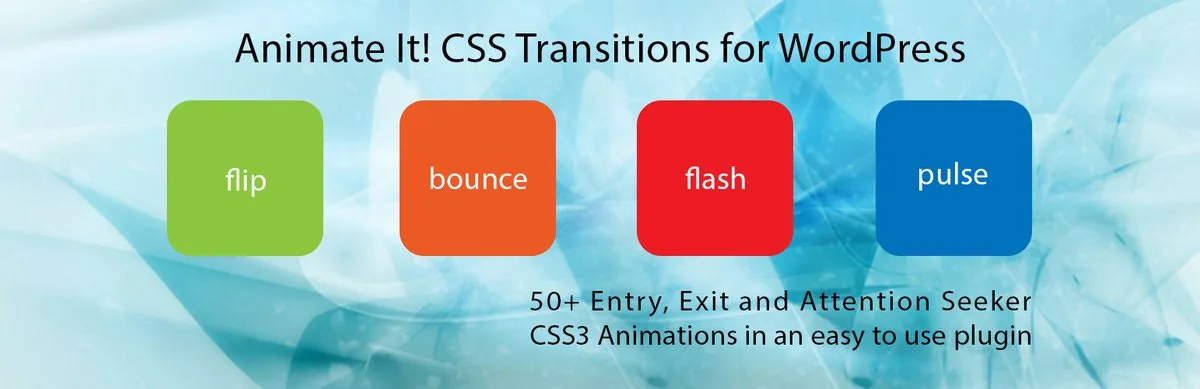
Animate It! is a lightweight WordPress animation plugin from eLEOPARD Studios. It uses CSS3 animations instead of relying on complex JavaScript-based animation systems. The plugin works with Animate.css and Animo.js to provide a collection of ready-made effects that you can add to different parts of your website.
The plugin keeps the animation setup simple. You can choose an animation, adjust its timing and delay, and generate a CSS class to use with your Elementor widgets. It also supports click, hover, and scroll triggers. You can control how many times an animation runs and disable animations on mobile devices when needed.
Key Features
- Access 50+ CSS3 entrance, exit, and attention animations.
- Trigger animations on click, hover, or scroll.
- Generate custom animation classes for Elementor widgets.
- Adjust animation delay and duration.
- Set animations to repeat a specific number of times or indefinitely.
- Disable animations on mobile and tablet devices.
- Add animations to Gutenberg content with the Eds Animate It block.
Pricing
Animate It! has a free version available. Its premium version starts from $108/year with a 14-day refund policy.
Limitations
It does not include a visual timeline for creating complex, multi-stage animations. Elementor users need to copy and paste the generated CSS classes into widget settings. It does not offer advanced GSAP features, physics-based effects, or SVG path morphing.
FAQ on Best WordPress Animation Plugins
Now, in this section, we'll answer some questions commonly found on various platforms online regarding today's topic.
1. Can I add animations to Elementor without coding?
Yes. Most Elementor animation plugins provide visual controls that let you add effects without writing custom JavaScript or CSS. For example, with HappyAddons, you can add various captivating animations to your site without code.
2. Do Elementor animation plugins slow down a website?
They can affect performance if you use too many animations or load unnecessary scripts. Choosing a lightweight plugin and using animations carefully can help keep your website fast.
3. Can I create scroll-based animations in Elementor?
Yes. Several plugins in this list support scroll-based effects. For example, HappyAddons is one of the best for creating parallax effects, scroll-triggered animations, pinned sections, text effects, and more.
4. Are Elementor animation plugins available for free?
Yes. Some plugins offer free versions with basic animation features, while others require a premium plan. The available features can vary significantly between the free and paid versions.
5. Which animation plugin is best for advanced GSAP effects?
Plugins such as HappyAddons and Animation Addons provide GSAP-based animation features. The available GSAP tools and level of control differ between each plugin.
Final Takeaways
Choosing the right animation plugin can make it much easier to add movement and interactive effects to an Elementor website. The plugins covered in this article offer different options, from simple CSS animations to advanced GSAP effects, scroll interactions, and animated backgrounds.
For advanced GSAP-driven animation, HappyAddons and Animation Addons are the strongest picks. For visual background and transition effects without a steep learning curve, UiCore Animate is a solid fit. For simple entrance, hover, and scroll effects on content-focused sites, Animate It! covers the basics well, and The Plus Addons suits agencies that want animation tools bundled with a larger widget library. Before you choose, double-check each plugin's features, performance, and pricing against your project's needs. If you have any questions, mention them in the comments below. Our team will get back to you soon.
Write once. Post to 26 networks.
- 26 social networks
- Schedule & auto-repost
- Runs inside wp-admin


