


WordPress projects often involve much more than building a few pages. Developers may work on custom plugins, website design, backend features, database management, and ongoing maintenance. Each area comes with its own tasks, deadlines, and team responsibilities.
Managing all this work can become difficult without a proper project management tool. WordPress project management plugins can help you organize this work directly inside your WordPress website. Your team can assign tasks, share files, discuss issues, and track progress in one place.
This makes it easier to manage development work and keep everyone informed as a project moves forward. In this article, we will explore some of the best WordPress project management plugins, their key features, pricing, and other factors. This will help you choose the right tool for your projects and team. Let's get started.
Quick Overview of the Plugins
Before jumping into the main discussion, here's a quick overview of the plugins covered in this post.
| Plugin | Best For | Main Tools | Free Version | Premium Pricing Starts |
|---|---|---|---|---|
WP Project Manager | Teams needing project planning, collaboration, and billing | Task lists, Kanban, Gantt charts, time tracking, invoicing | Yes | $79/ |
FluentBoards | Teams that prefer visual boards and use Fluent tools | Kanban, lists, task automation, frontend portal | Yes | $149/ |
Projectopia | Agencies managing client projects and business administration | Client dashboards, quotes, invoices, milestones | Yes | $149/ |
UpStream | Teams tracking milestones, client work, and project issues | Tasks, bug tracking, client views, timeline extensions | Yes | $79/ |
Zephyr Project Manager | Small teams wanting task management with a one-time Pro purchase | Tasks, calendar, discussions, Kanban, reports | Yes | $99 one-time |
Prices are in US dollars and were checked on October 19, 2026. Regular starting prices are shown where available. Promotions, taxes, and checkout terms may change the amount you pay. The tools listed include both free and paid features.
1. WP Project Manager
Best for: Freelancers, agencies, and growing teams that want to manage tasks, project schedules, team discussions, and client billing inside WordPress. It is especially useful when you need more than a simple task board.
- Main Tools
- Task lists, Kanban, Gantt charts, time tracking, invoicing
- Free Version
- Yes
- Premium Pricing Starts
- $79/year
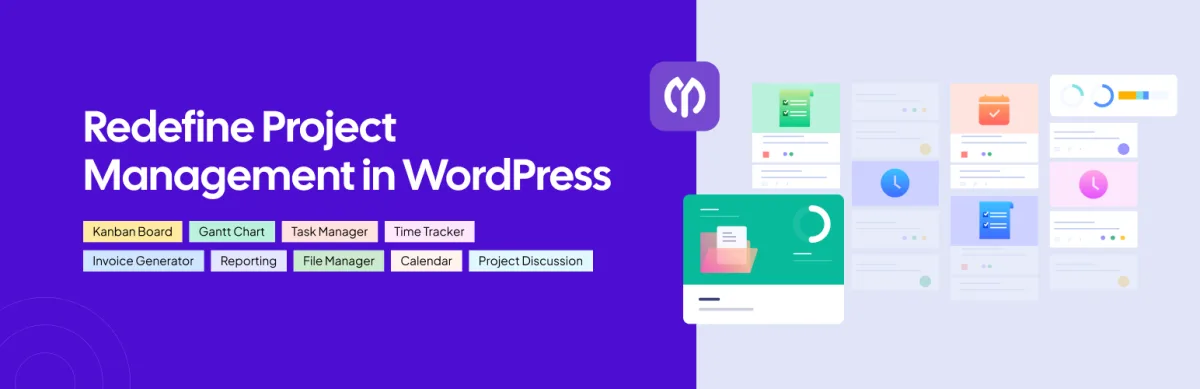
WP Project Manager is a project management plugin from weDevs. It brings projects, task lists, milestones, files, and conversations into one workspace. You can assign responsibilities and keep project updates close to the work they relate to.
Its range of planning tools makes it a strong first choice for this list. Kanban boards help you follow tasks through different stages. Gantt charts help you review schedules and task dependencies. Time tracking and invoicing extend the workflow to recording work and billing clients, depending on your plan.
For example, a web design agency could organize a website project into design, development, and review stages. Team members can discuss tasks and share files within the project. With the relevant paid tools, the agency can also record working hours and prepare invoices.
Another useful benefit is its pricing model. WP Project Manager supports unlimited projects and team members without charging for each additional user. This can make costs easier to plan as your team grows.
Key Features
- Create unlimited projects, tasks, and team members.
- Organize work with task lists, milestones, and Kanban boards.
- Break larger tasks into subtasks with the paid subtask module.
- Share files and keep project discussions together.
- Review schedules and dependencies through Gantt charts.
- Record working hours with the time tracker.
- Create client invoices with the invoicing module.
- Manage projects from the frontend with the paid version.
- Add recurring tasks and custom fields on the Business plan.
- Connect supported workflows with WooCommerce, BuddyPress, and Stripe on the Business plan.
Pricing
WP Project Manager has a free version. Regular premium pricing starts at $79/year with a 14-day refund policy.
2. FluentBoards
Best for: Teams that like visual task boards and want to connect project work with FluentCRM, Fluent Forms, or Fluent Support.
- Main Tools
- Kanban, lists, task automation, frontend portal
- Free Version
- Yes
- Premium Pricing Starts
- $149/year
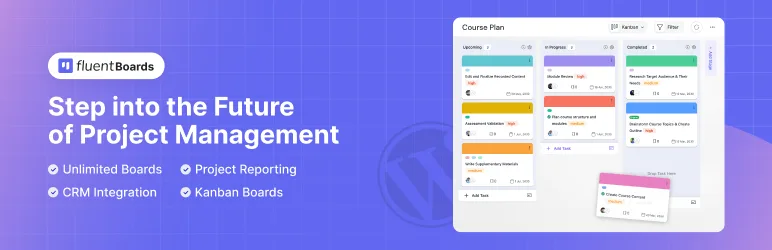
FluentBoards organizes work around boards and tasks. You can move tasks through stages, assign responsibilities, and set priorities. This approach suits workflows where people need a quick view of what is waiting, in progress, or finished.
Its connections with other Fluent products are a useful reason to consider it. However, FluentBoards also works as a standalone plugin. You do not need those other products to manage projects.
The Pro version adds tools for handling more detailed workflows, including recurring tasks, templates, custom fields, and a frontend portal. These can help reduce repeated setup when your team follows similar steps across projects.
Key Features
- Organize tasks through Kanban and list views.
- Set due dates, priorities, labels, and task comments.
- Use task filters to find relevant work.
- Add subtasks, custom fields, and attachments with Pro.
- Reuse task and project templates with Pro.
- Set recurring tasks and default assignees with Pro.
- Give users frontend access through the Pro portal.
- Connect with FluentCRM, Fluent Forms, and Fluent Support.
Pricing
FluentBoards has a free version. Its regular single-site Pro price starts at $149/year with a 14-day refund policy.
3. Projectopia
Best for: Freelancers and agencies that want client management, quotes, invoices, and project delivery tools in the same WordPress system.
- Main Tools
- Client dashboards, quotes, invoices, milestones
- Free Version
- Yes
- Premium Pricing Starts
- $149/year
Projectopia covers more of the client relationship than a basic task manager. Alongside projects and milestones, it includes tools for managing leads, client details, quotes, and invoices.
This makes it worth considering if your work starts with a client enquiry and continues through several delivery and payment stages. Instead of keeping the quote in one place and project details somewhere else, you can manage related information within the same plugin.
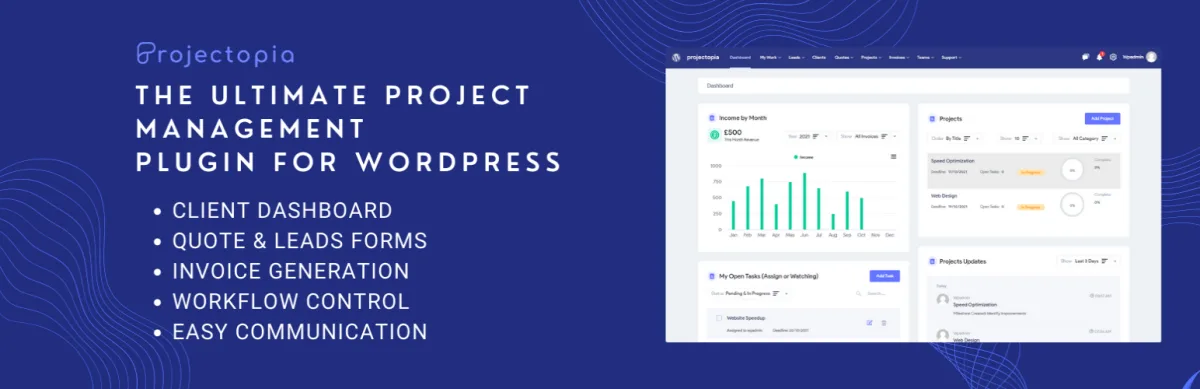
Client dashboards are another part of its approach. They give clients a place to follow their work and access relevant information. Paid extensions add functions such as support tickets, expense tracking, and recurring payment plans.
Key Features
- Manage client records and team members.
- Create quotes and estimates for proposed work.
- Organize projects into milestones and tasks.
- Reuse milestone templates for similar projects.
- Generate and send client invoices.
- Provide a dedicated client dashboard.
- Add support tickets and bug tracking through extensions.
- Track working time with the Time Entries extension.
- Extend reporting, permissions, and expense management with paid add-ons.
Pricing
Projectopia has a free core plugin on WordPress.org. Its single-site premium bundle starts at $149/year, discounted from a $340/year regular list price, with a conditional refund policy.
4. UpStream
Best for: Teams that need to track project milestones, report issues, and let clients view progress from the website frontend.
- Main Tools
- Tasks, bug tracking, client views, timeline extensions
- Free Version
- Yes
- Premium Pricing Starts
- $79/year
UpStream combines project tasks with client access and issue tracking. You can connect tasks to milestones, upload files, and keep discussions with the project.
Its built-in bug tracker is useful for website and software work. A team can record an issue, assign it to someone, set its severity, and attach supporting files. This helps keep fixes alongside the main project work.
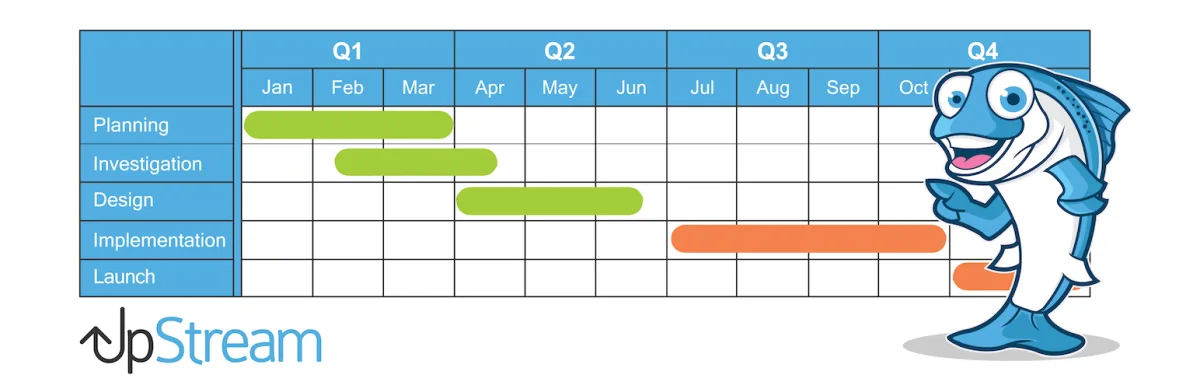
Clients can view their project through the frontend. Extensions expand this setup with frontend editing, timelines, calendars, and other tools. It is important to distinguish viewing progress from actively changing project information when choosing a plan.
Key Features
- Link tasks to project milestones.
- Assign work and set start dates and deadlines.
- Track bugs with statuses, severity levels, and attachments.
- Upload project files and documents.
- Keep project discussions in one place.
- Give clients a frontend view of their projects.
- Add frontend editing and project timelines through paid extensions.
- Add time tracking, budgeting, and reporting through higher bundles.
Pricing
UpStream has a free core plugin. Premium bundles start at $79/year with a 14-day refund policy.
5. Zephyr Project Manager
Best for: Freelancers and small teams that want everyday project organization, with a one-time payment option for premium tools.
- Main Tools
- Tasks, calendar, discussions, Kanban, reports
- Free Version
- Yes
- Premium Pricing Starts
- $99 one-time
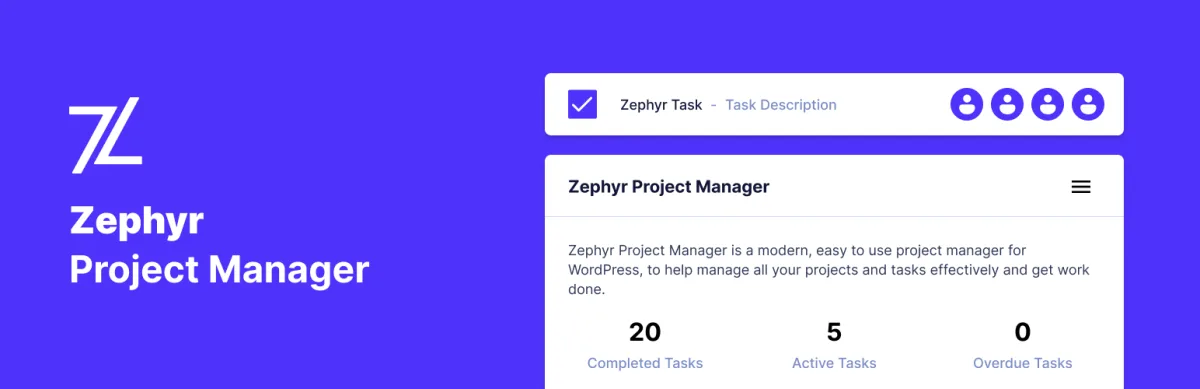
Zephyr Project Manager includes tasks, discussions, files, and a calendar. Its free version lets you create unlimited projects and tasks, making it a useful starting point for teams with a limited software budget.
Each user has a personal dashboard for reviewing upcoming work and progress. Tasks can be assigned to individual users or teams, while subtasks help divide larger jobs into smaller steps.
The Pro edition expands the plugin with Kanban boards, custom fields, templates, reporting, and a frontend project manager. Its one-time pricing may appeal to teams that prefer to avoid another annual plugin subscription.
Key Features
- Create unlimited projects, tasks, and categories.
- Assign tasks to individuals or teams.
- Divide tasks into smaller subtasks.
- Review upcoming work through the calendar.
- Share messages and attachments within projects.
- Track completion with progress charts.
- Import and export project and task data in CSV or JSON.
- Add Kanban boards, templates, and custom fields with Pro.
- Use the frontend project manager and reporting tools with Pro.
Pricing
Zephyr Project Manager has a free version. The Pro version starts at a one-time license fee of $99.00 with a 30-day refund policy.
FAQ on Best WordPress Project Management Plugins
Here are answers to a few common questions about managing projects in WordPress.
1. Can I manage projects in WordPress without coding?
Yes. The plugins covered here provide interfaces for creating projects, assigning tasks, and reviewing work. You do not need to write code for their standard project management features. Custom integrations or major design changes may require technical help.
2. Which WordPress project management plugin is best for agencies?
WP Project Manager is a strong choice for agencies needing planning, collaboration, time tracking, and invoicing. Choose the paid plan that includes those tools. Projectopia is also worth considering if quotes and client administration are a large part of your workflow.
3. Are WordPress project management plugins available for free?
Yes. All five plugins in this article offer a free version. However, free access does not mean every feature is included. Compare user permissions, frontend access, attachments, and project views before choosing.
4. Can clients view their projects without using the WordPress dashboard?
Yes, with a plugin and plan that supports frontend access. UpStream provides frontend project viewing, while several other options include dedicated frontend tools in their paid versions. Configure permissions so clients can access only the work intended for them.
5. Can I track time and invoice clients with these plugins?
Some support both. WP Project Manager includes time tracking and invoicing in its Professional and Business plans. Projectopia provides invoicing and offers a Time Entries extension. Check the exact plan or add-ons before purchasing.
Final Takeaways
The right project management plugin should match how your team works. Think about who needs access, how you track deadlines, and whether you need billing tools. A clear task board may be enough for one team, while another needs client dashboards and detailed schedules.
WP Project Manager is our first pick for teams that want a broad set of planning, collaboration, and billing tools inside WordPress. FluentBoards suits teams that prefer visual boards and Fluent integrations. Projectopia focuses more on client administration, while UpStream combines project tracking with issue reporting. Zephyr is worth considering if you prefer a one-time Pro purchase.
Start with a free version or demo and test a real workflow. Create a project, assign a few tasks, and check what each user can see. This will help you choose a plugin your team can use comfortably every day.
Have questions about choosing a WordPress project management plugin? Leave them in the comments below.
Write once. Post to 26 networks.
- 26 social networks
- Schedule & auto-repost
- Runs inside wp-admin


