


We have spent 8 years building social media automation tools. We build FS Poster, a WordPress plugin used by 25,000+ paid customers to auto-schedule and publish to 26+ social networks directly from WordPress. That is not a sales pitch: it is context. Eight years of building, supporting, and iterating on a scheduling tool taught us what actually matters in this category, where most tools make the same trade-offs, and where the genuine differences lie.
This guide is our honest, practitioner's take on the best social media schedulers available in 2026. Not a generic list assembled from other lists. Not a vendor-claimed feature table. We researched each tool individually from its official website, verified real current pricing, took a screenshot of each product, and shared what we actually think the one thing that matters most is for each tool, alongside its real strengths and genuine limitations.
We cover 18 tools ranging from free-plan starters to enterprise platforms, from general SaaS schedulers to CMS-native solutions built specifically for WordPress and Shopify: Buffer, Hootsuite, Sprout Social, SocialPilot, Later, Sendible, Publer, Metricool, Agorapulse, ContentStudio, Loomly, Planable, Vista Social, Zoho Social, NapoleonCat, Iconosquare, FS Poster, and Yoomru.
How I Evaluated These Tools
Every tool was assessed on:
- Scheduling capabilities: How many networks it supports, how the calendar and queue work, bulk scheduling, and time optimization.
- Content creation and AI: Whether the tool helps create or adapt content, not just distribute it.
- Analytics and reporting: Depth of performance data, competitor tracking, and exportable reports.
- Team and client workflows: Approval flows, user permissions, workspaces, and client management.
- Pricing and value: Starting paid price, what the entry plan actually covers, and whether free plans are genuinely useful.
- Fit for specific audiences: WordPress owners, Shopify merchants, agencies, solo creators, and enterprise teams each need different things.
Promotional pricing and limited-time discounts are excluded from plan comparisons. Prices shown reflect publicly listed plans as of August 2026.
Quick Comparison: All 18 Tools at a Glance
| Tool | Best for | Free plan | Starting price | Standout feature |
|---|---|---|---|---|
Planable |
Content approvals and client sign-off |
Free trial (50 posts, no time limit) |
$33/ |
Client review by shared link, no account needed |
Buffer |
Small teams and creators |
Yes (3 channels) |
$5/ |
Per-channel pricing, 11 networks |
Hootsuite |
Enterprise social teams |
No (14-day trial) |
$99/ |
AI-powered social intelligence |
Sprout Social |
Data-driven enterprise |
No (30-day trial) |
$79/ |
Trellis AI + engagement spike alerts |
SocialPilot |
Agencies on a budget |
No (14-day trial) |
$17/ |
White-label + bulk scheduling |
Later |
Influencer marketing |
No (14-day trial) |
$18.75/ |
EdgeAI influencer matching |
Sendible |
Multi-client agencies |
No (14-day trial) |
$25/ |
Unlimited users on every plan |
Publer |
Flexible per-account pricing |
Yes (3 accounts) |
$5/ |
13 platforms, CSV bulk upload |
Metricool |
Analytics-first teams |
Yes (1 brand, 20 posts/ |
$20/ |
Competitor analysis + unified ad management |
Agorapulse |
Social ROI tracking |
No (30-day trial) |
$79/ |
Direct social-to-revenue attribution |
ContentStudio |
Content-driven teams |
No (7-day trial) |
$19/ |
AI publishing, social listening, white-label |
Loomly |
AI-first brand content |
No (7-day trial) |
$49/ |
AI brand voice learning |
Vista Social |
Reputation + scheduling |
No (14-day trial) |
$63/ |
Review management + DM automation |
Zoho Social |
Zoho ecosystem users |
Yes (1 brand, 7 channels) |
$10/ |
Deep Zoho CRM integration + genuine free tier |
NapoleonCat |
Customer service teams |
No (14-day trial) |
$67/ |
Automated moderation at scale |
Iconosquare |
Instagram and TikTok analytics |
Yes (2 profiles, 10 posts/ |
€33/ |
100+ analytics metrics, Uma AI analyst |
FS Poster |
WordPress site owners |
No (money-back guarantee) |
$58/ |
WordPress-native, 26+ networks, WooCommerce |
Yoomru |
Shopify store owners |
Yes (1 channel, 30 posts/ |
$9.99/ |
Shopify-native auto product posting |
Planable - Best for Teams That Need Fast Content Approvals
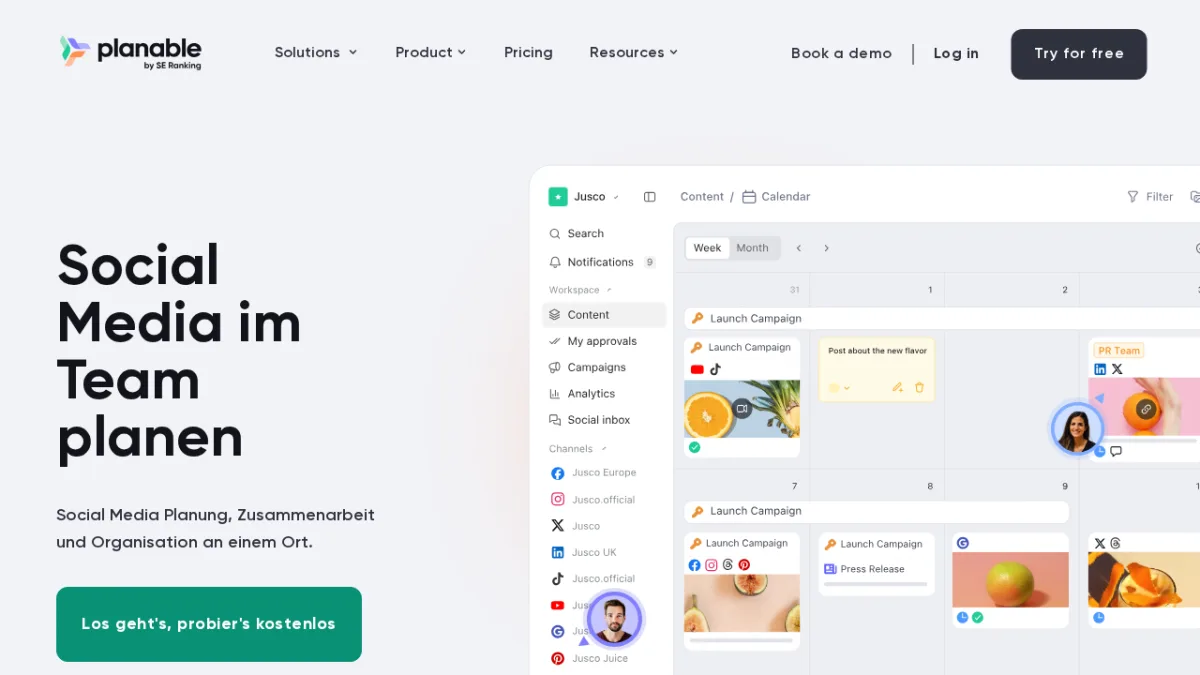
Planable's core focus is content collaboration and approval, and it handles this workflow better than almost any other tool in this list. The platform lets teams and clients review, comment on, and approve social media posts in a shared workspace that mirrors how the content will look when published.
The interface is designed for speed: approvals happen in context, inline comments replace email threads, and multiple approval layers can be set up for complex workflows. Internal comments stay hidden from clients, so the team can work through feedback without the client watching. This makes Planable especially useful for agencies or in-house teams where content must pass through creative, compliance, and client review before it goes live.
The free trial covers 50 posts with no time limit and no card required. Paid plans start at $33 per workspace per month on annual billing.
Key features:
- Real-time collaborative content review with channel-accurate post previews
- Multi-level approval workflows (optional, required, or sequential sign-off)
- Inline comments replacing email-based review threads, with internal comments hidden from clients
- Content calendar across Facebook, Instagram, LinkedIn, X, TikTok, YouTube, Pinterest, Threads, and Google Business Profile
- Guest access for clients without requiring platform login
- Analytics, social listening, competitor analytics, and a social inbox available as add-ons
Pricing:
- Free trial: 50 posts, no time limit, no card required
- Basic: $33 per workspace per month (annual) - 4 pages, 60 posts per month, unlimited users
- Pro: $49 per workspace per month (annual) - 10 pages, 150 posts per month, adds grid view, required approval, and internal comments hidden from clients
- Enterprise: custom - unlimited pages and posts, multi-level approval
Best for: Agencies and in-house content teams where social media posts must pass through structured review and approval before publishing, and client collaboration is a weekly workflow.
Main drawback: Planable is built for teams, so the collaboration layer is wasted on a solo creator, and analytics, listening, competitor analytics, and the social inbox are paid add-ons rather than part of the base plan.
Official site: Planable
Buffer - Best for Small Teams and Budget-Conscious Creators
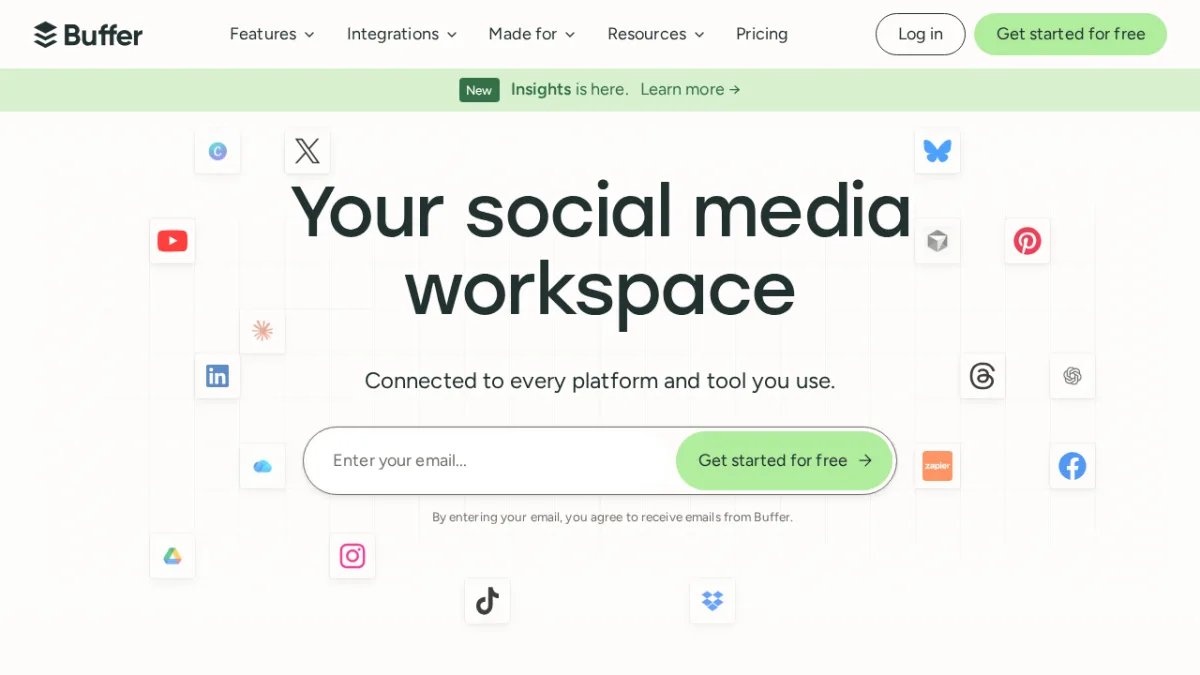
Buffer positions itself as a social media workspace built for smaller teams who want straightforward publishing without paying for features they will never use. After reviewing their pricing and feature set, I found this positioning is accurate.
The per-channel pricing model is Buffer's biggest differentiator. Instead of charging per seat or per flat plan with arbitrary profile limits, Buffer charges $5/month per social channel (or $4/month billed annually). That means a solo creator running two Instagram accounts and a LinkedIn page pays $15/month. An agency with 20 channels would pay $80-100/month. You only pay for what you actually use.
Buffer supports 11 platforms including Bluesky, Mastodon, Google Business Profile, and Threads alongside the major networks, giving it one of the broadest network lists in the affordable tier.
Key features:
- Multi-platform publishing with unlimited posts on paid plans
- AI Assistant for generating, refining, and repurposing content
- Advanced analytics with 30-day history on free, longer on paid
- Community engagement hub for managing comments and DMs
- Start Page link-in-bio creator built into every plan
- Unlimited ideas and drafts storage
Pricing:
- Free: 3 channels, 10 scheduled posts per channel, basic analytics
- Essentials: $5/month per channel (monthly) / $4/month (annual)
- Team: $10/month per channel (monthly) / $8/month (annual)
Best for: Independent creators, freelancers, and small teams managing fewer than 15 social profiles who want clean scheduling without an expensive all-in-one suite.
Main drawback: Buffer is lean by design. Deep social listening, competitor analysis, and robust team approval workflows are not included, so agencies and larger teams will outgrow it.
Official site: Buffer
Hootsuite - Best for Enterprise Social Teams Needing AI Intelligence
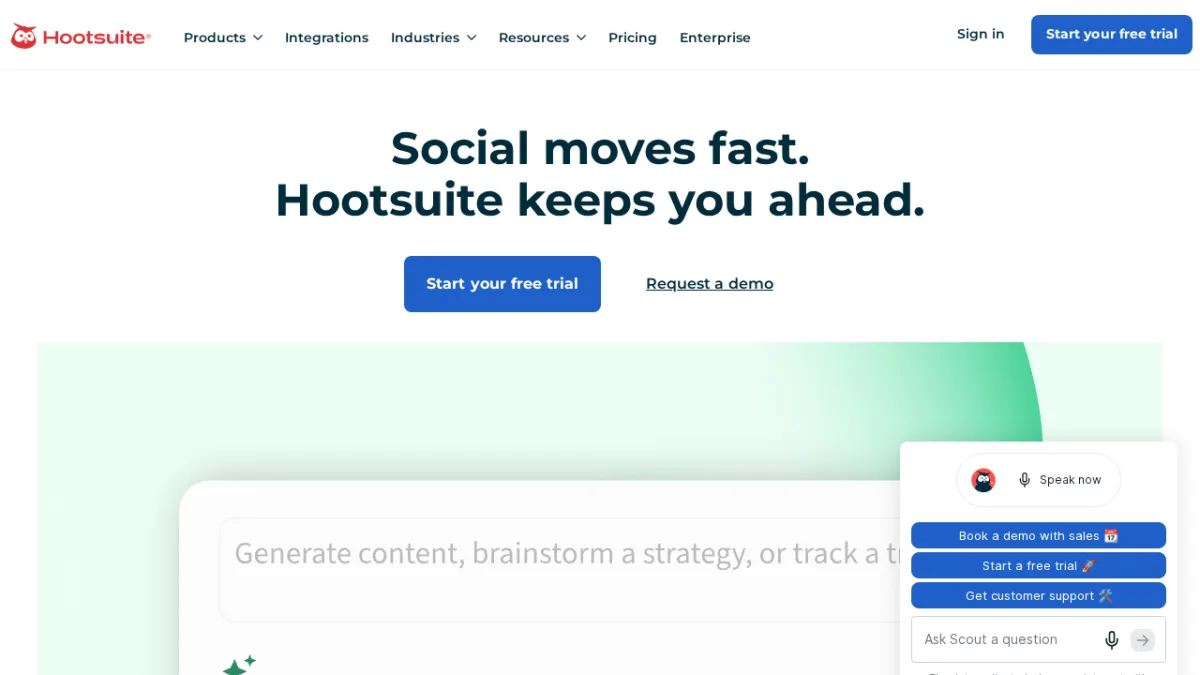
Hootsuite is one of the oldest names in social media management, with 18 years in market and a claimed 25 million users. In 2026, it has shifted focus toward enterprise teams through AI-powered social intelligence features that go well beyond scheduling.
The platform's standout addition is its AI-powered social listening layer, which lets users ask plain-language questions about brand mentions, sentiment trends, and competitor activity. The Standard plan adds trend forecasting, giving teams a 90-day forward view of social trends based on live signal data.
Hootsuite is not the right tool for lean teams. Its entry point is $99/user/month on annual billing, which places it squarely in enterprise territory. But for large marketing teams needing unified inbox management, content approval workflows, employee advocacy (via Hootsuite Amplify), and deep social intelligence, it justifies the cost.
Key features:
- Unified inbox for managing all messages, comments, and DMs
- AI-powered social listening with plain-language trend queries
- 90-day trend forecasting on Professional and above plans
- Employee advocacy through Hootsuite Amplify
- Content approval workflows and message routing (Advanced)
- Extensive third-party integrations and app directory
Pricing:
- No free plan; 14-day free trial (no credit card required)
- Standard: $99/user/month (annual)
- Professional: $199/user/month (annual)
- Advanced: $399/user/month (annual)
- Enterprise: custom
Best for: Enterprise marketing departments and larger organizations that need social listening, compliance features, and cross-functional team workflows at scale.
Main drawback: Per-seat pricing multiplies fast for larger teams, and the Standard plan entry cost ($99/user/month) prices out most SMBs before they can access the features that justify the platform.
Official site: Hootsuite
Sprout Social - Best for Data-Driven Enterprise Marketing Teams
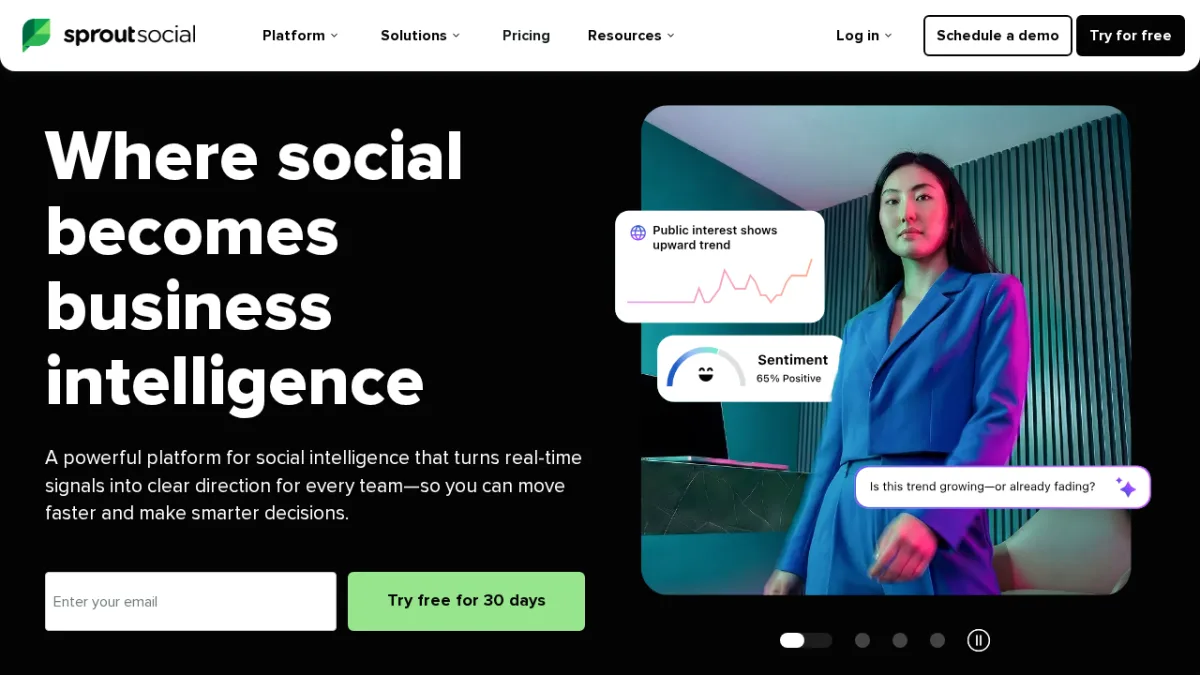
Sprout Social's tagline in 2026 is "Where social becomes business intelligence," and I found that framing is genuine. The platform has invested heavily in AI-driven engagement features, most notably its Trellis AI Agent.
Trellis monitors social conversations in real time, detects engagement spikes before they overwhelm the team, and converts incoming social signals into actionable summaries. This is not a marketing gimmick: for large brands managing thousands of social interactions daily, the ability to surface and prioritize high-value conversations is a real operational advantage.
The tool supports an impressively broad network list including Reddit, WhatsApp, and Bluesky alongside the majors. Analytics and reporting are deep, with customizable dashboards, premium social listening as an add-on, and a proprietary API available on Advanced plans.
Key features:
- Trellis AI Agent for real-time conversation monitoring and spike alerts
- Smart Inbox with AI-powered prioritization across all platforms
- Optimal send-time scheduling based on live audience signals
- Competitor and keyword monitoring
- Add-on modules for influencer marketing and employee advocacy
- Sprout API for custom integrations (Advanced plan)
Pricing:
- No free plan; 30-day free trial (no credit card required)
- Essentials: $79/month annual / $99/month monthly (up to 5 profiles, 1 user)
- Standard: $199/seat/month
- Professional: $299/seat/month
- Advanced: $399/seat/month
- Enterprise: custom
Best for: Mid-market and enterprise marketing teams that require deep social analytics, AI-driven engagement management, and cross-functional workflows including PR and customer service.
Main drawback: Pricing starts reasonable at the Essentials tier but scales steeply with seats. Add-ons for listening, advocacy, and premium analytics are priced separately on Standard and above.
Official site: Sprout Social
SocialPilot - Best for Agencies Wanting Strong Features at a Reasonable Price
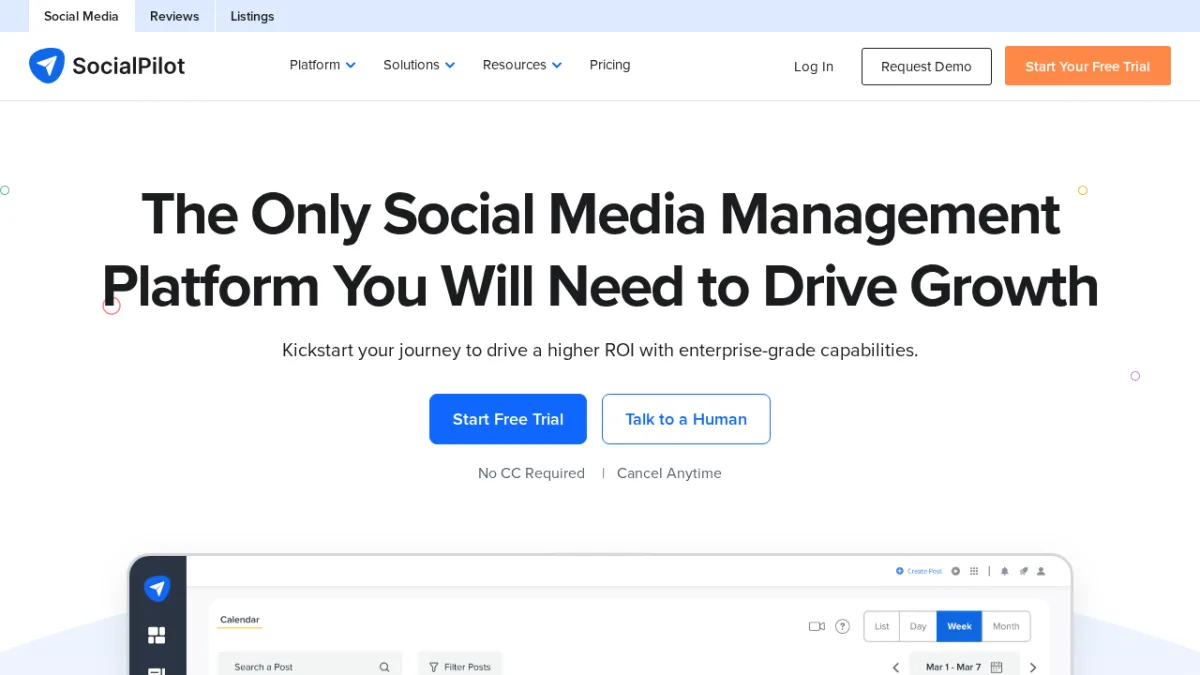
SocialPilot consistently wins attention as the practical alternative to Hootsuite and Sprout Social for agencies that need agency-grade features without enterprise-grade pricing. At $17/month on the annual Essentials plan (going up to $170/month for the Ultimate tier), the price-to-feature ratio stands out.
The platform covers the basics well: bulk scheduling of up to 500 posts at once, an AI Pilot for caption generation, client approval workflows, and a social inbox for managing replies. The white-label capability on the Ultimate plan lets agencies fully rebrand the platform with a custom domain for client-facing dashboards.
With over 15,000 customers and 5 billion posts published through the platform, SocialPilot is an established choice, not a newcomer experiment.
Key features:
- Bulk scheduling up to 500 posts at once
- AI Pilot for AI-generated captions and content
- Client approval workflows with mobile approval support
- Social inbox for centralized comment and DM management
- White-label solution with full custom branding (Ultimate plan)
- Team collaboration with user permission controls
Pricing:
- No free plan; 14-day free trial (no credit card required)
- Essentials: $17/month (annual) / $20/month (monthly)
- Standard: $34/month (annual), 10 accounts, 3 users
- Premium: $85/month (annual), 20 accounts, 6 users
- Ultimate: $170/month (annual), 40 accounts, unlimited users, white-label
- Enterprise: custom
Best for: Agencies and marketing teams managing multiple clients who need affordable bulk scheduling, client approval flows, and optional white-labeling.
Main drawback: White-label is locked to the Ultimate plan ($170/month), and the entry-level Essentials plan at $17/month limits you to 5 accounts and 1 user, which means small agencies will likely need the Standard plan at a minimum.
Official site: SocialPilot
Later - Best for Influencer Marketing and Visual Content Brands
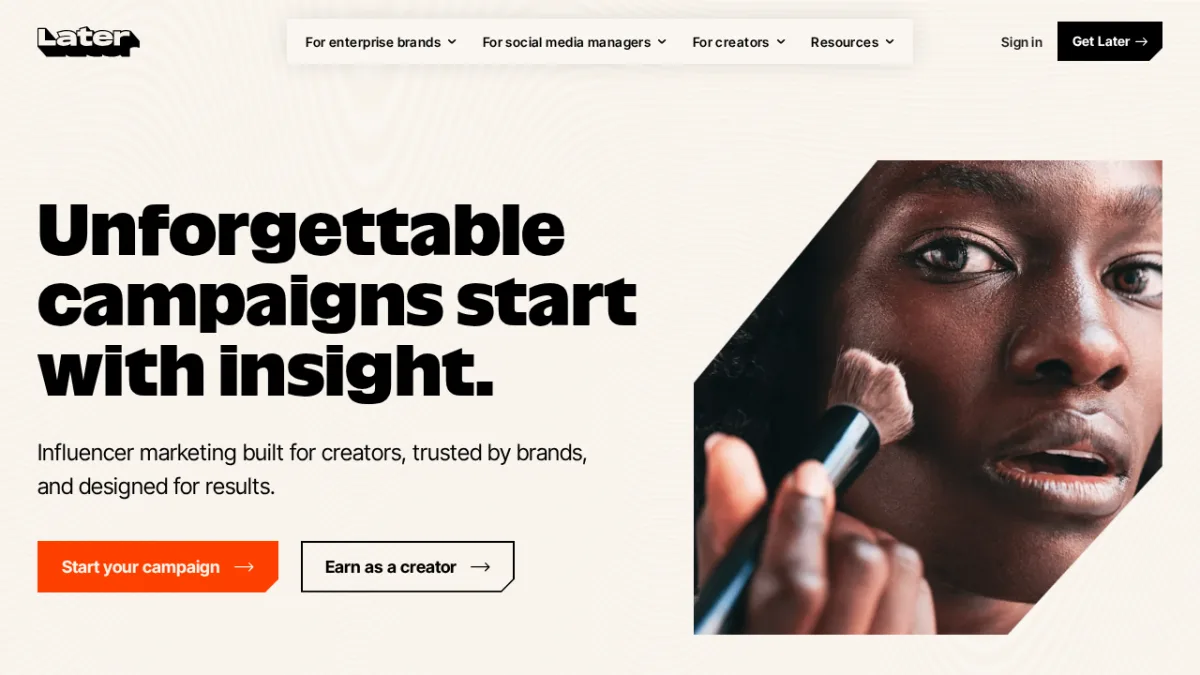
Later has significantly repositioned itself since its days as a visual Instagram scheduler. In 2026, the platform is built primarily around influencer marketing, with content scheduling as a supporting feature rather than the headline.
The core offering is EdgeAI, their creator-matching engine that helps brands find, vet, and manage influencer partnerships. Creators connected to Later can also access Mavely, an affiliate network that lets them monetize content from their first post. For brands running influencer campaigns alongside their organic social presence, Later is one of the few platforms designed to handle both in one place.
For pure scheduling, the Starter plan at $18.75/month annually includes 30 posts per profile per month across Instagram, Facebook, TikTok, Threads, YouTube, Pinterest, LinkedIn, and Snapchat. That is restrictive for high-volume posters but workable for brands that publish deliberately.
Key features:
- EdgeAI for AI-powered creator matching, vetting, and campaign management
- Mavely affiliate network connecting creators to brand monetization
- Link in Bio tool to convert social traffic to tracked website visits
- ROI and sales attribution tracking for influencer campaigns
- Campaign production support with expert planning assistance
- Scheduling across 8 major platforms
Pricing:
- No free plan; 14-day free trial available
- Starter: $18.75/month (annual) / $25/month (monthly)
- Growth: $37.50/month (annual) / $50/month (monthly)
- Scale: $82.50/month (annual) / $110/month (monthly)
- Influencer platform pricing: custom for agencies and enterprise
Best for: Brands running influencer marketing campaigns, content teams managing visual-first social strategies, and creators looking to earn through brand partnerships.
Main drawback: The Starter plan caps at 30 posts per profile per month and includes only 5 AI credits, which feels constraining. The influencer marketing depth means solo schedulers are paying for capabilities they will not use.
Official site: Later
Sendible - Best for Agencies Managing Multiple Client Brands
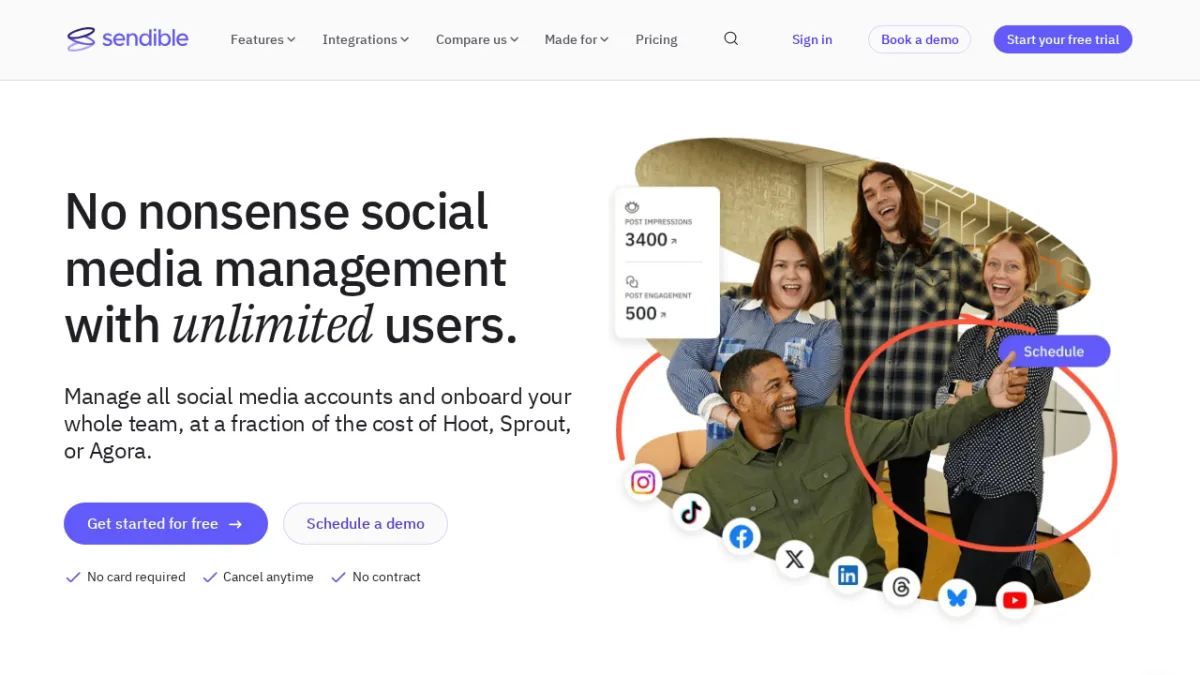
Sendible is built explicitly for agencies managing social media on behalf of clients, and it shows in every part of the product design. The standout feature is flat-rate, unlimited-user pricing on every plan, which is a genuine differentiator against per-seat platforms like Hootsuite and Agorapulse where team costs multiply quickly.
The Workspaces feature separates client brands into isolated environments with distinct permission controls and reporting. The Client Connect module lets agencies securely onboard clients to approve content without sharing platform credentials. Automated reporting can be sent directly to stakeholders on a schedule, which removes significant manual work from agency workflows.
Starting at $25/month annually for the Creator plan (6 profiles, unlimited users, 1 workspace), Sendible is accessible for solo agencies and scales cleanly to the Advanced plan at $255/month annually (100 profiles, 15 workspaces).
Key features:
- Unlimited users on every plan (no per-seat cost)
- Workspaces for isolated client brand environments
- Client Connect for secure client onboarding without credential sharing
- Priority Inbox for unified cross-platform engagement management
- Automated scheduled reporting direct to client stakeholders
- Content discovery via RSS, Google Alerts, and holiday calendars
Pricing:
- No free plan; 14-day free trial (no credit card required)
- Creator: $25/month (annual), 6 profiles, unlimited users, 1 workspace
- Traction: $76/month (annual), 24 profiles, 3 workspaces, approvals
- Scale: $170/month (annual), 49 profiles, 7 workspaces, custom reports
- Advanced: $255/month (annual), 100 profiles, 15 workspaces
- Enterprise: $638+/month (annual), 300+ profiles, 50 workspaces
Best for: Digital agencies of all sizes that manage multiple client accounts and need workspace separation, client-safe collaboration, and flat team pricing.
Main drawback: The Creator plan's single workspace limits multi-client agencies from the start. The useful agency tier (Traction with 3 workspaces) starts at $76/month, which is a significant jump from the entry plan.
Official site: Sendible
Publer - Best for Flexible Per-Account Pricing Across Many Platforms
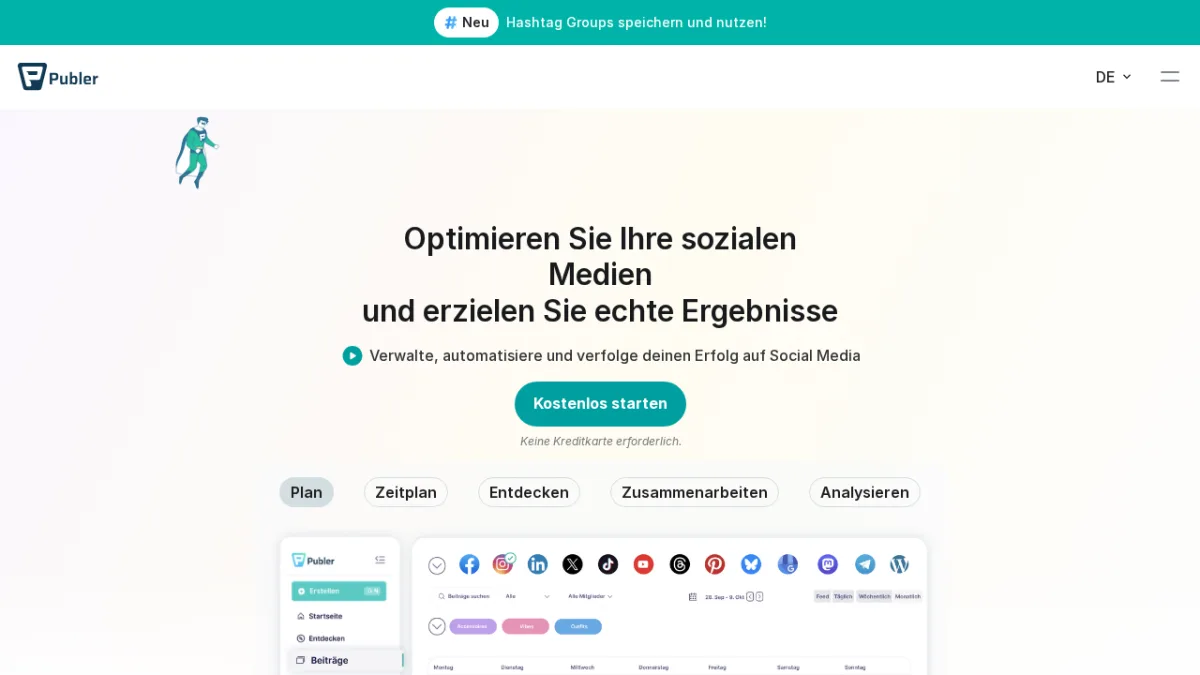
Publer takes a different approach to pricing than most schedulers. Instead of bundling profiles into flat plans, it charges per social account, starting at $5/month per account on the Professional tier. Every 10th social account is complimentary. This modular structure makes Publer unusual in a market dominated by flat-fee plans with arbitrary profile caps.
Platform support is another differentiator. With 13 supported networks including WordPress, Telegram, Mastodon, and Bluesky alongside the major platforms, Publer covers channels that most schedulers either charge extra for or do not support at all. Twitter/X is available only on paid plans due to API costs.
Bulk scheduling via CSV upload (up to 500 posts) and a media library with Canva, Google Drive, Dropbox, and Unsplash integrations make Publer capable well above its price point.
Key features:
- Per-account pricing with complimentary 10th accounts
- Bulk scheduling via CSV upload for up to 500 posts
- AI Assistant with unlimited content generation prompts (paid plans)
- Visual calendar planner and drag-and-drop scheduling
- Link in Bio tool for Instagram and TikTok
- Support for 13 platforms including WordPress, Telegram, Mastodon, and Bluesky
Pricing:
- Free: 3 social accounts, 10 scheduled posts per account, 25 drafts
- Professional: from $5/month per social account (7-day trial)
- Business: from $10/month per social account (14-day trial)
- Enterprise: custom
Best for: Freelancers, creators, and small agencies who want flexible cost control across many platforms, particularly those publishing to niche networks like WordPress or Telegram that other tools skip.
Main drawback: The per-account pricing model, while flexible for small teams, becomes complex for agencies with many profiles to track. Twitter/X access costs extra on all plans due to API restrictions.
Official site: Publer
Metricool - Best for Analytics-First Social Media Teams
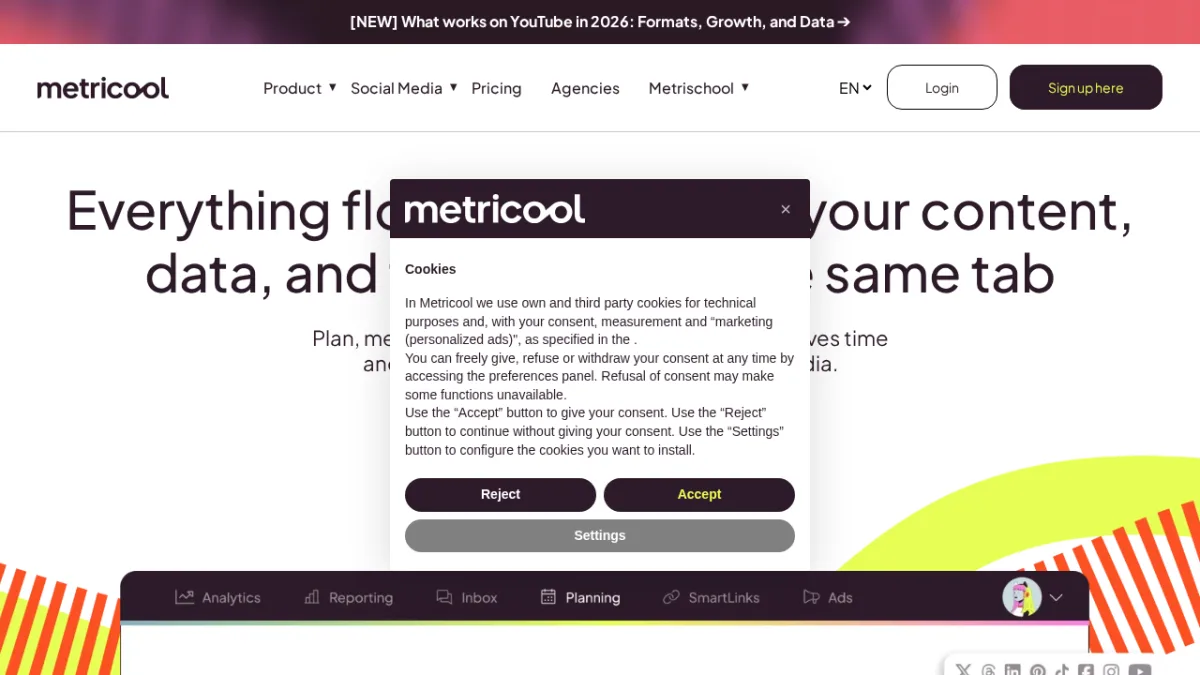
Metricool's positioning in 2026 leans hard on analytics, and its feature set backs that up. Alongside standard scheduling, the platform offers competitor analysis, unified ad management across Google, Facebook, and TikTok, a Looker Studio connector for custom enterprise reporting, and SmartLinks for bio link optimization with click tracking.
The free plan is genuinely useful: one brand, 20 posts per month, analysis of 5 competitors, and 30 days of analytics history. For a solo marketer or small team testing the platform, that is enough to run a real evaluation.
Twitter/X is the notable caveat: it is not included in any standard plan and requires a separate paid add-on. For teams with Twitter at the center of their social strategy, this adds to the effective cost.
Metricool is trusted by 3.5 million users including global brands like Adidas, BMW, and Burger King, which gives it strong credibility as an analytics-heavy choice.
Key features:
- Competitor analysis and benchmarking on all plans including free
- Unified ad management across Google Ads, Facebook Ads, and TikTok Ads
- Looker Studio connector for custom enterprise-grade reporting
- SmartLinks bio link optimization with click attribution
- AI-powered social media assistant for content creation
- Drag-and-drop content planning calendar
Pricing:
- Free: 1 brand, 20 posts/month, 5 competitors, 30 days analytics history
- Starter: from $20/month (5 brands, monthly billing)
- Advanced: from $53/month (15 brands)
- Custom: white-label, dedicated account manager, custom AI credits
Best for: Social media managers and content agencies that lead with analytics, need competitor benchmarking, and want to manage paid and organic social from a single dashboard.
Main drawback: Twitter/X is not included in standard plans and requires a paid add-on. Pricing scales by number of brands rather than profiles, which can create unexpected cost increases for teams managing many accounts under a few brands.
Official site: Metricool
Agorapulse - Best for Teams That Need to Prove Social ROI
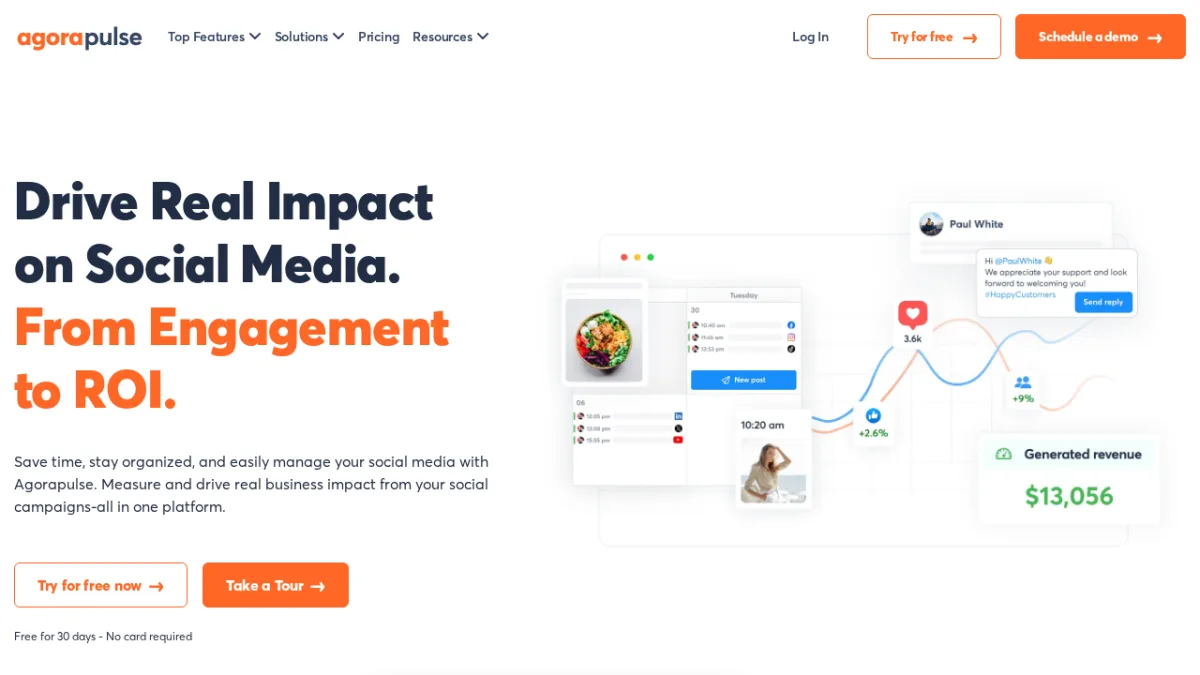
Agorapulse's headline capability in 2026 is social ROI measurement: the ability to directly connect organic social activity to website traffic, leads, and revenue. For marketing teams that regularly face the "prove what social is worth" question from leadership, this is a meaningful differentiator.
Beyond ROI tracking, Agorapulse is strong on inbox management. The unified Social Inbox surfaces messages, comments, and mentions across all connected platforms in a single queue, with assignment, labeling, and routing for team-based workflows. Response time benchmarks and CSAT-style satisfaction tracking are built in.
The platform covers 10 networks including Reddit and Bluesky, with a 30-day free trial and no credit card required. Pricing is per user, starting at $79/user/month on annual billing, which is competitive at the individual level but adds up for larger teams.
Key features:
- Social ROI measurement linking posts to revenue, leads, and traffic
- Unified Social Inbox with assignment, routing, and team workflows
- Publishing and scheduling with collaborative approval workflows
- Social listening for brand mentions and keyword monitoring
- Customizable analytics and reporting dashboards
- Agorapulse AI for content generation assistance
Pricing:
- No free plan; 30-day free trial (no credit card required)
- Standard: $79/user/month (annual) / $99/user/month (monthly)
- Professional: $119/user/month (annual)
- Advanced: $149/user/month (annual)
- Custom: enterprise, unlimited profiles, SSO, dedicated manager
Best for: Mid-sized marketing teams and agencies that need to demonstrate social media's business impact through revenue attribution alongside solid publishing and inbox management.
Main drawback: Per-user pricing means a five-person team on the Standard plan costs $395/month annually, which is substantial. There is no permanent free plan.
Official site: Agorapulse
ContentStudio - Best for Content-Driven Marketing Teams
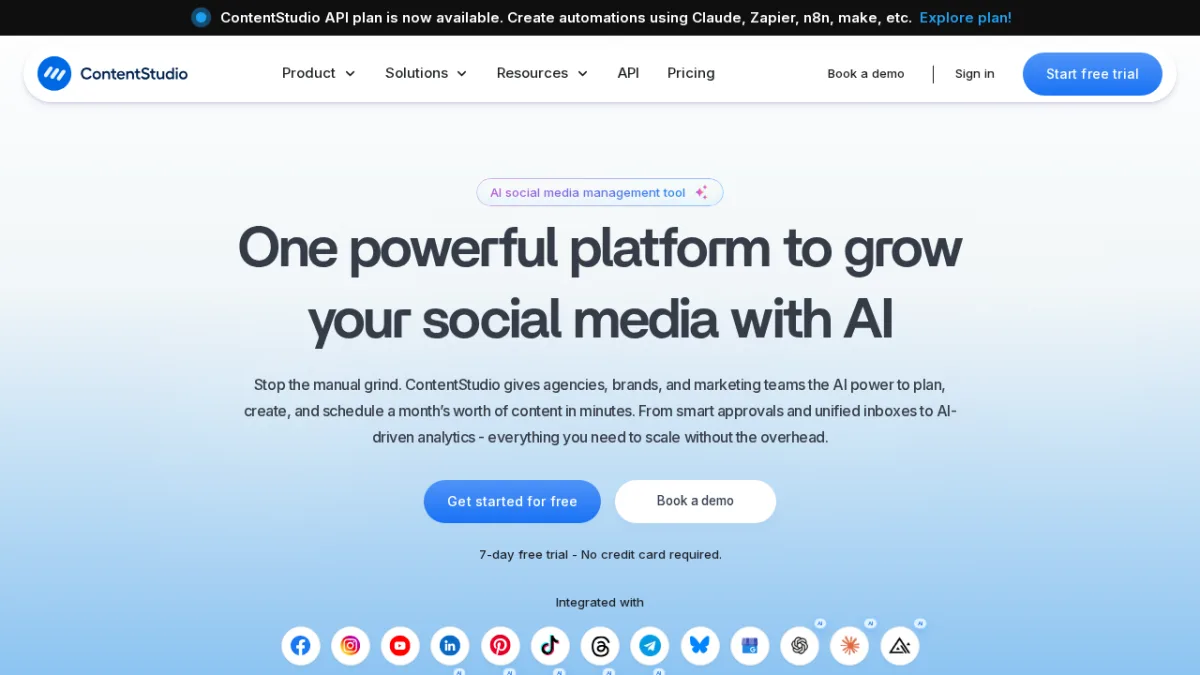
ContentStudio is a social media management platform trusted by over 16,500 brands with a 4.7-star rating across review platforms. It combines AI content creation, multi-channel scheduling, social listening, a unified inbox, and team approval workflows in one dashboard.
The platform covers 11 networks including Threads, Bluesky, and Telegram. Bulk scheduling via CSV handles large content batches efficiently. The Agency Unlimited tier adds white-label client management with unlimited workspaces. ContentStudio integrates with Zapier, n8n, Make, and the Claude API, which makes it a strong fit for teams already using automation workflows.
For agencies managing multiple client brands, workspace separation with role-based access and approval workflows keeps client deliverables clean and organized.
Key features:
- AI-powered content creation (captions, images, hashtags) across all plans
- Unified content calendar with multi-channel scheduling and CSV bulk upload
- Social listening, competitor analytics, and performance tracking
- Unified inbox for comments and DMs across platforms
- Team collaboration with approval workflows and role-based access
- White-label client management on Agency Unlimited tier
- Integrations with Zapier, n8n, Make, and Claude API
Pricing:
- No free plan; 7-day free trial (no credit card required)
- Standard: $19/month (annual) / $29/month (monthly)
- Advanced: $49/month (annual) / $69/month (monthly)
- Agency Unlimited: $99/month (annual) / $139/month (monthly)
- Enterprise: custom (annual)
Best for: Agencies and marketing teams managing multiple client brands who need AI content creation, social listening, white-label reporting, and automation integrations in a single platform.
Main drawback: The feature depth can feel complex for solo users or small teams who only need basic scheduling. The 7-day trial is shorter than competitors' 14-day trials.
Official site: ContentStudio
Loomly - Best for AI-First Brand Content Teams
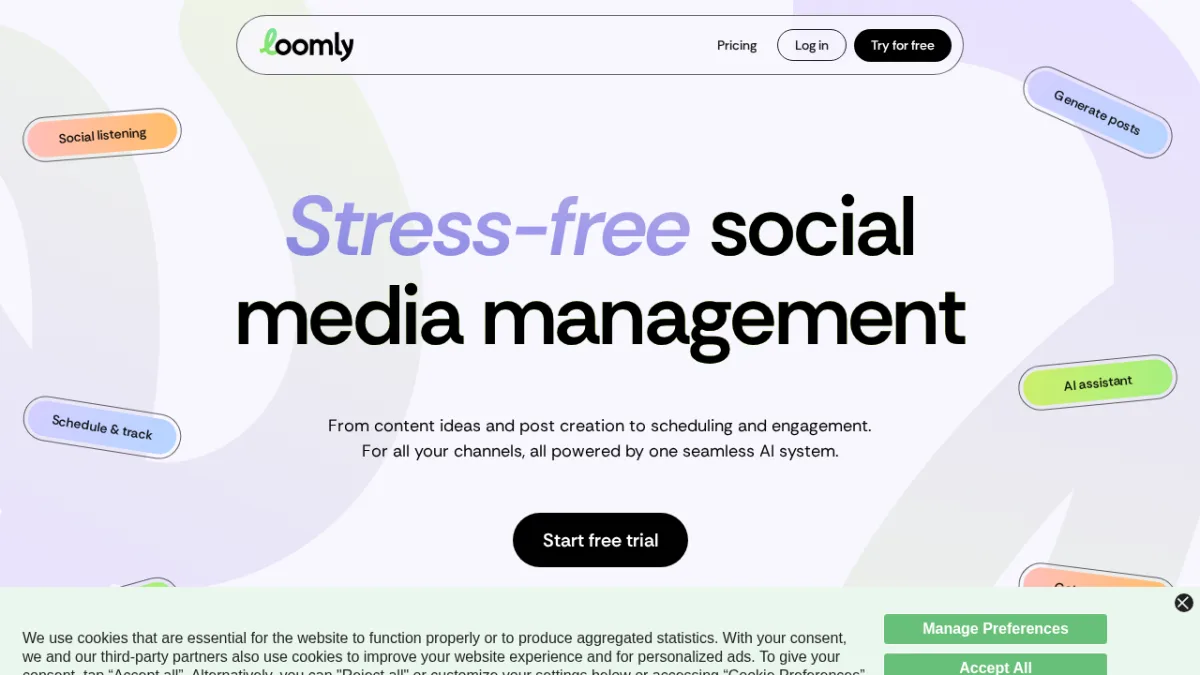
Loomly differentiates on AI-native content generation. The platform does not just add an AI assistant on top of a scheduler: it learns from a brand's past posts and communication style, then generates on-brand content including captions, post copy, and images directly inside the tool.
This AI brand voice learning is the standout feature. For marketing teams managing multiple content creators and needing output consistency across months of content, a system that adapts to the brand's actual voice rather than producing generic AI output is meaningfully different.
The pricing model is simple with two standard tiers: Starter at $49/month annually (12 social accounts, 3 users) and Beyond at $249/month annually (60 social accounts, unlimited users). The gap between tiers is large, which makes Loomly a better fit for either small teams on the Starter plan or well-funded teams that can commit to Beyond.
Key features:
- AI brand voice learning based on historical post performance and style
- AI content generation for captions, images, and full posts
- Team collaboration with approval workflows and custom user roles
- Social listening and trend monitoring
- Performance analytics with actionable insights
- Hashtag manager (Beyond plan)
Pricing:
- No free plan; 7-day free trial available
- Starter: $49/month (annual) / $65/month (monthly), 12 accounts, 3 users
- Beyond: $249/month (annual) / $332/month (monthly), 60 accounts, unlimited users
- Enterprise: custom
Best for: Marketing teams and content agencies that want AI-generated content adapted to their specific brand voice, reducing time spent on manual content creation.
Main drawback: There is a sharp pricing jump from Starter to Beyond ($49 to $249/month annually), which leaves teams who outgrow Starter facing a significant cost increase with no intermediate tier.
Official site: Loomly
Vista Social - Best for Combining Scheduling With Reputation Management
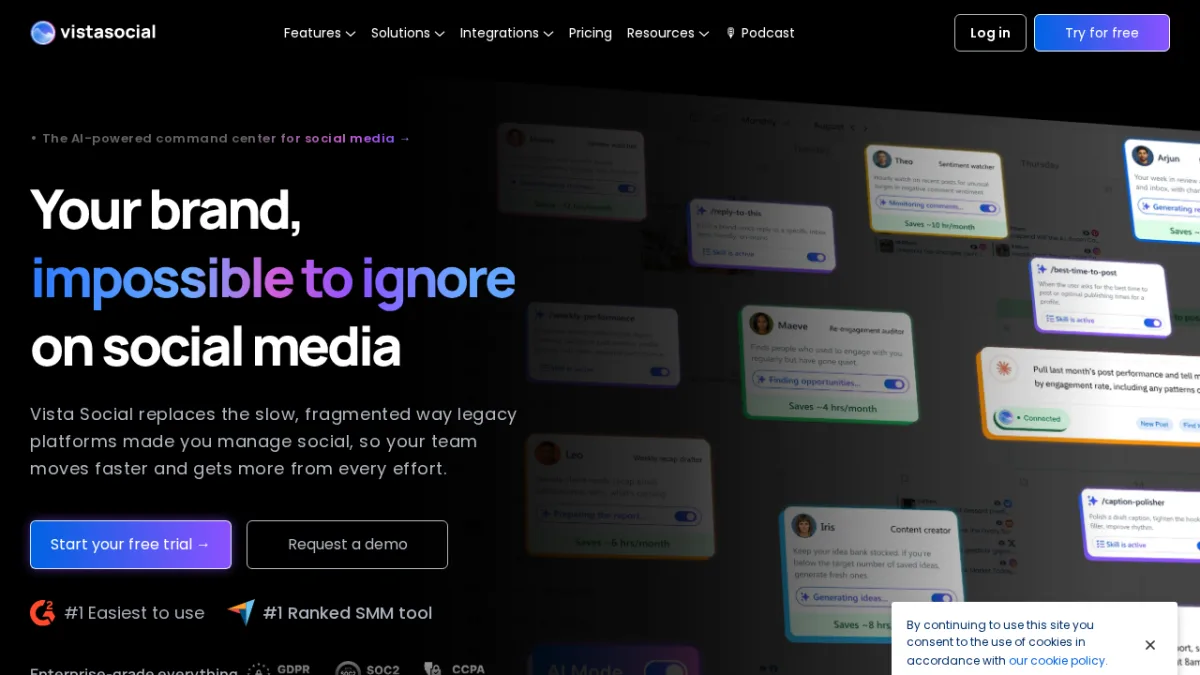
Vista Social earns its place in this list by packaging capabilities that usually require separate tools into one platform: social publishing, review management, DM automation, and social listening at a price that sits below Hootsuite and Sprout Social.
The review management feature surfaces ratings and reviews from connected platforms inside the same dashboard used for social content, which is particularly useful for multi-location businesses and e-commerce brands monitoring both their social and review presence. DM automations handle direct message flows without manual intervention.
Vista Social holds a #1 ranking for ease of use on both G2 and Capterra, which for a platform with this feature depth is notable.
Key features:
- Review management integrated with social publishing dashboard
- DM automations for direct message workflow handling
- Social listening for brand mention monitoring
- AI-powered content creation and community management
- Employee advocacy tools
- Vista Page link-in-bio builder
Pricing:
- No free plan; 14-day free trial (no credit card required)
- Professional: $79/month (monthly) / $63/month (annual), 15 profiles, 2 users
- Advanced: $149/month (monthly) / $120/month (annual), 30 profiles, 4 users
- Scale: $349/month (monthly) / $291/month (annual), 70 profiles, 8 users
- Enterprise: custom
Note: Twitter/X integration is available as a paid add-on ($29/month). Annual billing saves approximately 20%.
Best for: Growing businesses and agencies that need review management and DM automation alongside scheduling, particularly those in e-commerce, hospitality, and multi-location retail.
Main drawback: Twitter/X costs extra as an add-on, which can frustrate teams expecting it to be included. The per-user limits on entry plans (2 users on Professional) may require an upgrade sooner than expected.
Official site: Vista Social
Zoho Social - Best for Teams Already in the Zoho Ecosystem
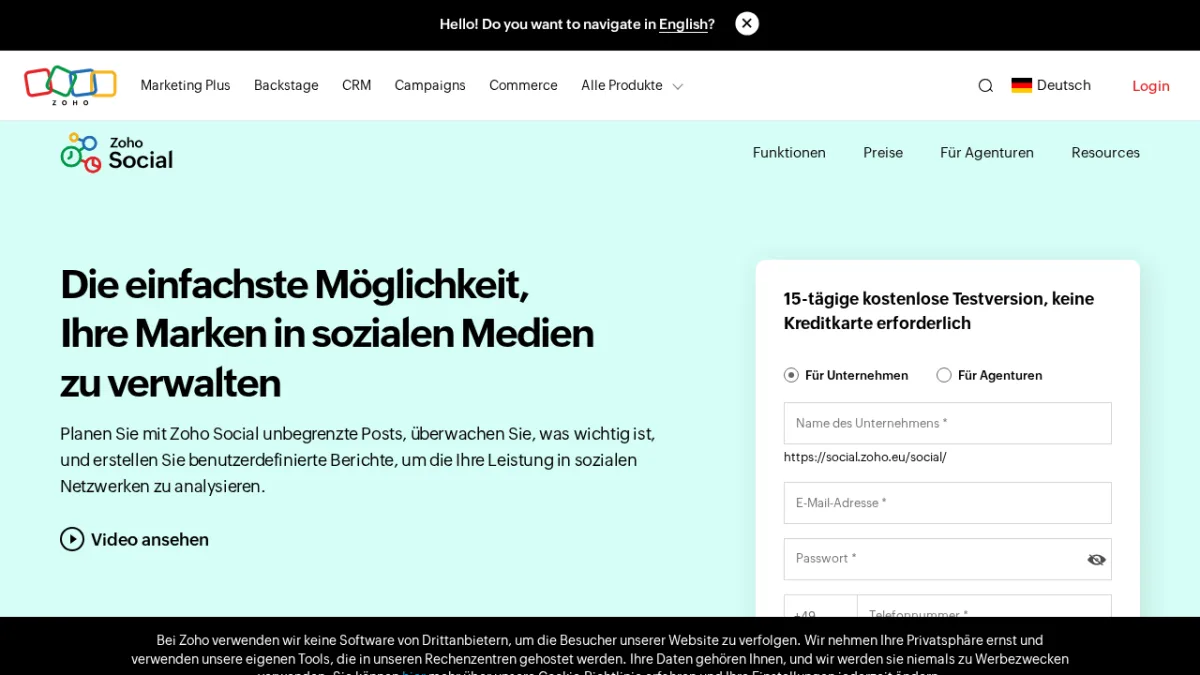
Zoho Social is the social media tool built within the Zoho product ecosystem. If a business already uses Zoho CRM or Zoho Desk, the native integration between those tools and Zoho Social is a clear advantage that standalone schedulers cannot match.
Leads captured from social interactions push directly into Zoho CRM pipelines. Customer support messages from social channels connect to Zoho Desk. For businesses managing customer relationships across CRM and social media, this native connectivity reduces manual data entry significantly.
Zoho Social also stands out on value: there is a permanent free plan covering 1 brand, up to 7 social channels, and 1 team member. Paid plans start at $15/month annually, making it one of the most affordable paid options in this roundup. The tool supports 12 networks including WhatsApp, Mastodon, Bluesky, and Threads.
Key features:
- Unlimited post scheduling with SmartQ best-time prediction
- Real-time social monitoring with multiple listening columns
- Native Zoho CRM integration to push social leads directly into CRM pipelines
- Zoho Desk integration for customer support workflows
- Team collaboration with approval workflows
- Support for 12 networks including WhatsApp, Mastodon, Bluesky, and Threads
Pricing:
- Free: 1 brand, 7 channels, 1 team member (permanently free after 15-day trial)
- Standard: $10/month (annual billing)
- Professional: $30/month (annual billing)
- Premium: $65/month (annual billing)
- Agency: $320/month (annual), 10 brands, 5 members
- Agency Plus: $460/month (annual), 20 brands, 5 members
- Verify current pricing at zoho.com/social/pricing (prices vary by region)
Best for: Small businesses and growing teams in the Zoho ecosystem who want an affordable free starting point, genuine CRM integration for social-to-lead workflows, and one of the cheapest paid tiers available.
Main drawback: Zoho Social's strongest capabilities (CRM lead syncing, Desk integration) require using other Zoho products. Teams outside the Zoho ecosystem will find less differentiation against Buffer, Metricool, or Publer.
Official site: Zoho Social
NapoleonCat - Best for Customer Service-Heavy Social Media Teams
NapoleonCat is a less widely covered tool in roundups, which is a gap worth correcting. Its Social Inbox and automated moderation capabilities are among the strongest in this category, making it an excellent fit for brands and e-commerce teams that manage high volumes of social comments and messages.
The platform's automated moderation feature lets teams set up rules to automatically handle (hide, delete, or respond to) repetitive comments, spam, and frequently asked questions. For brands running paid social campaigns that generate thousands of comments, this capability can save hours of manual moderation work per week.
Beyond moderation, NapoleonCat includes publishing, scheduling, competitor analysis, and performance reporting. It supports major platforms and Google Business Profile, with pricing that scales by both profiles and users.
Key features:
- Unified Social Inbox for messages, reviews, and comments across all platforms
- Auto-moderation with keyword rules and AI sentiment analysis
- AI Assistant for reply suggestions, spam detection, and content creation
- Social CRM with full conversation history per user profile
- Publishing, scheduling, and competitive analytics
- Automated customizable PDF reporting
Pricing:
- No free plan; 14-day free trial with Expert plan features (no credit card required)
- Standard: ~$67/month (annual) / $89/month (monthly)
- Pro: ~$82/month (annual) / $109/month (monthly)
- Expert: $119/month
- Custom: from $465/month (contact sales)
- Pricing scales with profiles and users; verify at napoleoncat.com/pricing
Best for: Customer service teams, e-commerce brands, and retailers managing high volumes of social comments and messages who need automated moderation, a full social CRM, and GDPR-compliant tools.
Main drawback: The Standard plan starts at ~$67/month (annual), which is expensive compared to general schedulers like Buffer or Publer. Third-party integrations are narrower than on Hootsuite or Sprout Social.
Official site: NapoleonCat
Iconosquare - Best for Deep Instagram and TikTok Analytics
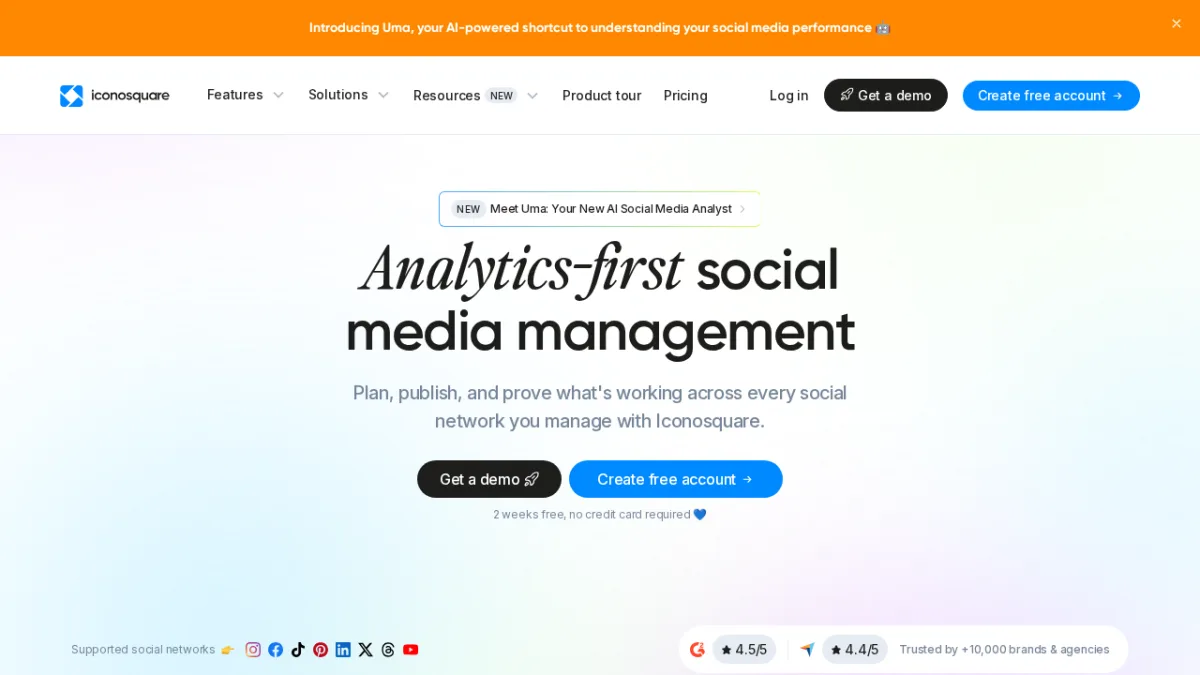
Iconosquare was built around Instagram analytics, and in 2026 it remains the deepest analytics tool in this roundup for Instagram, TikTok, and Facebook. Trusted by over 10,000 brands and agencies, it holds a 4.5/5 on G2 and 4.4/5 on Capterra.
The standout feature is Uma, an AI analyst that answers plain-language questions about performance data without requiring custom report building. Post performance, story metrics, audience growth, hashtag tracking, and competitor benchmarking are all covered in depth, with over 100 available metrics and multi-year data retention on higher tiers.
Iconosquare has a permanent free plan (2 profiles, 1 user, 10 posts per profile per month, basic analytics) and a full 14-day trial of the Excel tier with no credit card required. Note that pricing is denominated in euros (the company is based in Limoges, France and is 100% GDPR compliant).
Key features:
- 100+ analytics metrics with custom dashboards and multi-year data retention
- Uma AI analyst for natural-language performance queries
- Optimal posting time identification from historical engagement patterns
- Competitor monitoring, hashtag tracking, and social listening (Scale and above)
- Auto-publish scheduling across Instagram, TikTok, Facebook, LinkedIn, Pinterest, X, Threads, and YouTube
- White-label reporting and team approval workflows (Excel plan)
Pricing:
- Free: 2 profiles, 1 user, 10 posts/month per profile, basic analytics (permanent)
- Launch: €33/month (annual) / ~€39/month (monthly), 5 profiles, 1 user, 100 posts/month
- Scale: €69/month (annual), 5 profiles, 3 users, unlimited posts, social listening
- Excel: €116/month (annual), 5 profiles, 6 users, white-label reports, dedicated CSM
- Custom: 20+ profiles, enterprise pricing
- Pricing in EUR; 14-day trial includes full Excel plan features, no credit card required
Best for: Data-driven marketers and agencies where Instagram, TikTok, or Facebook analytics depth is the primary need, particularly those who report performance to clients and need clean, exportable data.
Main drawback: Pricing is in euros, adding currency uncertainty for non-European teams. Analytics depth is strongest on Instagram and TikTok; teams publishing primarily to LinkedIn or Pinterest will find less differentiation.
Official site: Iconosquare
FS Poster - Best for WordPress Site Owners and Agencies
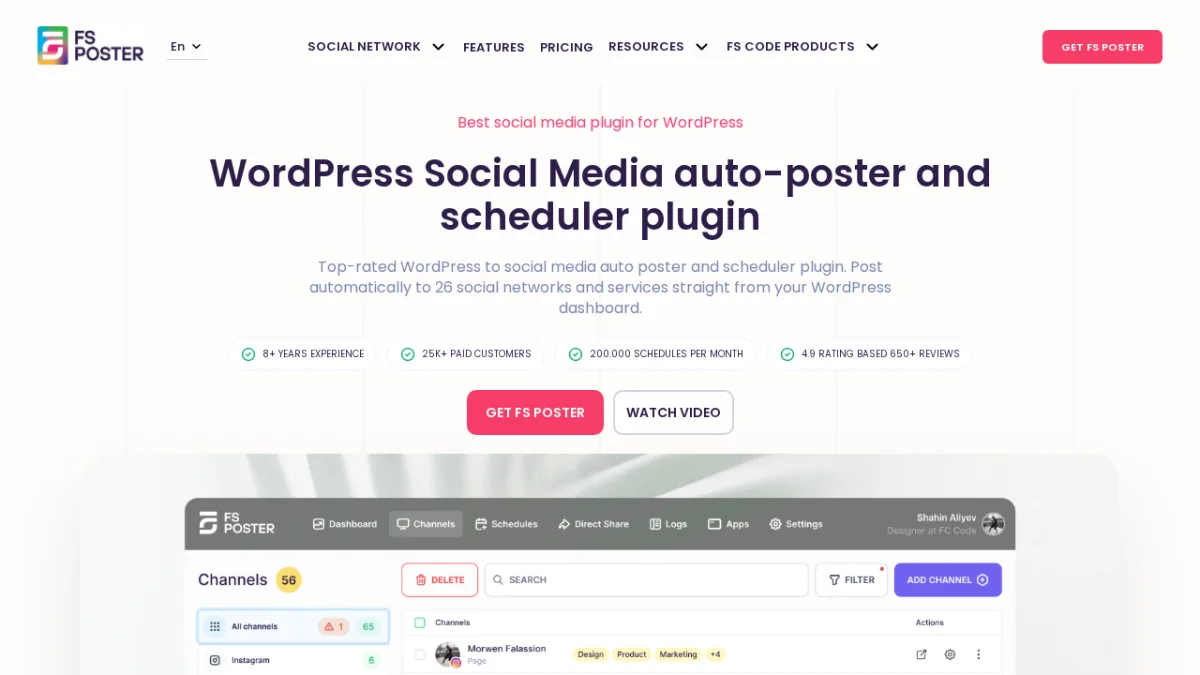
FS Poster takes a fundamentally different approach from every other tool in this roundup. Instead of a standalone SaaS dashboard, it is a WordPress plugin that lives inside the WordPress admin. Publishing and scheduling happen directly from the same interface where content is written, without switching between applications.
That architecture matters for WordPress site owners. When a new blog post is published, FS Poster can automatically share it across 26+ social networks simultaneously, using the post content, featured image, categories, and custom templates. WooCommerce product pages trigger the same workflow. This is the kind of tight CMS integration that no SaaS scheduler can replicate, because SaaS tools require API connections while FS Poster reads WordPress data natively.
After 8+ years on the market, 25,000+ paid customers, and 120,000+ installs, FS Poster is one of the most established WordPress social plugins in existence. Its CodeCanyon rating of 4.91 out of 5 from 655 ratings reflects a product that has been refined through years of real-world use.
Key features:
- Auto-posting to 26+ social networks simultaneously from the WordPress admin
- AI Content Generator for captions, hashtags, and messages per network
- AI Image Generator for visual content directly in the workflow
- WooCommerce product auto-sharing with price and product data
- Bulk scheduling and calendar/list view for post queue management
- Instagram Carousel support (up to 10 photos), First Comment feature, per-network custom messages
- WordPress Multisite compatibility, URL shorteners, proxy support, and click tracking analytics
- Facebook Comments Sync and Zapier/IFTTT webhooks
Supported networks: Facebook, Instagram, Pinterest, X (Twitter), LinkedIn, Google Business Profile, TikTok, Threads, YouTube Shorts and Community, Telegram, Reddit, Blogger, Medium, Tumblr, Discord, VKontakte, Odnoklassniki, Xing, Plurk, WordPress, Bluesky, Mastodon, Flickr, Truth Social, Webhook, and more.
Pricing:
- No free plan; 14-day money-back guarantee
- Single: $58/year (1 website, 6-month support, 30 image + 10 video templates)
- Plus: $109/year (3 websites + 3 stagings, 1-year support, unlimited templates)
- Developer: $229/year (15 websites + 15 stagings, unlimited templates)
- Lifetime: $490 one-time (30 websites + stagings, unlimited templates)
Best for: WordPress site owners, bloggers, content publishers, and agencies building WordPress sites who want social sharing that runs automatically without leaving WordPress.
Main drawback: FS Poster works only on WordPress. It is not a standalone SaaS scheduler. Teams without a WordPress site cannot use it, and businesses managing non-WordPress web properties will need a different tool for those channels.
Yoomru - Best for Shopify Store Owners
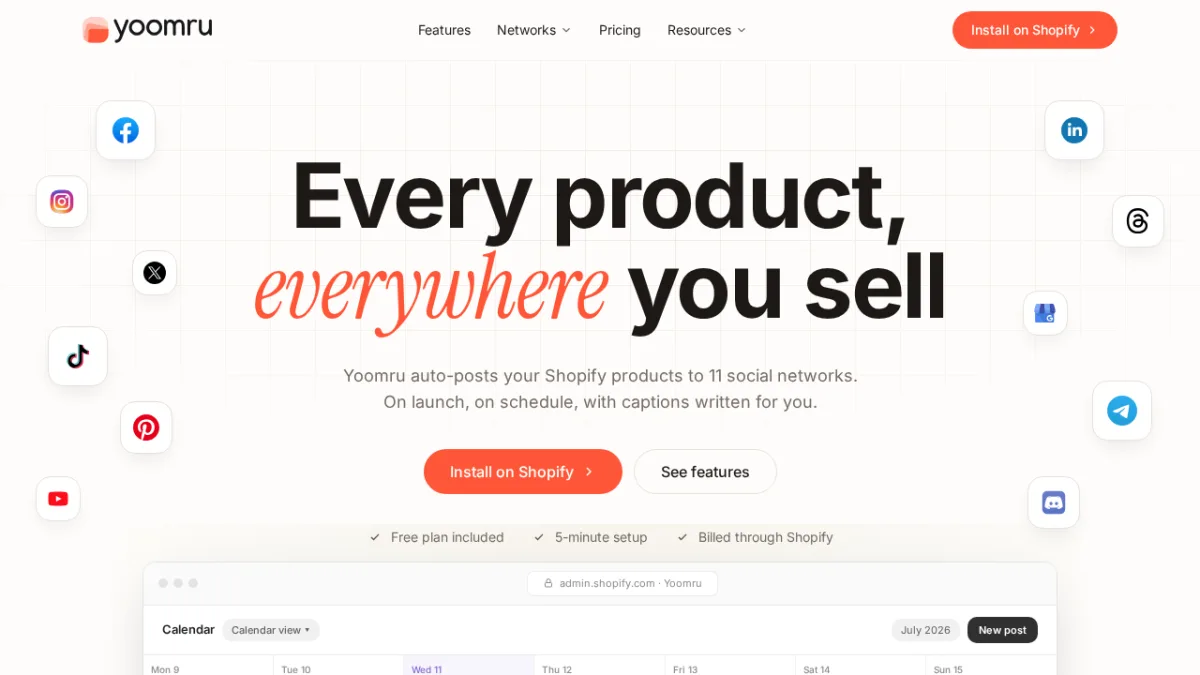
Yoomru is the Shopify equivalent of FS Poster: a native app built from the ground up for Shopify merchants, with every feature designed around the Shopify product catalog.
When a new product launches on a Shopify store, Yoomru automatically posts it to connected social channels. Recurring planners rotate the full product catalog so that older products stay visible without manual scheduling. AI-generated captions pull from actual Shopify product data, which means descriptions, tags, and pricing are always accurate. Deterministic video rendering uses real product images through 10 video templates, producing actual product visuals rather than AI-invented imagery.
The Judge.me review card feature is a strong addition: it automatically creates shareable social media cards from customer reviews, turning user-generated content into branded social proof without design work.
Yoomru installs directly from the Shopify App Store and is billed through Shopify billing. There is no separate subscription to manage outside of Shopify.
Key features:
- Shopify-native auto-sharing of new products to social channels on launch
- Recurring planners for keeping the full product catalog in rotation
- AI-generated captions using live Shopify product data
- Deterministic video rendering with real product images (10 templates)
- Judge.me review card generation for social proof sharing
- Brand kit integration (colors, logos) for consistent visual identity
- Staggered posting across networks to avoid simultaneous spam
- All 11 networks available on every plan including Free
Supported networks: Facebook, Instagram, X (Twitter), TikTok, Pinterest, YouTube, LinkedIn, Threads, Google Business Profile, Telegram, Discord.
Pricing:
- Free: 1 channel, 30 posts/month, 1 planner, 20 AI captions/month
- Starter: $9.99/month (5 channels, 200 posts, 3 planners, 50 AI captions)
- Growth: $24.99/month (15 channels, 500 posts, 10 planners, 100 AI captions) - most popular
- Pro: $49.99/month (unlimited channels and posts, 250 AI captions)
- 7-day free trial on all paid plans; no credit card required for the Free plan
Best for: Shopify store owners of all sizes who want hands-off social promotion of their product catalog without leaving the Shopify ecosystem.
Main drawback: Yoomru is purpose-built for Shopify. Merchants on WooCommerce, Squarespace, or other platforms cannot use it. The AI caption and video allowances reset monthly, so high-volume stores on lower plans may hit limits.
Get Yoomru on the Shopify App Store
How to Choose the Right Social Media Scheduler in 2026
With 18 tools reviewed here, the right choice depends on a few clear conditions.
Choose Buffer if you are a solo creator or small team that wants simple, reliable scheduling across multiple platforms without overpaying for features you will not use. The per-channel pricing and genuine free plan are hard to beat at this level.
For a detailed side-by-side comparison, see our Buffer vs Hootsuite vs Later guide and our Buffer vs IFTTT comparison.
Choose Hootsuite or Sprout Social if you run an enterprise marketing team that needs social intelligence, compliance, team workflows, and deep integrations. Both cost significantly more, but they deliver capabilities that smaller tools cannot match.
For a direct comparison including Zoho Social, see Buffer vs Sprout Social vs Zoho Social vs Social Bee.
Choose SocialPilot or Sendible if you run an agency. SocialPilot is the better value for bulk scheduling and white-label needs. Sendible wins on client workspace management and flat-rate user pricing.
Choose Publer if you need flexible per-account pricing or you post to niche platforms like WordPress, Telegram, or Mastodon that most schedulers do not cover.
Choose Metricool if analytics and competitor data are the priority, especially if you manage paid advertising alongside organic social. The free plan is one of the most useful in this category.
Choose Agorapulse if proving social media ROI to leadership is a regular challenge. The direct social-to-revenue attribution is a genuine differentiator.
Choose ContentStudio if content discovery and blog publishing are part of your social strategy, not just distribution.
Choose Loomly if AI-generated brand-consistent content is the priority and your team produces high content volumes where consistency matters.
Choose Planable if your biggest bottleneck is the content review and approval process. No other tool in this list handles collaborative content review as cleanly.
Choose NapoleonCat if you run paid social campaigns that generate large comment and message volumes requiring automated moderation at scale.
Choose Iconosquare if Instagram and TikTok analytics depth is the primary need. The competitor tracking and story metrics go deeper than any general scheduler.
Choose FS Poster if your website runs on WordPress. Nothing in this list matches its level of native integration with WordPress publishing workflows and WooCommerce.
If you are evaluating WordPress-native options, read our guide to the best Buffer alternatives for WordPress.
Choose Yoomru if your store runs on Shopify. The auto-product-launch posting, AI captions from Shopify data, and Shopify-native billing make it the obvious fit for Shopify merchants.
Frequently Asked Questions
What is a social media scheduler?
A social media scheduler is a tool that lets you plan, create, and publish content to social media platforms at specific times without being online manually. You queue posts in advance, set publish times for each platform, and the tool handles distribution. Most schedulers also include analytics to track post performance, and many now add AI content generation, team workflows, and social inbox management.
Which social media scheduler offers the best free plan?
Buffer and Publer offer the most practical free plans. Buffer's free plan covers 3 channels with 10 scheduled posts per channel, includes the AI assistant, and has no time limit. Publer's free plan covers 3 social accounts with 10 posts each. Metricool's free plan is strong on analytics, offering competitor tracking for 5 accounts and 30 days of analytics history. Yoomru offers a genuinely useful free plan for Shopify merchants (1 channel, 30 posts/month).
What is the difference between a social media scheduler and a social media management platform?
A scheduler focuses on publishing: planning posts, setting times, and distributing to networks. A social media management platform adds social listening, inbox management, team workflows, client reporting, analytics, and sometimes CRM integration. Tools like Hootsuite, Sprout Social, and Agorapulse are management platforms. Tools like Buffer, Publer, and Zoho Social lean toward scheduling with some management features. The line has blurred in 2026 as most schedulers have added management capabilities, but the core focus still differs.
Do I need a separate tool for WordPress auto-posting?
If your site runs on WordPress, a plugin-based solution like FS Poster is more efficient than connecting a SaaS scheduler via API. SaaS schedulers require you to manually upload content or use restricted API access, while FS Poster reads WordPress posts, categories, tags, featured images, and WooCommerce product data natively and publishes automatically without additional configuration. For teams already working inside WordPress, this eliminates a key workflow step.
Which social media scheduler is best for Shopify merchants?
Yoomru is built specifically for Shopify and installs directly from the Shopify App Store. It auto-posts new products to social channels on launch, keeps the product catalog in rotation through planners, generates AI captions from Shopify product data, and renders product videos using real product images. SaaS schedulers can connect to Shopify via integration, but none match Yoomru's depth of native Shopify functionality.
What should I look for in a social media scheduler pricing plan?
Check five things: how many social profiles are included, how many users are allowed, whether the features you actually need (analytics, inbox, approvals) are in the entry plan or locked to higher tiers, whether pricing is per seat or per workspace, and whether free trials require a credit card. Tools like Sendible offer unlimited users from the start; tools like Hootsuite charge per seat. The entry plan price is rarely the whole story.
Conclusion
There is no single best social media scheduler for every team, and any roundup that claims otherwise is selling you something.
For detailed comparisons of these tools, see our Buffer vs Hootsuite vs Later breakdown and our guide to the 6 useful social media tools to manage your posts effectively.
For lean teams on a budget, Buffer and Publer give the most scheduling capability per dollar, with Buffer's per-channel pricing and Publer's per-account flexibility covering most small-team scenarios. For agencies managing clients, SocialPilot and Sendible both offer practical value at a fraction of Hootsuite's cost. For enterprise teams that need social intelligence, Hootsuite and Sprout Social are justified by their analytics and AI capabilities.
For analytics-first teams, Metricool's free plan and Iconosquare's Instagram depth are worth serious consideration before committing to a broader platform. For teams drowning in content review cycles, Planable solves that specific problem better than any other tool here.
Two tools in this list serve audiences that the rest of the market largely ignores:
FS Poster is the strongest WordPress-native solution available, with 8+ years of development, 25,000+ paid customers, and support for 26+ networks directly from the WordPress admin. No SaaS tool connects to WordPress the way a plugin can.
Yoomru does the same for Shopify: auto-posting product launches, rotating the catalog, and generating captions from real Shopify data in an app that bills through Shopify itself.
The safest approach is to start with your primary use case, match it to the "best for" description in this list, run a free trial, and let actual workflow fit decide the winner rather than feature count.
Screenshot sources: official websites captured August 2026. Pricing verified from official pricing pages as of August 2026. Promotional pricing excluded.
Write once. Post to 26 networks.
- 26 social networks
- Schedule & auto-repost
- Runs inside wp-admin


