


Social media is a permanent line on most agency retainers. It is also one of the easiest line items to lose money on if every client uses a different scheduler, every team member touches a different dashboard, and every monthly report has to be rebuilt by hand. The right social media software for agencies turns that mess into a system: one publishing layer that fits each client's content source, plus the SaaS modules the agency actually bills for.
This guide ranks the nine social media platforms agencies evaluate most often in 2026, with an honest read on where each one fits in an agency stack. It covers the WordPress-native option (FS Poster) and the SaaS suites (Sprout Social, Hootsuite, Buffer, Later, SocialBee, Zoho Social, Planly, Social Hub), so you can match the tool to the client mix instead of forcing every client into the same workflow.
At a glance: the best social media software for agencies
The shortlist below is ordered by which agency segment each tool serves best, starting with the largest segment in this article's audience: WordPress-heavy agencies. Move down the list as the client portfolio gets less WordPress-centric and more enterprise, visual, or niche.
| # | Tool | Best agency segment | Pricing model |
|---|---|---|---|
1 | Planable | Agencies whose posts need client approval before publishing | Per workspace, monthly or annual |
2 | FS Poster | WordPress and WooCommerce agencies | Per-site license, including lifetime |
3 | Sprout Social | Enterprise agencies needing inbox, listening, and reporting in one suite | Per user, per month, premium tier |
4 | Hootsuite | Multi-brand teams wanting a single publishing and monitoring console | Per user, per month, team contracts |
5 | Buffer | Lean agencies that just need clean scheduling | Per channel, monthly |
6 | Later | Visual-first lifestyle, fashion, and ecommerce clients | Per social set, monthly |
7 | SocialBee | Category-driven content programs | Per workspace, monthly |
8 | Zoho Social | Clients already inside the Zoho stack | Per brand, monthly or annual |
9 | Planly | Instagram and TikTok specialists | Per user, monthly |
10 | Social Hub | Small clients needing RSS-driven publishing | Low-tier monthly |
How we ranked and evaluated these tools
The ranking above is not "biggest brand wins." It is built on five criteria that decide whether a tool actually fits an agency's day-to-day work.
- Content source fit. Does the tool stay close to where the client's content already lives (WordPress, WooCommerce, a Notion board, a Google Sheet)? Tools that fight the source of truth waste agency hours every week.
- Network coverage. Major networks are table stakes. Coverage of secondary channels like Google Business Profile, Telegram, Pinterest, Bluesky, Mastodon, and Reddit is where agencies start to differ.
- Workflow and approvals. Calendar, draft states, client review, approval queues, and per-network caption editing. Anything heavier than email approvals quickly justifies the tool.
- Reporting and inbox. Does the retainer include monthly reports, community management, or social listening? If not, a publishing-only tool is enough. If yes, the cost of a bigger SaaS suite is earned.
- Pricing model fit. Per-seat SaaS scales painfully when an agency adds small clients. Per-site, per-brand, or per-channel models often map cleaner to client billing.
Every tool below is judged against those five criteria, with a clear note on when to choose it and when a different option is the smarter pick.
The best social media software for agencies in 2026
1. Planable: best for agencies whose posts have to be approved by the client before they publish
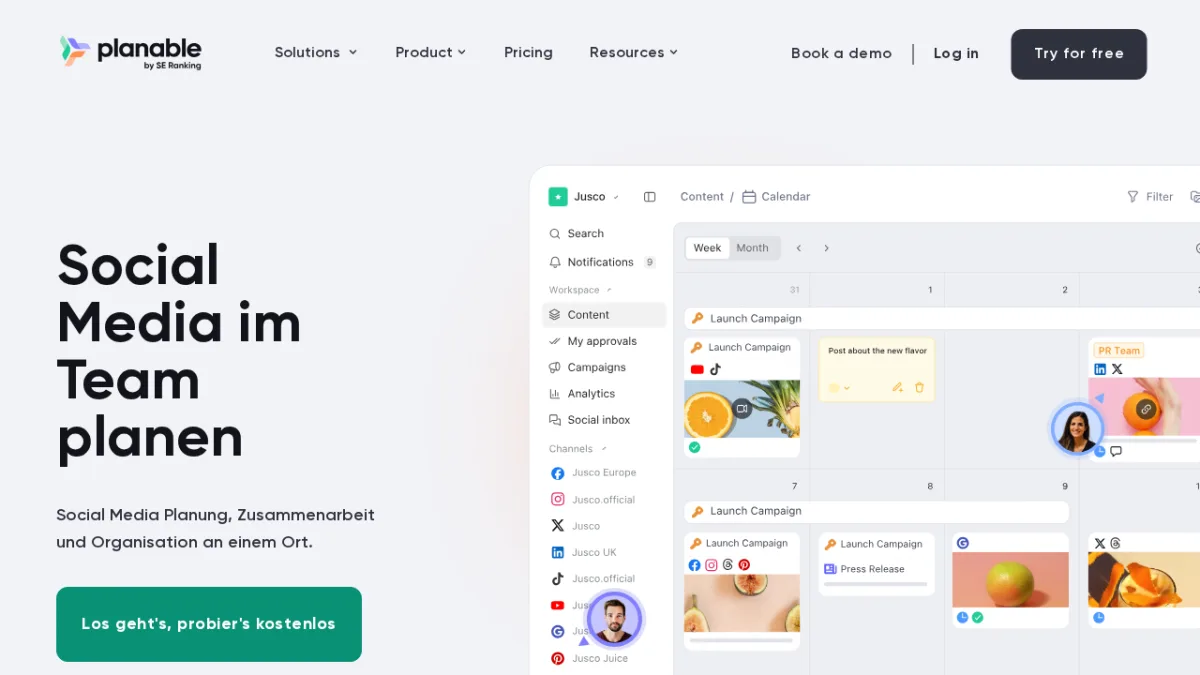
Best for: agencies that run a client review round on every post and want that round to happen in one place instead of across email, screenshots and spreadsheets.
Core strength: Planable is a social media management tool built around approval rather than around the calendar. Every post renders exactly as it will look once published, and reviewers, account manager, legal, the client, comment on the post itself rather than on a screenshot in an email thread. Approval is a workspace setting, not an upgrade: optional sign-off is available from Basic, required sign-off is added on Pro, and multi-level sign-off runs reviewers in sequence on Enterprise. Content can be locked once approved, so nothing changes between the yes and the publish. Clients open a shared link and approve without creating an account or taking a seat, and internal comments stay invisible to them, so the team can discuss a caption without the client watching.
Main limitation: it is not the right fit for a solo creator or freelancer, and it is not the pick for an agency whose headline deliverable is very advanced, robust reporting. Analytics, social listening, competitor analytics and the social inbox all exist, but as paid add-ons rather than as part of the base plan.
Agency fit: agencies running one workspace per client, with a recurring sign-off round and a portfolio where the number of people who have to see a post is larger than the number of people who make one. Six workspace roles (Owner, Admin, Contributor, Writer, Approver, Guest) map onto that split directly.
Pricing: per workspace, not per user and not per channel. Basic is $33 per workspace per month on annual billing and covers 4 pages and 60 posts a month with unlimited users; Pro raises that to 10 pages and 150 posts per month at $49 per workspace per month on annual billing, and adds grid view, required approval and internal comments hidden from clients; Enterprise is custom, with unlimited pages and posts and multi-level approval. Adding a strategist, a reviewer or the client costs nothing, so the price does not move as the account team grows. Verify current plans on the Planable pricing page before quoting a client.
Choose Planable over Sprout when the client sign-off round is the slowest part of the retainer. Skip it when the deliverable is deep reporting or listening as a named line item, or when there is no approval step to speed up.
2. FS Poster: best for WordPress and WooCommerce agencies
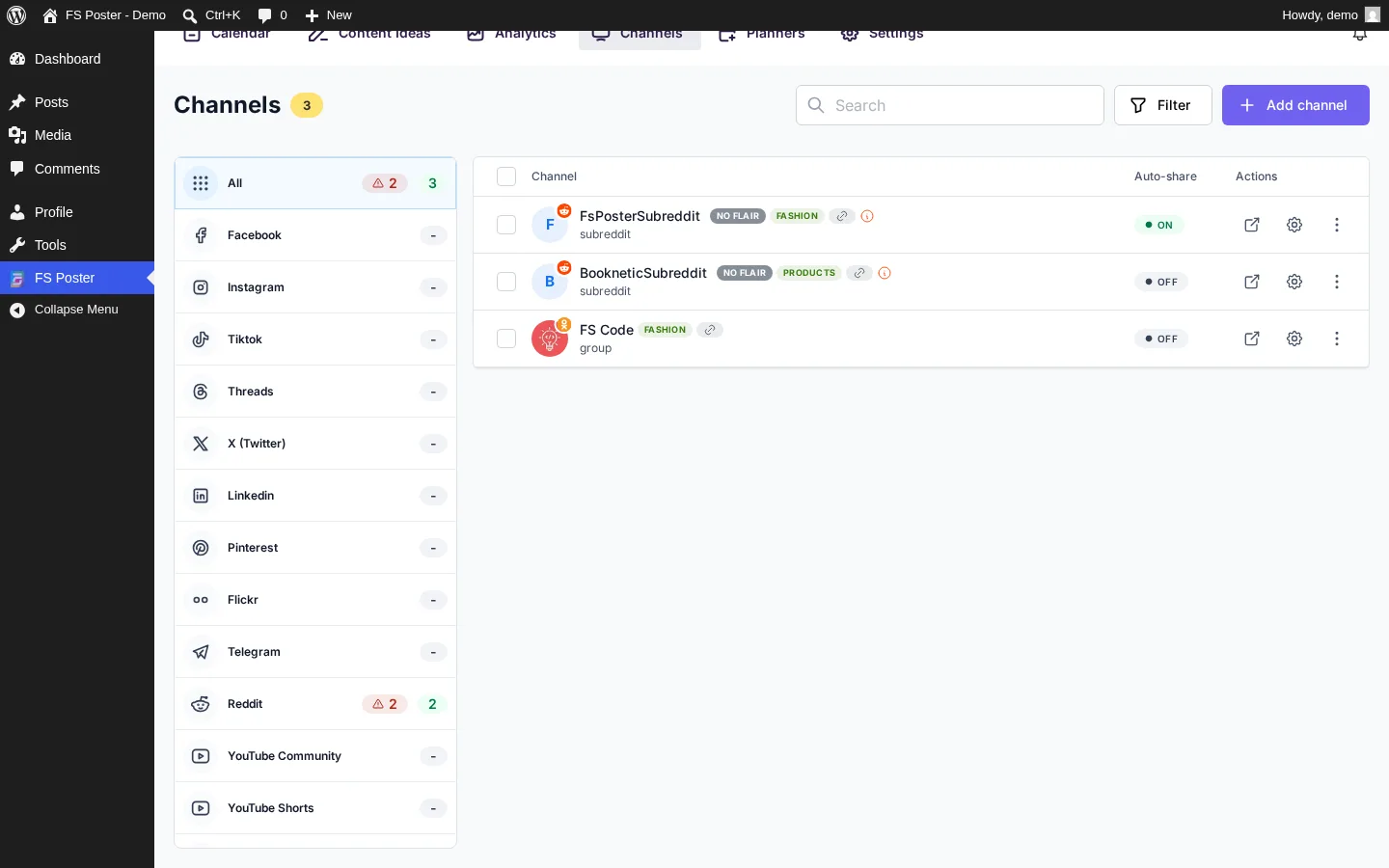
Best for: agencies that build, host, or operate WordPress and WooCommerce sites for their clients and want publishing to live inside the same admin as the content.
Core strength: FS Poster is the only tool on this list that is a WordPress plugin, not a separate SaaS app. It hooks into the publish event of any WordPress post, product, or custom post type and sends the content straight to social channels with per-network caption templates. That removes a whole layer of duplicate work that agencies normally pay a SaaS dashboard to absorb. FS Poster connects with 25+ networks and services, including Facebook pages and groups, Instagram, Threads, X, LinkedIn pages, Pinterest, Bluesky, Mastodon, TikTok, YouTube Community, Google Business Profile, Telegram channels, Discord, Reddit, Tumblr, Medium, Blogger, VK, OK.ru, Flickr, Truth Social, and Webhook. The full list is on the WordPress plugin for multiple social media auto-posting feature page. Calendar, Planner (for evergreen recycling), AI captions and AI image generation, taxonomy filters, multisite support, and WordPress role-based permissions complete the toolkit, and the full agency workflow is documented in our guide on how agencies can manage social media from WordPress, including a walkthrough of how to auto-post WooCommerce products to social media.
Main limitation: FS Poster is a publisher, not a SaaS social suite. There is no unified social inbox across networks, no enterprise brand-listening dataset, and no native paid-ads management. Agencies that sell community management or paid social as a retainer line item will still need a SaaS tool alongside it.
Agency fit: excellent when the client portfolio is WordPress-heavy, when WooCommerce or custom post types drive most of the publishing volume, or when the agency wants to push content from niche networks (Telegram, Reddit, Google Business Profile, Bluesky) without a separate vendor per network.
Pricing positioning: sold direct on the FS Poster pricing page with site-based plans starting at the single-site tier and going up to multi-site and lifetime licenses. That maps cleanly to per-client billing instead of per-seat SaaS pricing. Check the pricing page for current site limits and lifetime options.
Choose FS Poster over Sprout or Hootsuite when the work is mostly content distribution from WordPress and the client is not paying for an inbox or listening suite. Keep a SaaS tool alongside FS Poster when the retainer formally includes social inbox, brand listening, paid social, or in-tool multi-step approvals.
3. Sprout Social: best for enterprise agencies that need one premium suite
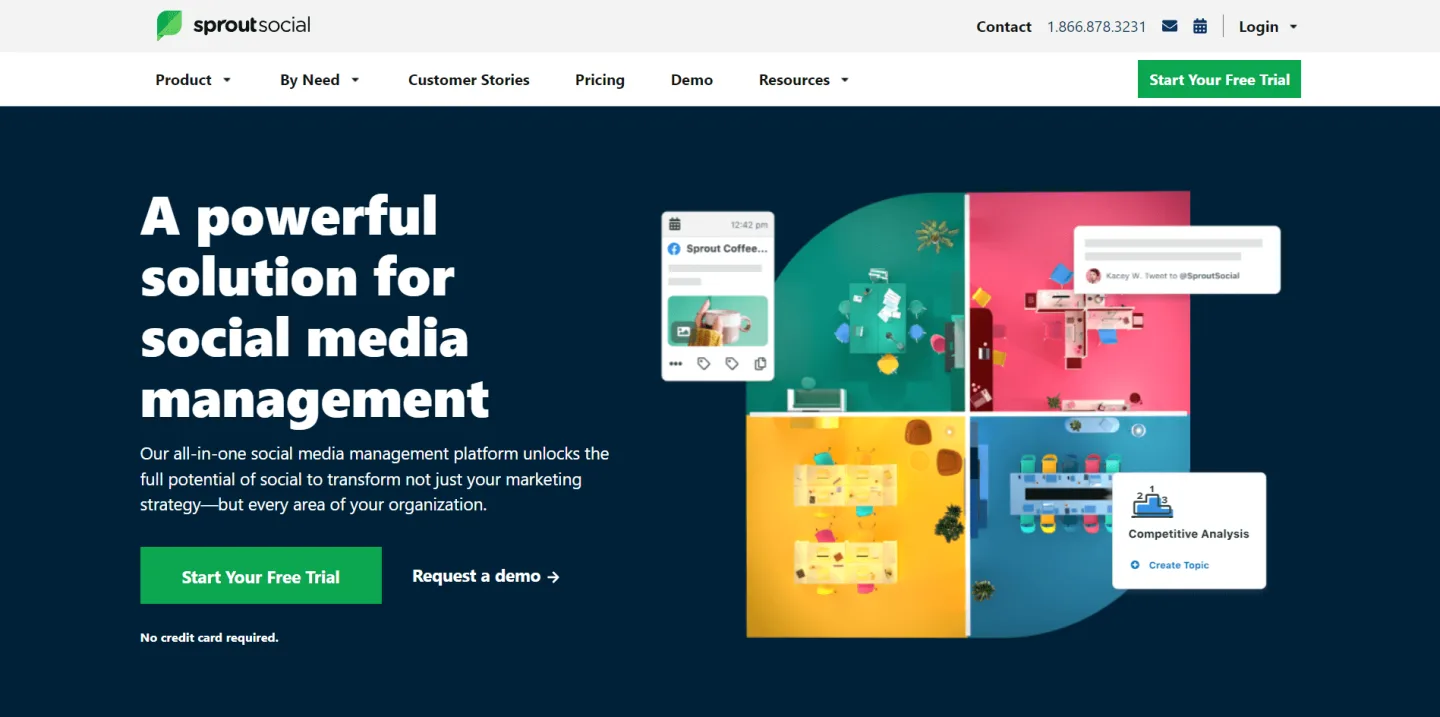
Best for: agencies whose retainers include reporting, social inbox, listening, and strict client approval workflows in addition to publishing.
Core strength: Sprout positions itself at the top of the SaaS social market and earns it on reporting and inbox. The unified Smart Inbox merges direct messages, comments, and ad replies from every connected network. Smart approval queues and message-level approval steps fit clients that need legal or executive sign-off. The reporting library is the cleanest in this list for monthly client decks, and Social CRM ties conversation history to actual contacts.
Main limitation: price. The entry tier already sits well above lean SaaS schedulers, and listening, advanced reporting, and case management unlock only on the higher tiers. The cost is hard to defend on small clients who just need posts pushed.
Agency fit: larger agency teams managing established brands, regulated industries, or anyone whose deliverable is "we run the entire conversation, not just the calendar."
Pricing positioning: per user, per month, billed in premium tiers. Listening and advanced analytics gate behind the upper plans. Pricing has been revised several times, so verify on sproutsocial.com before quoting a client.
Choose Sprout Social when the retainer pays for inbox, reporting, and approvals as named deliverables. Skip it when the client only needs scheduled publishing or when the budget cannot absorb a per-user premium suite.
Related comparison: Buffer vs Sprout Social vs Zoho Social vs SocialBee.
4. Hootsuite: best for multi-brand command-center publishing
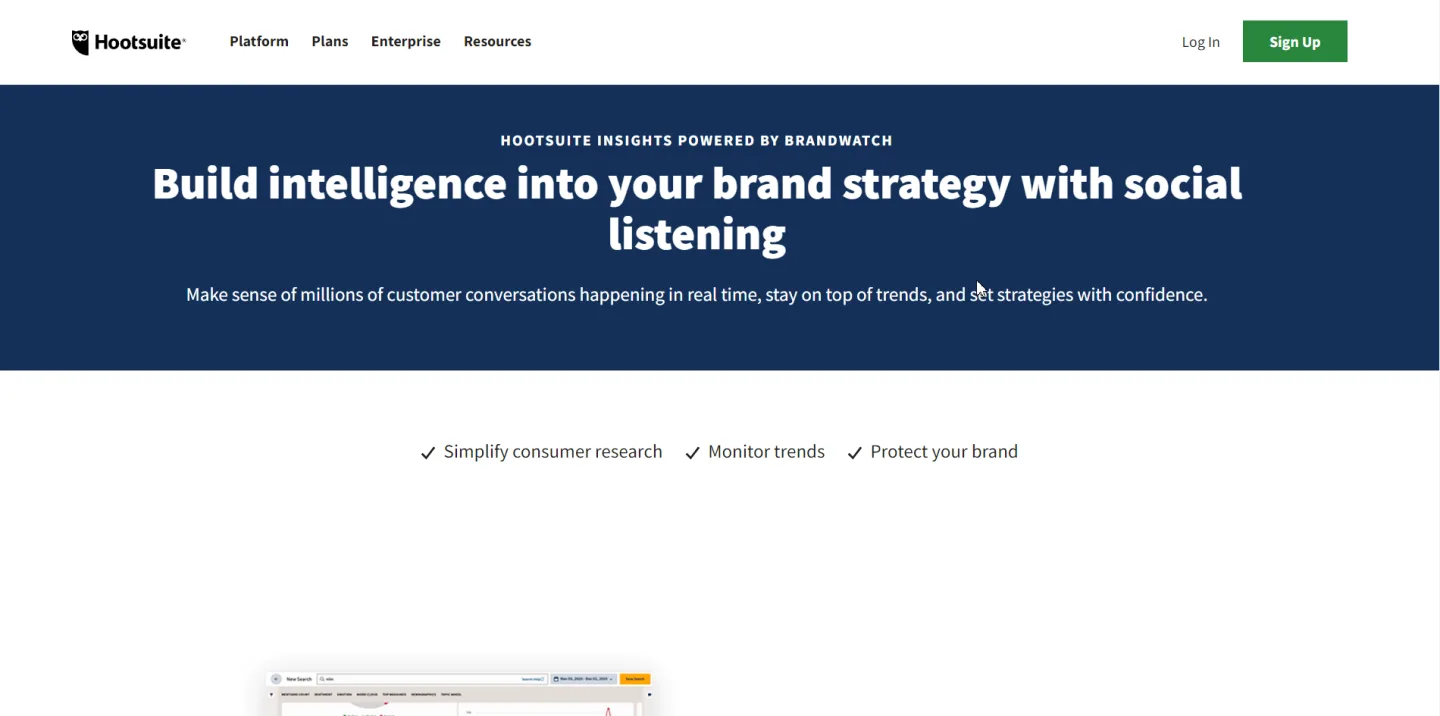
Best for: agencies that want one screen for publishing, monitoring streams, light inbox, and reporting across many social channels and brands.
Core strength: Hootsuite's multi-stream dashboard is still the cleanest way to watch many brand timelines, mentions, and hashtags side by side. Publishing covers the major networks, the Inbox add-on consolidates conversations, and the team plan supports role-based permissions and approval flows. Reporting is solid, even if not as polished as Sprout's.
Main limitation: Hootsuite's pricing structure has been re-tiered repeatedly and the per-seat math compounds fast on agencies with rotating juniors. Several advanced capabilities (Insights listening, advocacy, ads) sit in add-ons that are not bundled by default.
Agency fit: agency teams that want to operate from a single console across many brands without committing to Sprout's enterprise price band.
Pricing positioning: per user, per month, billed annually in team tiers. The entry plan is positioned for professionals rather than free use. Check hootsuite.com for current professional and team pricing.
Choose Hootsuite over Sprout when you want one console across many brands but do not need full listening and inbox depth. Choose it over Buffer when the team needs role-based controls and streams. Skip it when the work is mostly WordPress publishing or budget-sensitive.
Related comparison: Buffer vs Hootsuite vs Later.
5. Buffer: best lean scheduler for small agency teams
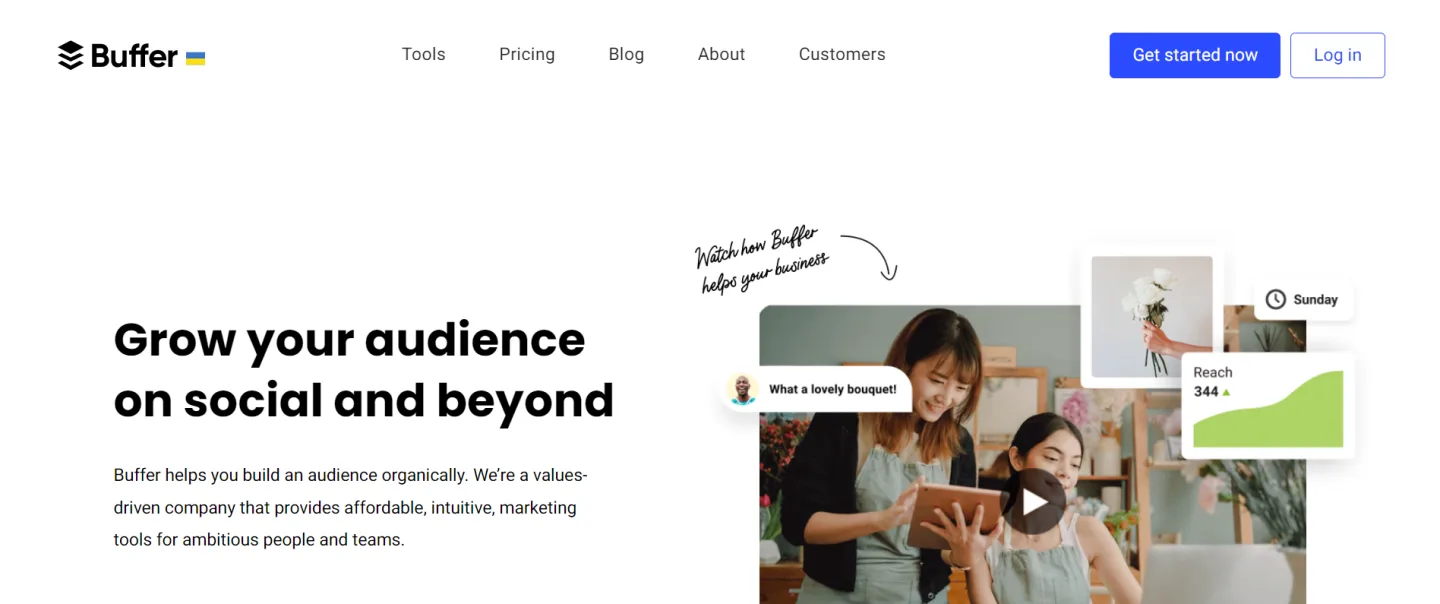
Best for: small agencies and freelancer teams that need a calm scheduler, a clear calendar, and basic engagement without paying for an enterprise suite.
Core strength: Buffer is famously easy to teach. The Publish, Engage, and Analyze split is intuitive, and per-channel pricing means you only pay for the networks each client actually uses. Drafts, simple two-step approvals, and clean per-network previews keep day-to-day work uncluttered.
Main limitation: Buffer is deliberately narrow. There is no true listening, no Sprout-class inbox, no multi-brand workspace switching at the level of Hootsuite's enterprise plans, and reporting stays at a basic-to-intermediate level.
Agency fit: lean agencies, solo operators with a few retainers, and teams where the client deliverable is "post on time, look good, send a basic monthly recap."
Pricing positioning: per channel, monthly, with a free tier on a small number of channels. Buffer has revised its plan structure multiple times, so check buffer.com before quoting a client.
Choose Buffer over Hootsuite when the client list is small and the workflows are simple. Choose it over FS Poster when content does not live in WordPress and you want the lightest possible SaaS scheduler. Skip it when the client expects unified inbox, listening, or complex approvals.
6. Later: best visual-first scheduler for Instagram and TikTok-heavy clients
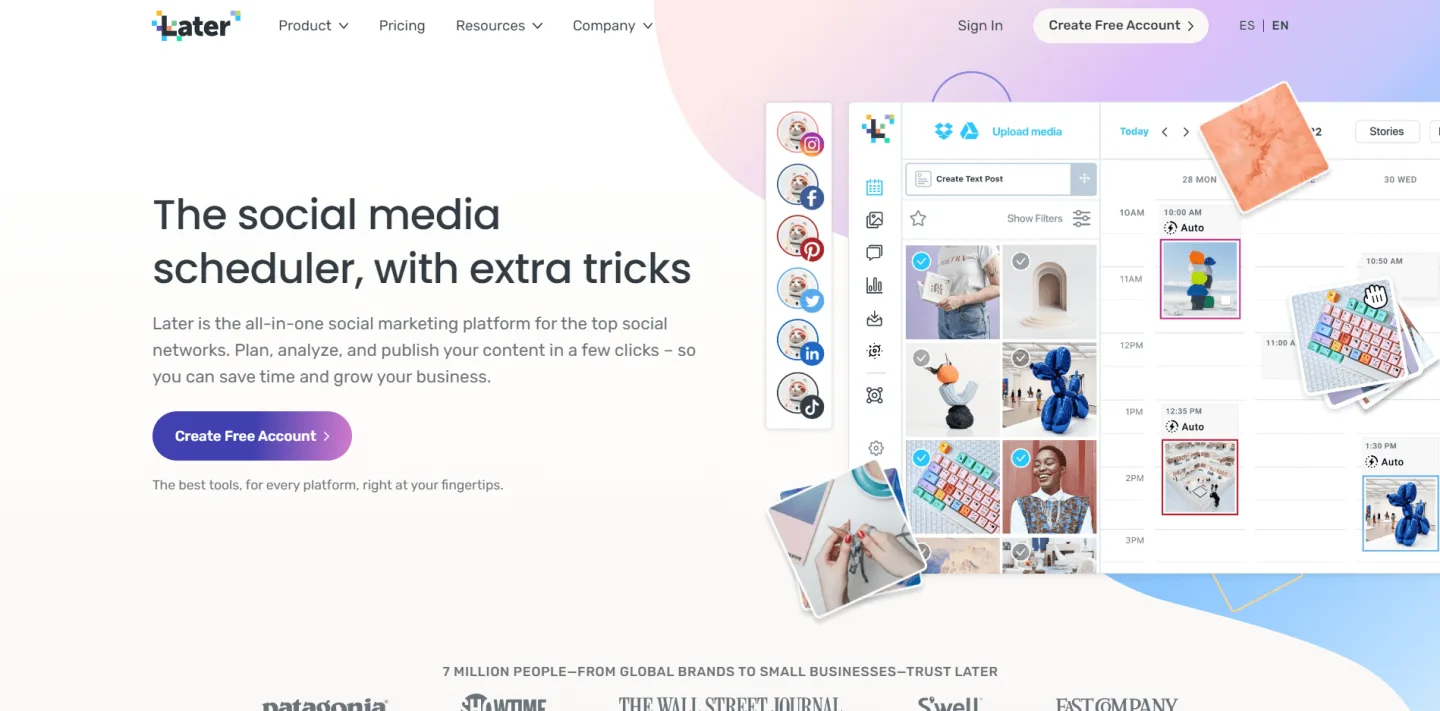
Best for: agencies running lifestyle, fashion, food, beauty, hospitality, and ecommerce clients whose social engine is Instagram and TikTok.
Core strength: Later's drag-and-drop visual planner and Instagram grid preview are still best-in-class for clients who treat the feed as a portfolio. The Linkin.bio product turns Instagram posts into shoppable, trackable click destinations, which is real revenue value for ecommerce and creator clients. Creator and influencer collaboration tooling on the higher tiers fits agencies that run UGC programs.
Main limitation: Later is built around a visual feed-first mindset. It is less suited to text-first publishing (LinkedIn long posts, X threads, blog distribution) and does not pretend to be a unified inbox or listening platform.
Agency fit: creative agencies, ecommerce specialists, and any team whose retainer is "make the grid beautiful and convert through link-in-bio."
Pricing positioning: per social set, with limits on scheduled posts per profile per tier. Check later.com for current pricing.
Choose Later when the client's main success metric is Instagram, TikTok, or link-in-bio clicks. Skip it when most of the content originates in WordPress or when the client's program is text and LinkedIn-led.
7. SocialBee: best for category-driven content programs
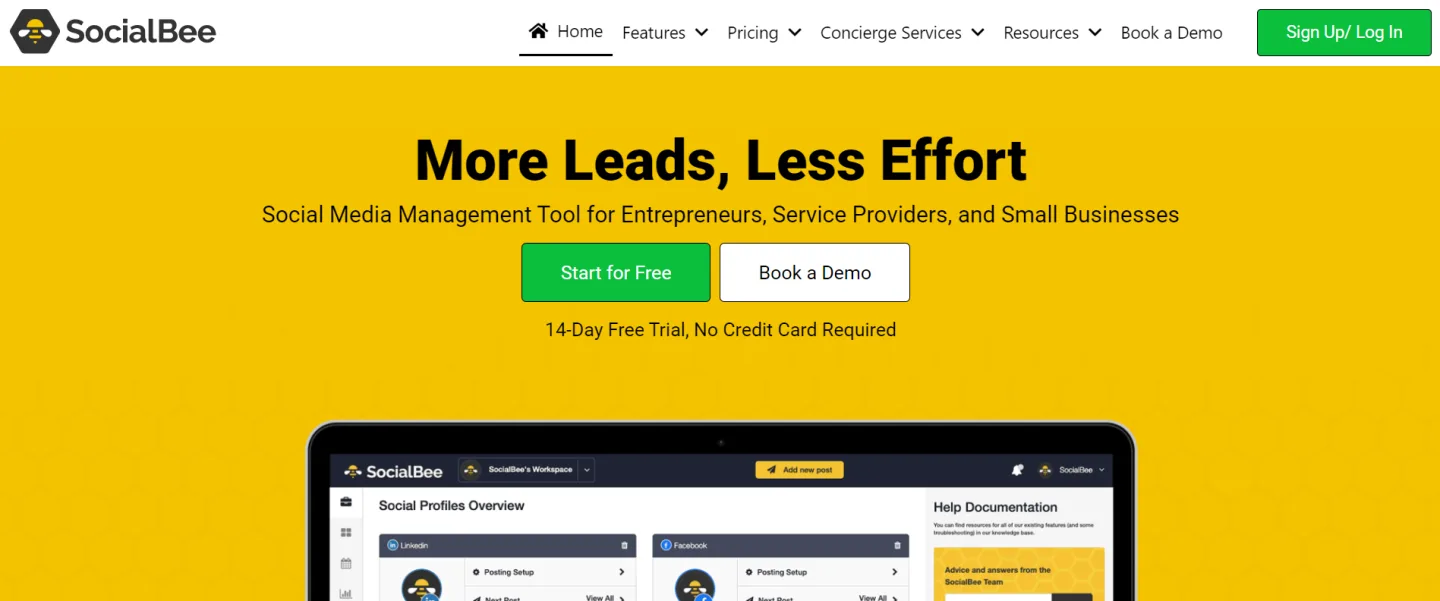
Best for: agencies whose clients run a structured content mix (for example educational, promotional, curated, behind-the-scenes) and want the cadence to stay balanced automatically.
Core strength: SocialBee's organizing idea is content categories with their own posting cadence. You drop posts into "Tips," "Promo," "Curated," and SocialBee rotates them on the schedule each category owns. That keeps the channel mix from drifting toward whatever the team wrote this week. Built-in evergreen recycling and optional content concierge services round out the offer for agencies that want production help.
Main limitation: the category model is opinionated. Clients that publish opportunistically or campaign-first sometimes find it overengineered for what is, day to day, a list of posts.
Agency fit: coaches, personal brands, B2B SaaS thought-leadership programs, and any client where the editorial mix matters as much as the individual post.
Pricing positioning: per workspace, monthly, with tiers for solopreneurs, small businesses, and agencies. Check socialbee.com for current tier pricing.
Choose SocialBee when the deliverable is a balanced editorial program, not a one-off campaign. Skip it when the client's calendar is mostly product launches or news-driven posting.
8. Zoho Social: best for clients already inside the Zoho stack
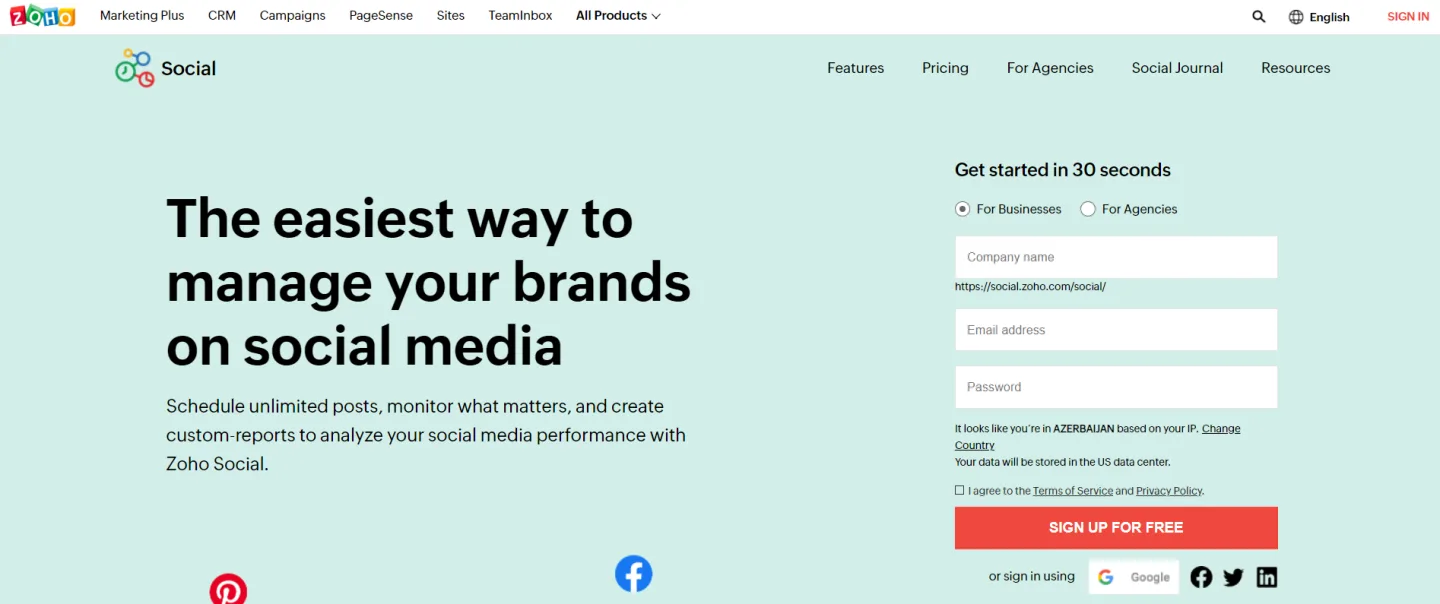
Best for: agencies whose clients already run Zoho CRM, Zoho Desk, or Zoho Connect and want social activity tied into the same data model.
Core strength: the ecosystem fit. Inside the Zoho stack, leads and contacts captured from social can flow into Zoho CRM, support handoffs go through Zoho Desk, and internal collaboration sits in Zoho Connect. The publisher itself is competent (multi-channel scheduling, calendar, monitoring), and the per-brand pricing is more comfortable than Sprout or Hootsuite for similar scope.
Main limitation: Zoho Social is most powerful as part of the wider Zoho suite. Outside that ecosystem, Sprout, Hootsuite, and even Buffer often feel more polished as standalone social tools.
Agency fit: agencies servicing SMB and mid-market clients who already standardized on Zoho.
Pricing positioning: per brand, monthly or annual, generally below Sprout and Hootsuite for similar feature scope. Check zoho.com/social for current tier pricing.
Choose Zoho Social when the client uses Zoho CRM and wants social to live next to their pipeline. Skip it when the client's stack is not Zoho.
9. Planly: best Instagram and TikTok specialist
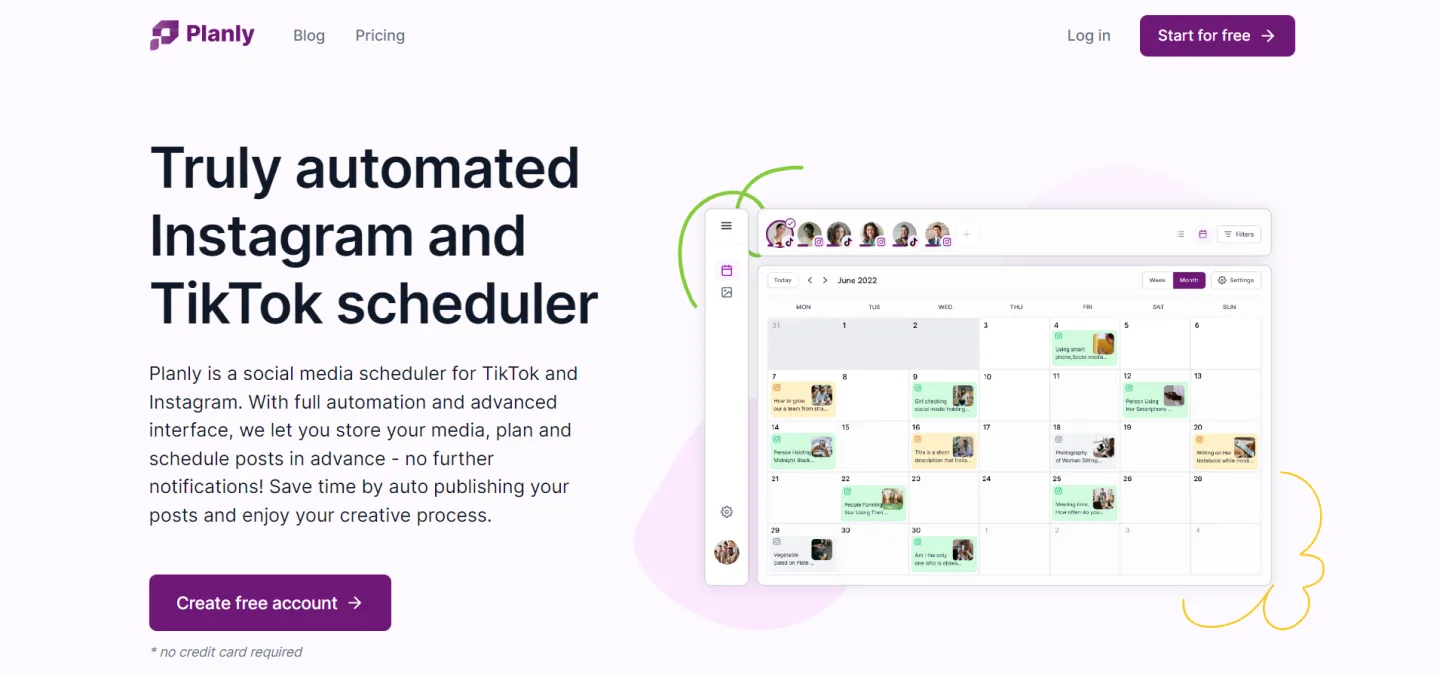
Best for: agencies whose primary client work is Instagram and TikTok scheduling, with a smaller secondary need on X and other networks.
Core strength: Planly's UI is built specifically around Instagram and TikTok formats, with first-comment scheduling, carousel and reel support, story scheduling, and TikTok duet/stitch toggles at scheduling time. Pricing sits below Later for many small-team scenarios.
Main limitation: coverage outside Instagram and TikTok is narrower than Later, Hootsuite, or Buffer. The ecosystem is younger, so reporting and integrations are lighter.
Agency fit: small creator-focused agencies and freelancers whose retainers are mostly short video and Instagram content.
Pricing positioning: per user, monthly, with simple tiers. Check planly.com for current pricing.
Choose Planly over Later when budget is tight and the client truly only needs Instagram and TikTok. Choose Later instead when the client also needs link-in-bio, creator collabs, or broader network coverage.
10. Social Hub: best low-friction RSS-driven publisher
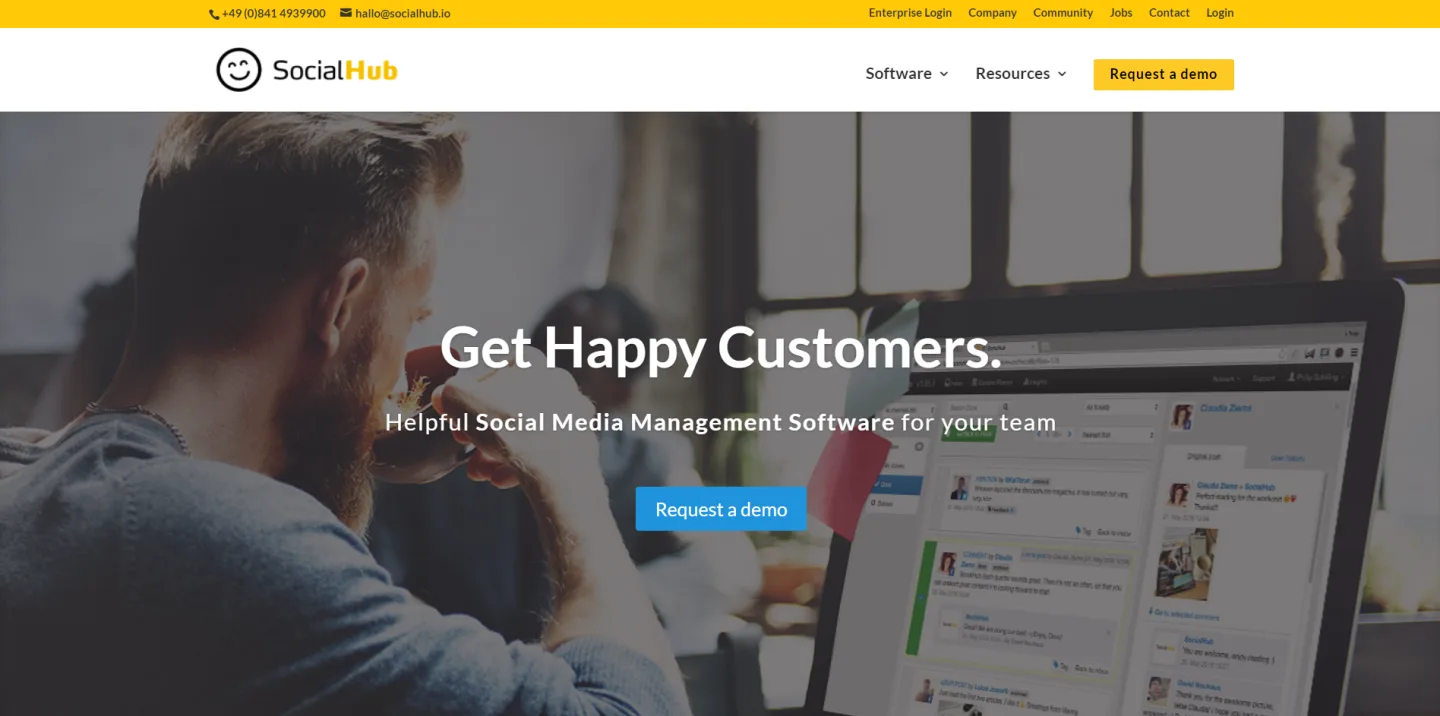
Best for: small clients who need a multi-network publisher tied to an RSS feed and do not want to pay for a full SaaS suite.
Core strength: Social Hub focuses on a narrow job and does it cheaply. Connect an RSS feed (a blog, a news source, a product catalog feed), pick the networks, and posts flow out on a schedule. The UI is intentionally minimal.
Main limitation: almost everything beyond RSS-driven publishing is light. Analytics, inbox, listening, and approval workflows are all minimal compared to the bigger SaaS suites. For WordPress sites specifically, FS Poster already covers the same RSS-style use case inside the CMS, with richer per-network controls.
Agency fit: agencies with a tail of very small or news/affiliate clients where the entire deliverable is "push the feed to social."
Pricing positioning: low-tier monthly subscription. Check the vendor page for current rates.
Choose Social Hub only for small, RSS-driven workflows on non-WordPress sites. Choose FS Poster instead when the underlying site is on WordPress.
How to choose by agency use case
The right pick depends less on the brand name and more on the client mix, the content source, and what the retainer actually promises to deliver.
- WordPress or WooCommerce-heavy portfolio: FS Poster as the publishing layer, with a lightweight SaaS only where a specific client pays for inbox or listening.
- Enterprise brands with strict approvals and reporting: Sprout Social as the suite, optionally with FS Poster on any WordPress sub-properties.
- Multi-brand operations that need a single command center: Hootsuite, scaled by team tier rather than by adding seats one at a time.
- Small agencies and freelancer teams: Buffer or FS Poster, depending on whether the content lives in WordPress.
- Visual-first lifestyle and ecommerce clients: Later for Instagram, TikTok, and link-in-bio; pair with FS Poster on any WordPress or WooCommerce assets behind the brand.
- Category-driven editorial programs: SocialBee for cadence balance.
- Clients already on Zoho: Zoho Social to keep social tied to the rest of their data.
- Instagram and TikTok-only retainers: Planly for budget-tight teams, Later for fuller workflows.
- RSS-only small publishers: FS Poster on WordPress sites, Social Hub elsewhere.
Most agencies do not pick a single tool for everything. They pick a publishing layer that matches the client's content source, then layer the SaaS modules they actually bill for on top.
Final recommendation
For a typical mixed agency in 2026, the most profitable stack looks like this. Use FS Poster as the default publishing layer for every WordPress or WooCommerce client, because it removes the duplicate-work tax that SaaS schedulers normally charge against WordPress content. Keep one SaaS tool in the stack for the specific clients whose retainers pay for inbox, listening, or strict approvals: Sprout Social if those deliverables are premium and named, Hootsuite if the team needs a multi-brand console without enterprise pricing, Buffer if the work is mostly clean scheduling. Layer Later or Planly on top for visual-first clients, and only add SocialBee, Zoho Social, or Social Hub when the client's content model, ecosystem, or RSS workflow specifically calls for them.
The mistake to avoid is buying the biggest suite by default and forcing every client into it. The right tool for an agency is the one that fits each client's content source, networks, and reporting expectations without making the team rebuild work that already exists in WordPress, WooCommerce, or another CMS.
FAQ
What is the best social media software for a WordPress agency?
For agencies whose client portfolio is WordPress and WooCommerce-heavy, FS Poster is the most efficient choice because it publishes from inside the WordPress admin, supports 25+ networks and services, and licenses per site rather than per user. Add a SaaS tool only for clients whose retainers include unified inbox, listening, or formal approval workflows.
What is the best social media management tool for a small agency?
Small agencies usually choose between Buffer and FS Poster. If the client content lives on WordPress, FS Poster removes the duplicate publishing step entirely. If the agency works across non-WordPress clients, Buffer's per-channel pricing keeps the SaaS cost predictable while the team is still small.
When should an agency choose an enterprise suite like Sprout Social or Hootsuite?
When the retainer formally includes deliverables that a publisher cannot cover: a unified social inbox across networks, brand listening with mention volume and sentiment, multi-step approvals with in-tool sign-off, or executive-ready monthly reports. Those deliverables justify the per-user premium pricing; pure publishing does not.
Can an agency run a profitable social media retainer on just one tool?
Rarely. Most profitable agency stacks combine a publishing layer that fits the client's content source with one SaaS suite for the modules the client actually pays for. Forcing every client into a single enterprise tool overcharges small clients; forcing every client into a lightweight scheduler undercharges large ones.
How do agencies handle WordPress and non-WordPress clients in the same workflow?
The cleanest pattern is FS Poster on every WordPress and WooCommerce client (so publishing stays inside the CMS) and a shared SaaS tool (Sprout, Hootsuite, or Buffer, depending on budget) for the non-WordPress clients and for any cross-client inbox or reporting need. That keeps publishing close to the content source and reserves SaaS spend for jobs that genuinely need it.
Write once. Post to 26 networks.
- 26 social networks
- Schedule & auto-repost
- Runs inside wp-admin


