


Picking the right Facebook automation software is harder than it should be. The top results all promise the same things: schedule posts, save time, grow your page. Behind that uniform pitch, the tools work very differently. A WordPress plugin that auto-shares every new article is nothing like a SaaS calendar that requires you to log in and queue posts. A workflow automation platform that fires a Facebook update from a Stripe payment is nothing like Meta's own free dashboard.
This guide compares the ten Facebook automation tools that actually deserve a buyer's attention in 2026. The ranking puts the strongest workflow fit at the top and the most limited option at the bottom, so you can stop after the first match that fits your team. Every entry covers what the tool does, what it does well on Facebook specifically, what it costs, and where it falls short.
How this list is ranked
The order reflects buyer value for serious Facebook publishers, not vendor marketing budget. Three signals carry the most weight:
- Real Facebook surface coverage. Pages, Groups, first comment, scheduled video, and comment sync are the surfaces that matter. Tools that only schedule Page posts get less credit than tools that cover the whole publishing job.
- Workflow fit. Does the trigger match how your team works? A WordPress publish event, a SaaS calendar, a webhook, or the Meta dashboard each fit a different team profile. Mismatched triggers create extra steps and extra cost.
- Honest pricing. The starting paid tier in the table is the price you should expect at checkout, not a promo. Per-channel and per-account models can push the real bill far above any headline number, so the prose flags that where it matters.
Two notes before the table. First, Facebook Groups posting depends on Meta's current permissions and on the role the connected Page has in the group. Tools that "support" Groups still need the Meta side to allow it. Second, prices reflect the public vendor pages on 2026-06-10. Always confirm at checkout.
Quick comparison
| # | Tool | Best for | Facebook surfaces | Starting paid price |
|---|---|---|---|---|
1 |
FS Poster |
WordPress publishers and WooCommerce stores auto-posting on publish |
Pages, Groups (where Meta allows), first comment, scheduled posts, comment sync to WP |
$58/ |
2 |
Buffer |
Solo creators and small teams with a clean queue across a few channels |
Pages, first comment on Essentials and above, Groups via notification only |
$5/ |
3 |
Hootsuite |
Enterprise marketing teams that need monitoring, approvals, and reporting |
Pages, Groups, Inbox, Streams, approvals |
Standard tier, price shown at checkout |
4 |
Publer |
SMBs that need Groups, AI captions, and a generous free tier |
Pages, Groups, first comment, AI captions, watermarks |
Account-based, from low-double-digit USD/ |
5 |
SocialBee |
Solo marketers running an evergreen category rotation on Facebook |
Pages, Groups, content categories, evergreen recycling |
$29/ |
6 |
Sendible |
Agencies managing several client Facebook accounts |
Pages, Groups, client dashboards, approvals, white-label add-on |
$29/ |
7 |
Later |
Visual brands and image-first ecommerce stores |
Pages, Reels auto-publish, visual planner, link in bio |
$18.75/ |
8 |
Zapier |
Ops and revops teams treating Facebook as one step in a wider flow |
Pages via official integrations, conditional logic, multi-step Zaps |
Paid plans with task quotas, price at checkout |
9 |
Make |
Builders who want a visual flow editor at a lower price than Zapier |
Pages via official modules, branching, webhooks, error handling |
$9/ |
10 |
Meta Business Suite |
Solo creators and local businesses on Facebook plus Instagram only |
Pages, Reels, Stories, Inbox, basic insights, Ads side door |
Free |
Pricing in the table is the entry paid tier so the column compares the real cost of a production workflow. Buffer prices per channel and Publer prices per social account, so the actual bill scales with how many Facebook Pages, Groups, and other channels you connect. Hootsuite and Zapier route the final figure through checkout depending on seats, channels, and region. The prose under each entry calls out where those models bite.
The 10 best Facebook automation tools in 2026
1. FS Poster
Category: WordPress plugin for Facebook auto-posting and scheduling.
Best for: WordPress publishers, WooCommerce stores, and WP-first agencies who want Facebook publishing to run from inside WordPress without a separate SaaS subscription.
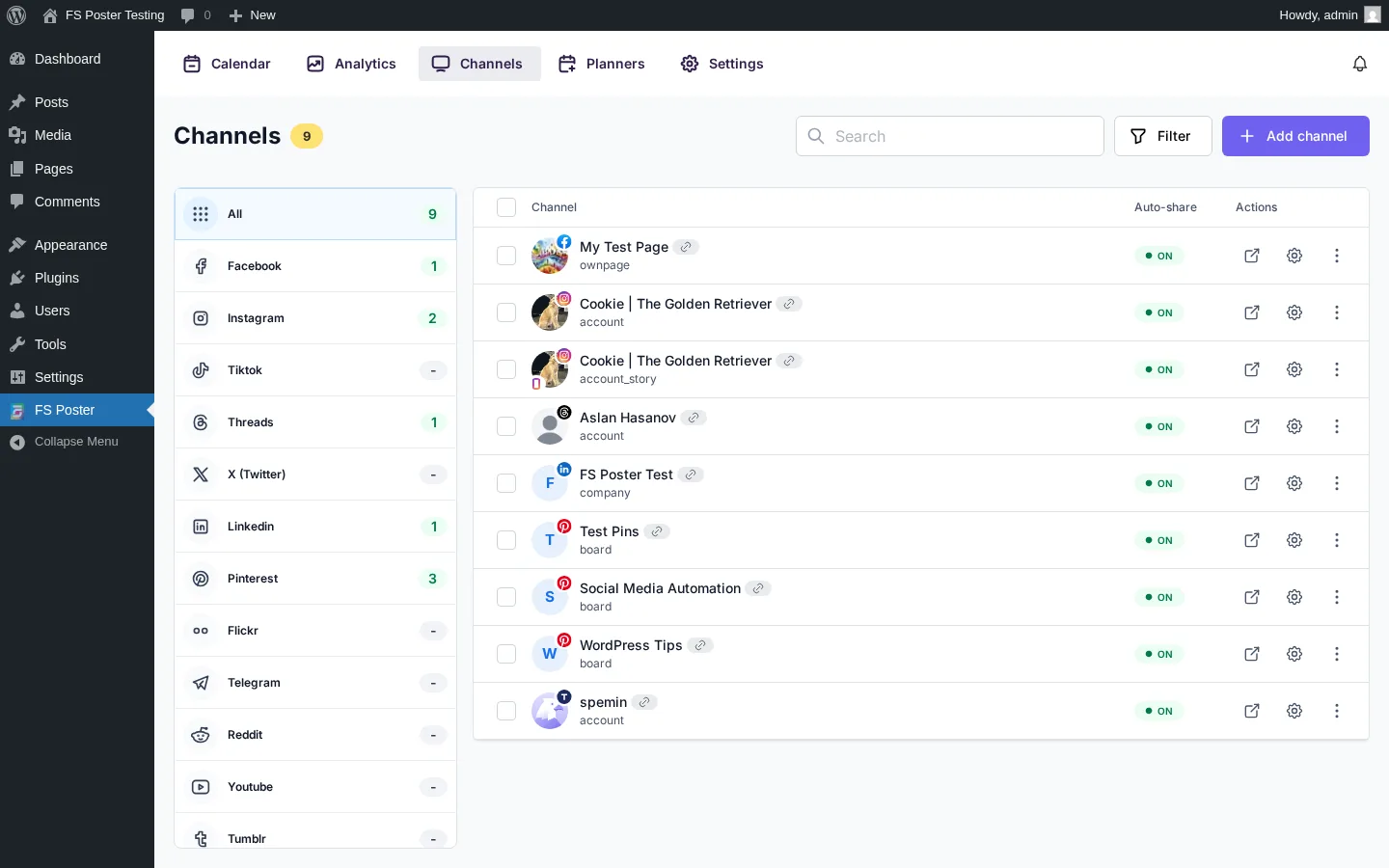
FS Poster is the only tool on this list where the trigger is "I hit Publish in WordPress." When a post, WooCommerce product, or custom post type goes live, FS Poster pushes it to the connected Facebook Page, schedules the first comment, posts to the connected Facebook Group where Meta allows, and mirrors the same publish event to 25 other networks. The whole workflow lives inside the WordPress admin, so the writer never has to leave the editor or pay for another seat. That is why it ranks first for any team whose content already lives in WordPress.
Key features:
- Auto-post on WordPress publish to Facebook Pages with per-post overrides and dynamic caption tokens (title, categories, author, tags as hashtags).
- WooCommerce and custom post type support out of the box; product publishes share to Facebook without an extra add-on.
- Facebook Groups posting where Meta and the Page role allow, with the same caption templates as Pages.
- First comment scheduled on Page posts for hashtag blocks and source links.
- Calendar planner with daily, weekly, and custom intervals, plus an evergreen Planner that refeeds older WordPress posts on a schedule you set.
- Facebook comment sync that pulls engagement on the auto-shared Facebook post back under the source WordPress post so the conversation does not split between two URLs.
- Multi-network publishing in the same workflow: Instagram, Threads, X, LinkedIn, Pinterest, TikTok, YouTube Shorts, Telegram, Reddit, Bluesky, Google Business Profile, and more.
- AI captions and AI image templates on the buyer's own OpenAI key, plus per-network template variants.
- Flat WordPress plugin licensing with one price per site or set of sites; no per-channel or per-account math.
Pricing: Single $58/year intro (renews $65/year) for one site, Plus $109/year intro for three sites, Developer $229/year intro for 15 sites, and Lifetime $490 one-time for 30 sites. All plans include unlimited channels, unlimited schedules, all 26 networks, AI, watermarking, multisite, and a 14-day money-back guarantee. Prices are listed on fs-poster.com without VAT.
Why it fits: WordPress publishers do not need to log into a SaaS calendar to push every new post to Facebook. FS Poster turns the WordPress publish event into a full Facebook workflow: Page post, first comment, Group post where allowed, scheduled cross-posts to other networks, and comment sync back to the source article. The pricing model is flat per site, which is the only way to keep the cost predictable when a publisher connects a Page, a Group, an Instagram account, and a Threads account on top of LinkedIn and X. For more on the Facebook side specifically, see the WordPress to Facebook auto poster and scheduler product page, the Facebook auto-post from WordPress guide, and the best WordPress social media auto-posting plugins shortlist.
What to watch for: FS Poster is a WordPress plugin. Teams that do not run WordPress should look at a SaaS scheduler instead. There is no free tier, only the 14-day money-back guarantee. Instagram and Pinterest publishing require a featured image because the networks require one, not because of a plugin limit.
2. Buffer
Category: SaaS social media scheduler.
Best for: Solo creators and small in-house teams who want a clean queue across a handful of channels and value simplicity over agency depth.
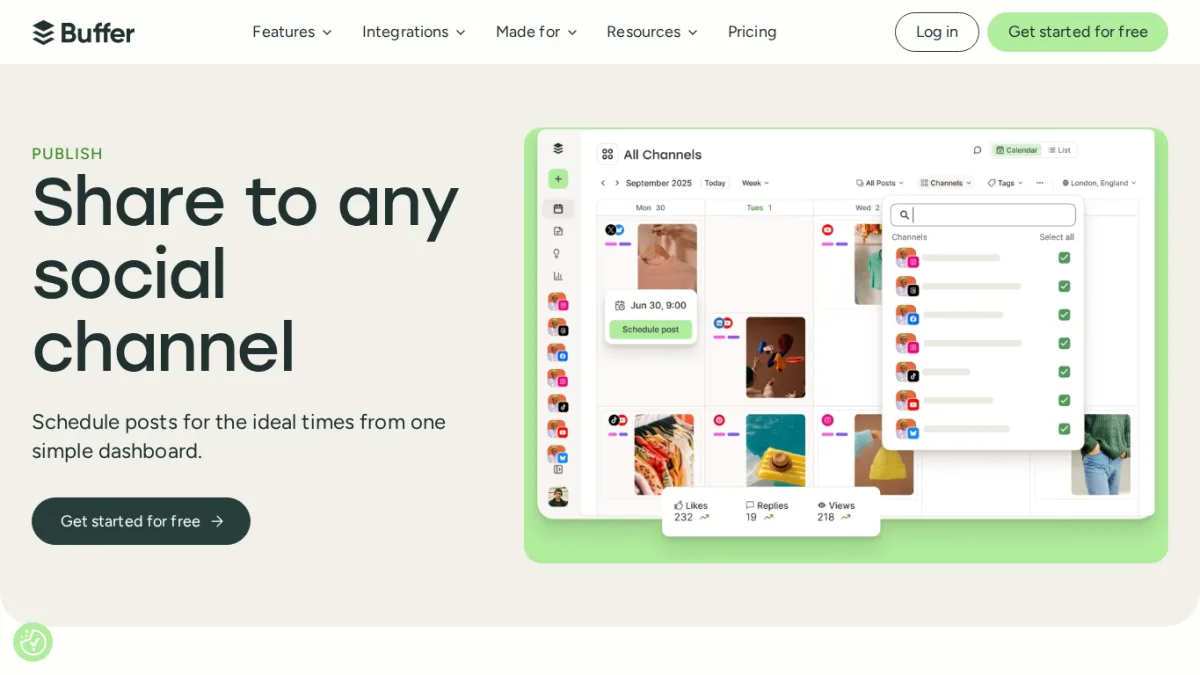
Buffer remains the easiest scheduler to learn. The queue model is simple, the interface stays out of the way, and the calendar is fast. Facebook coverage is Pages-first, with first comment scheduling included on the Essentials plan and above. The trade-off is the pricing model: Buffer charges per channel, so the real bill grows linearly as you connect more accounts.
Key features:
- Unlimited scheduled posts on paid plans with a Pages-first Facebook workflow.
- First comment scheduling for Facebook, Instagram, and LinkedIn on Essentials and Team.
- Notification-based posting for Facebook Groups (Buffer sends a phone notification rather than auto-publishing).
- Hashtag manager and advanced analytics on Essentials and above.
- Link-in-bio tool included on paid plans.
- AI replies and saved replies for community management.
Pricing: Free plan with up to three channels and limited scheduled posts. Essentials at $5/month per channel (or $60/year per channel) unlocks unlimited scheduled posts, advanced analytics, hashtag manager, link-in-bio, and first comment scheduling. Team is $10/month per channel with the same per-channel pricing model. Volume discounts kick in above ten channels.
Why it fits: Buffer is the right choice when your team is small, you publish primarily to Facebook Pages plus a few other networks, and you want a queue you can hand to anyone with five minutes of training. The free tier covers most personal accounts. Essentials unlocks the features small teams actually use without forcing an agency-tier conversation.
What to watch for: Per-channel pricing punishes multi-account setups. A team with a Facebook Page, a Group, Instagram, LinkedIn, X, and Threads connected is paying for six channels on Essentials before any team seats. Facebook Groups support is notification-based, not first-class scheduling. Buyers who depend on automated Group publishing should pick Publer, SocialBee, or FS Poster instead. For a deeper side-by-side, see the Buffer vs Hootsuite vs Later comparison.
3. Hootsuite
Category: Enterprise SaaS social media management.
Best for: Enterprise marketing teams, in-house brand teams, and large agencies that need monitoring, multi-step approvals, and reporting in one workspace.
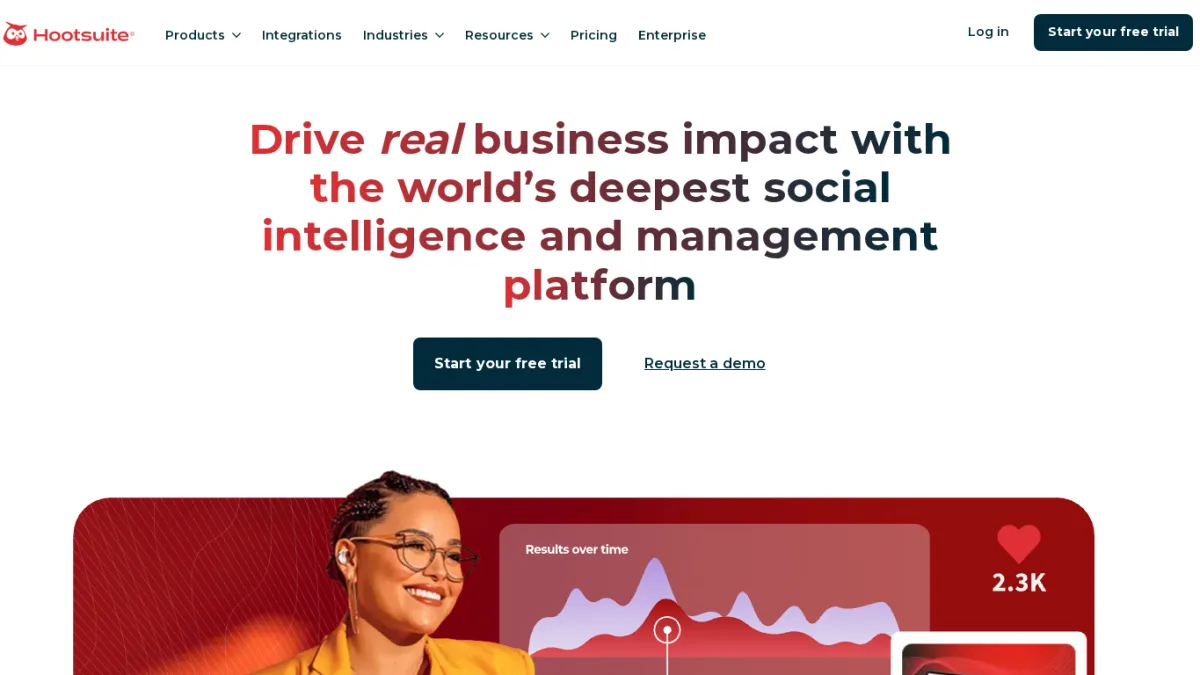
Hootsuite has been the default pick for large social teams for over a decade. The publishing calendar is workmanlike, but the real value sits on top: Streams for inbound monitoring, an Inbox that consolidates Messenger and DMs, custom approval flows, and reporting that exports to PDF for client meetings. Facebook coverage includes Pages and Groups with scheduling, first comment, and audience targeting.
Key features:
- Cross-network publishing with Facebook Pages and Groups, scheduling, and first comment.
- Streams for inbound monitoring of keywords, mentions, and competitors.
- Inbox that unifies Facebook Messenger, Instagram DMs, and other inbound messages.
- Custom multi-step approval workflows and role-based permissions on higher tiers.
- Boost and auto-boost flow for Facebook and Instagram posts.
- Reporting with exportable PDF templates and cross-network benchmarking.
Pricing: Standard, Advanced, and Enterprise. Standard caps social accounts at ten and starts at one user. Advanced unlocks unlimited social accounts and adds approval depth and reporting. Enterprise requires five or more users and is quoted by the sales team. The public pricing page shows feature comparisons but routes the final monthly figure through checkout or a sales conversation, so always confirm the price before signing.
Why it fits: Hootsuite is the right pick when monitoring, approvals, and reporting are non-negotiable. The platform has been built around the agency and enterprise workflow, with role-based permissions, custom approval routes, and an Inbox that scales past one community manager. Teams that already buy Hootsuite for the Streams and Inbox usually keep it as the publishing hub too.
What to watch for: Hootsuite is overkill for a solo creator or a five-person team. Standard tier caps channels tightly and the deeper approval and reporting features sit on Advanced and Enterprise. The pricing page does not consistently expose a single monthly USD figure, so total cost is best estimated by stepping through a real checkout with your seat and channel count.
4. Publer
Category: SaaS social media scheduler with a strong free tier.
Best for: SMBs and creators who need Facebook Groups, AI captions, and a generous free tier without enterprise prices.
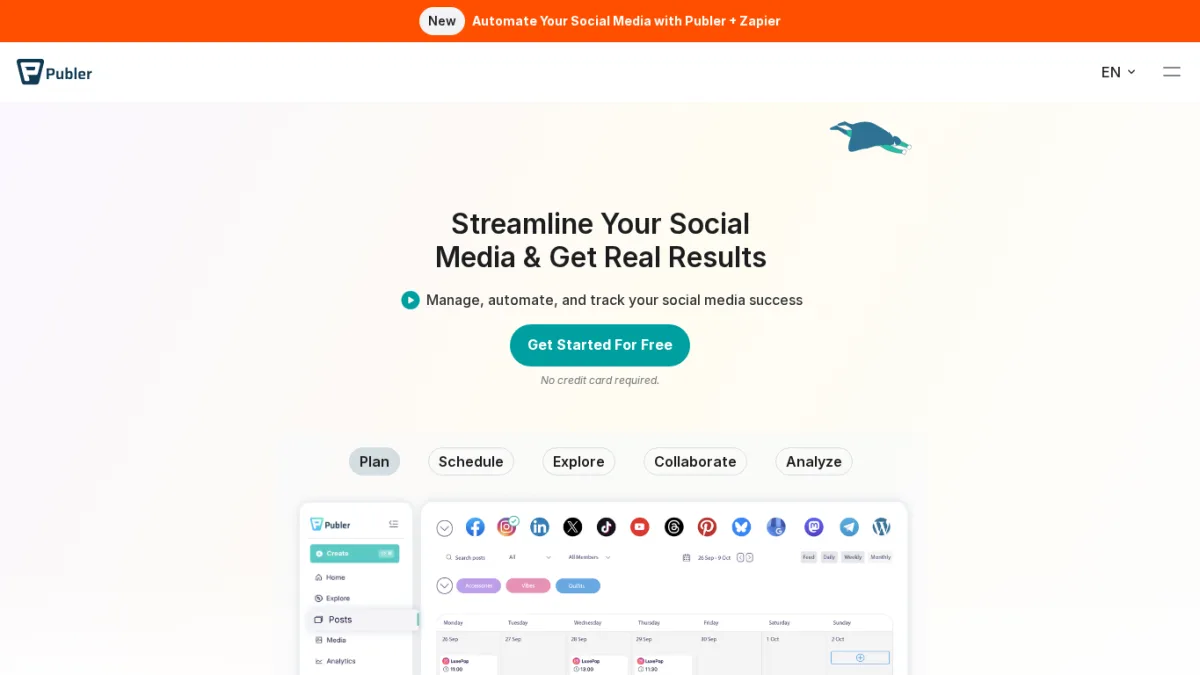
Publer is the most underrated SaaS scheduler in 2026 for Facebook publishers specifically. It supports Pages and Groups, schedules first comments, posts video and Reels, watermarks images, and pairs an AI caption generator and AI image tool with a usable free tier. Pricing is account-based, which keeps small setups cheap and lets the bill scale as you add channels.
Key features:
- Facebook Pages and Groups posting with first comment scheduling and bulk CSV upload.
- AI captions and AI image generation built into the composer.
- Watermarking for images and Reels, useful for brand consistency.
- Recycle and rotate evergreen posts directly from the calendar.
- Workspaces for teams and lightweight client management without agency-tier pricing.
- Generous free tier covering a handful of social accounts and basic scheduling.
Pricing: Free tier with a small number of accounts and limited scheduled posts. The Business paid tier uses an account-based model, priced per connected social account per month, with a discount for annual billing. For a typical SMB connecting a Facebook Page, a Group, Instagram, and one or two other networks, the monthly bill lands in the low-double-digit USD range, but the exact number depends on the account slider and billing cycle. The Enterprise tier is quoted by sales.
Why it fits: Publer is the credible mid-market pick for teams that need Facebook Groups without enterprise pricing. The free tier is real, not a trial, which makes it easy to test the publishing flow before committing. The account-based pricing model rewards focused setups: a team that only connects four social accounts pays for four, not for ten Buffer channels at once.
What to watch for: Account-based pricing can surprise buyers who connect every channel "just to try it." Each Facebook Page, Group, Instagram account, LinkedIn page, X account, and Threads account is a separate billable account, so do the math against the slider on the pricing page. The dashboard packs a lot of features into one workspace, which is great for power users but takes longer to learn than Buffer.
5. SocialBee
Category: SaaS social media scheduler with evergreen content categories.
Best for: Solo marketers and small teams running an evergreen Facebook strategy where one library refeeds the page for months.
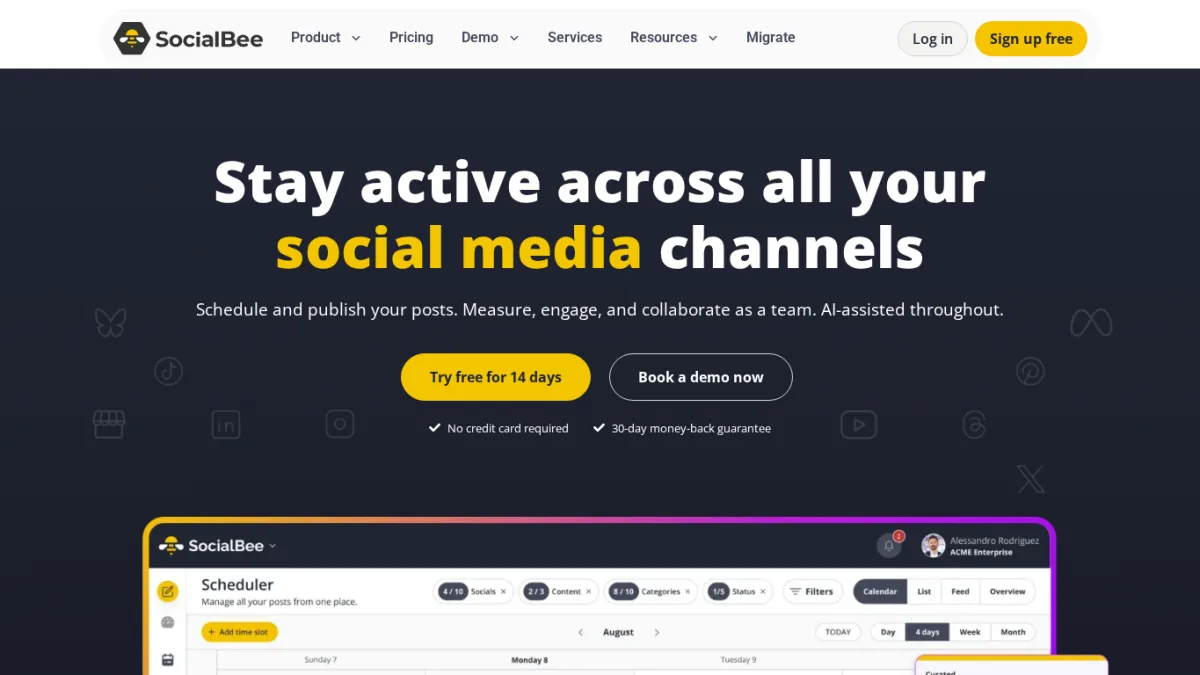
SocialBee's defining idea is content categories. You bucket posts into Promotional, Educational, Curated, Quotes, and the scheduler rotates through them on a calendar you set. One Facebook page can run for months on the same library because the tool keeps the rotation fresh. SocialBee also supports Pages, Groups, AI captions, and clean approvals.
Key features:
- Content categories that bucket posts and rotate them automatically on a Facebook Page schedule.
- Evergreen recycling that re-shares top-performing posts at the cadence you set.
- Facebook profiles, Pages, and Groups posting with native captions and image variants.
- AI Copilot for caption suggestions and post variations.
- Workspaces for small teams with approvals, plus dedicated agency tiers for client rosters.
- Reporting on engagement and growth per category.
Pricing: Bootstrap starts at $29/month with one user, ten content categories, and a clear creator focus. Accelerate at $49/month adds 50 content categories and more workspaces. Pro at $99/month is the small agency tier with unlimited categories. Agency plans (Pro50, Pro100, Pro150) cover larger client rosters. SocialBee runs a 14-day free trial with no card required.
Why it fits: Most schedulers force you to feed the calendar manually. SocialBee inverts that: build the library once, set the category rules, and the calendar refeeds itself. That is a genuinely different workflow for solo marketers, coaches, and creator-led brands who write content in batches and want the Facebook page to stay active between batches.
What to watch for: SocialBee is the right tool only if evergreen recycling is your strategy. Newsroom-style or campaign-heavy teams will find the category model adds friction. Bootstrap is single-seat, so even a two-person team needs Accelerate. Compare against Publer if you want Groups plus a free tier rather than category rotation.
6. Sendible
Category: Agency-focused SaaS social media management.
Best for: Agencies and consultants managing several client Facebook accounts who need approvals, client dashboards, and white-label reports.
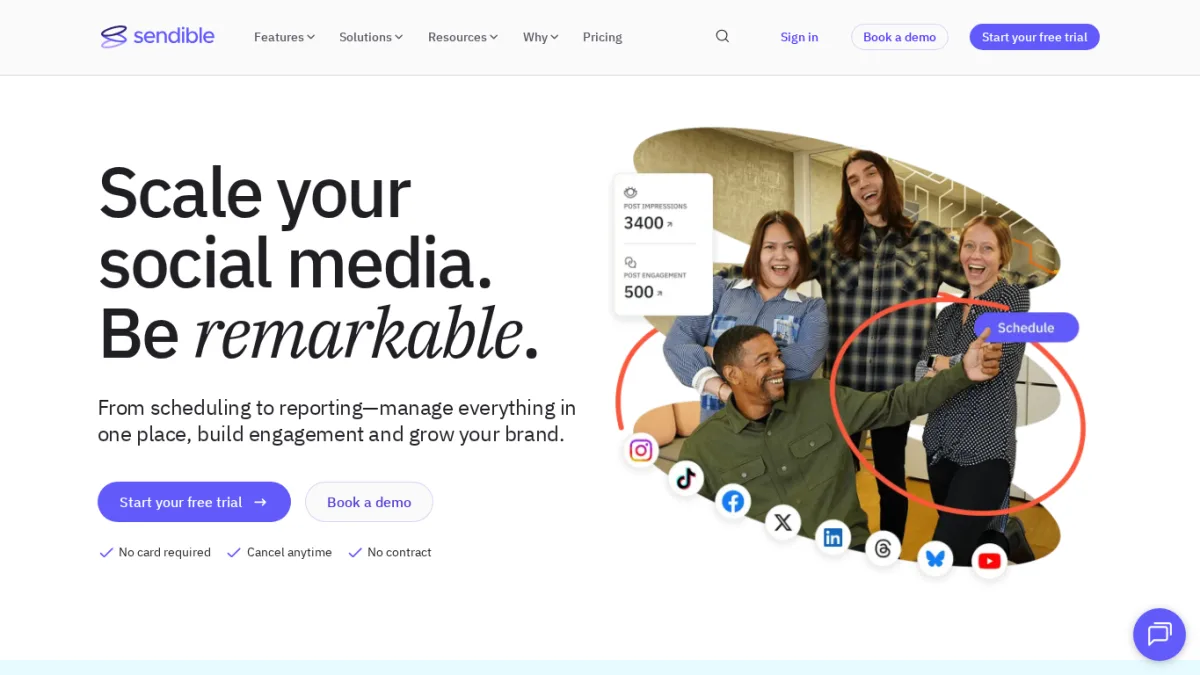
Sendible is built for the agency workflow that Buffer and Later were never designed for. Client dashboards isolate each brand. Approval queues route posts to the right reviewer. White-label reports let you stamp your own logo on the PDFs you send to clients. Facebook coverage includes Pages and Groups with scheduling, first comment, and inbox monitoring.
Key features:
- Per-client dashboards so each brand stays in its own workspace.
- Custom approval workflows from the Traction plan up.
- White-label reports as a paid add-on starting on Advanced.
- Real-time comment monitoring on Facebook Pages and Ads.
- RSS auto-posting and content library for evergreen blocks.
- Native integrations with Canva, Google Drive, and CRM tools that agency teams already use.
Pricing: Creator at $29/month covers one user and six profiles, useful for solo consultants but tight for agencies. Traction at $89/month covers four users and 24 profiles, plus approvals and client dashboards. Scale at $199/month covers seven users and 49 profiles. Advanced at $299/month covers 20 users and 100 profiles. Enterprise at $750/month covers 80 users and 400 profiles. White-label is a paid add-on from Advanced.
Why it fits: When the buyer is an agency, the calendar matters less than the workflow around it. Sendible covers the full chain: connect the client's Facebook Page and Group, route every post through an approval queue, ship a white-label monthly report. Pricing is honest because the tiers scale by users and profiles, which is the actual cost driver in agency work.
What to watch for: Sendible is overkill for an in-house team of two. Creator at $29 looks attractive but six profiles fill quickly once you add a Page, a Group, Instagram, LinkedIn, X, and Threads. Agencies that also serve WordPress clients are better off pairing Sendible (for approvals and reporting) with FS Poster on the WordPress side (for the publish event).
7. Later
Category: Visual-first SaaS social media scheduler.
Best for: Visual brands, lifestyle creators, and image-first ecommerce stores whose Facebook presence is driven by photography and Reels.
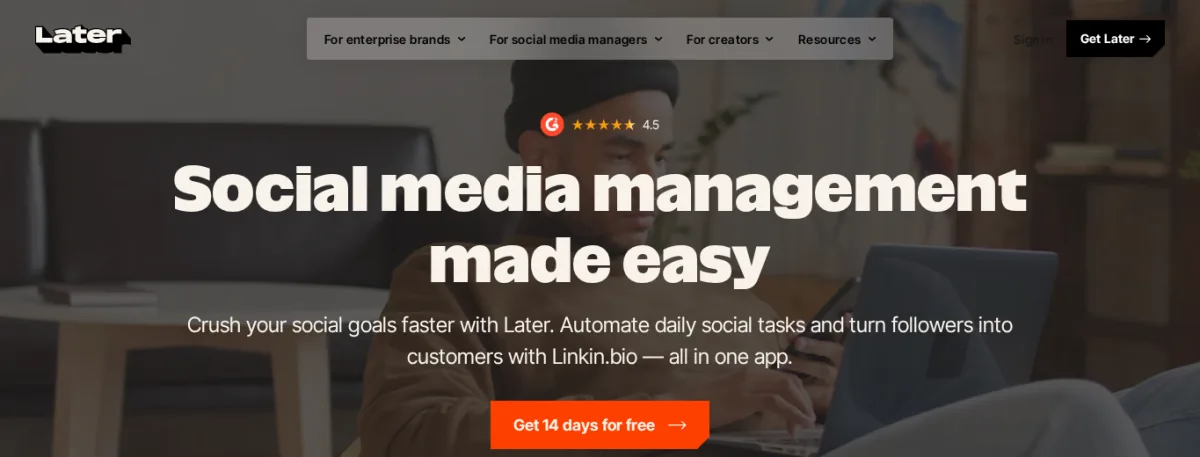
Later started as an Instagram visual planner and still earns its place on photography-led brands. The drag-and-drop calendar is the cleanest in the category, and the media library makes batch-uploading a shoot trivial. Facebook coverage is Pages-first with scheduling, Reels auto-publish, and basic analytics.
Key features:
- Drag-and-drop visual calendar with media library and auto-published Reels.
- Linkin.bio included on paid plans for traffic from Facebook and Instagram bios.
- Facebook conversations management on Growth and Scale.
- Cross-network scheduling that pairs Facebook with Instagram, TikTok, and Pinterest.
Pricing: Starter at $18.75/month (billed yearly) with one user. Growth at $37.50/month with two users. Scale at $82.50/month with four users. Extra users cost $3.75/month on Growth and Scale.
Why it fits: Visual-first brands plan campaigns by mood board, not by caption. Later's calendar is built around the image, which makes the queue faster to fill and easier to approve.
What to watch for: Later is Pages-only on Facebook. Text-heavy publishers and any team that needs Facebook Groups should look elsewhere. Pricing is billed yearly by default; the monthly figure rises if you pay month-to-month.
8. Zapier
Category: Workflow automation platform.
Best for: Operations and revops teams that already use Zapier and want Facebook publishing as one more step in a wider business flow.
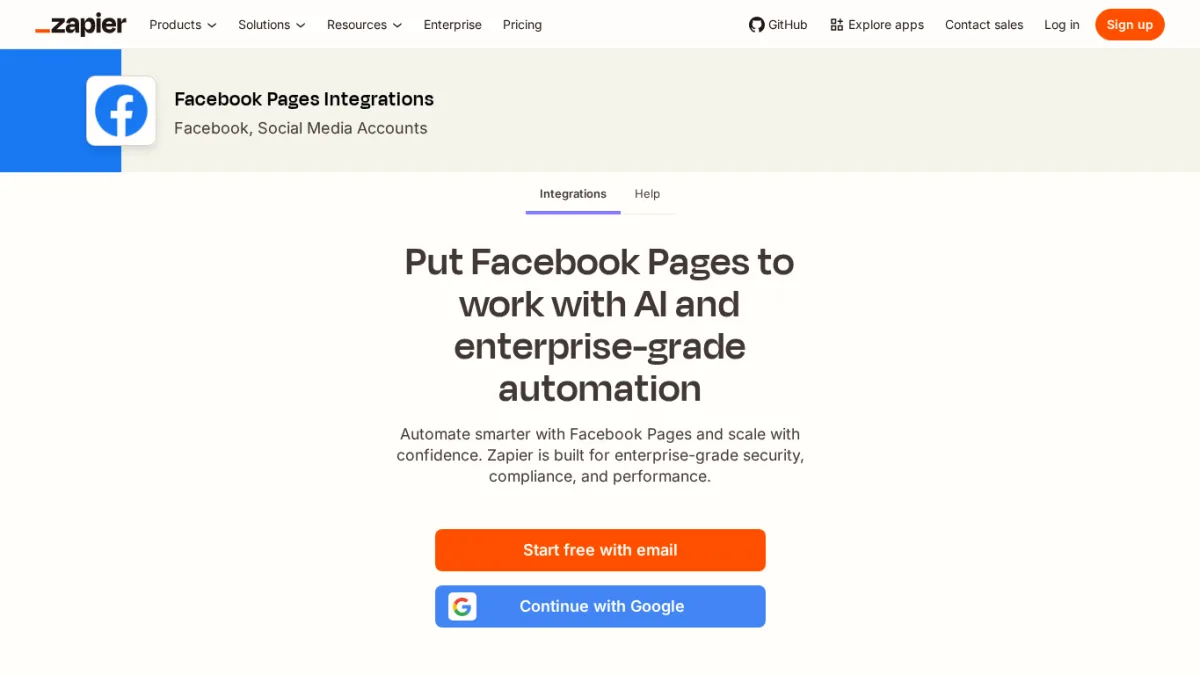
Zapier is not a Facebook tool, but it is the most common way teams wire Facebook into a wider workflow. Through the official Facebook Pages integration, you can post when a new RSS item appears, a Google Sheet row is added, a HubSpot deal closes, or a webhook fires. Multi-step Zaps and conditional logic let you route different events to different Pages.
Key features:
- Official Facebook Pages connector with triggers (new post, new comment) and actions (create post, create page photo).
- Multi-step Zaps that chain Facebook publishing with CRM, spreadsheets, ecommerce, and webhooks.
- Conditional logic (Filter, Paths) to route events to different Pages or skip posts that fail a check.
- AI orchestration tools for caption generation inside the flow.
Pricing: Free tier covers single-step Zaps with a small monthly task quota. Paid plans add multi-step Zaps, higher task quotas, and team features; the entry paid tier is in the low-double-digit USD/month range based on task volume, and the final figure is shown at checkout. Expect higher tiers as task volume grows.
Why it fits: Pick Zapier when Facebook is the destination of an automation you already trust elsewhere, not when Facebook is the heart of your publishing. A SaaS team that fires a Facebook post when a Stripe payment clears is a perfect Zapier use case.
What to watch for: Zapier does not give you a calendar, a queue, or first comment scheduling. It also does not support Facebook Groups through the official Facebook Pages integration. If you need scheduling depth, pair Zapier with FS Poster, Buffer, or Publer rather than treating it as a scheduler.
9. Make
Category: Workflow automation platform with a visual flow editor.
Best for: Builders and small agencies who want a visual flow editor at a lower price than Zapier with branching, error handling, and webhooks.
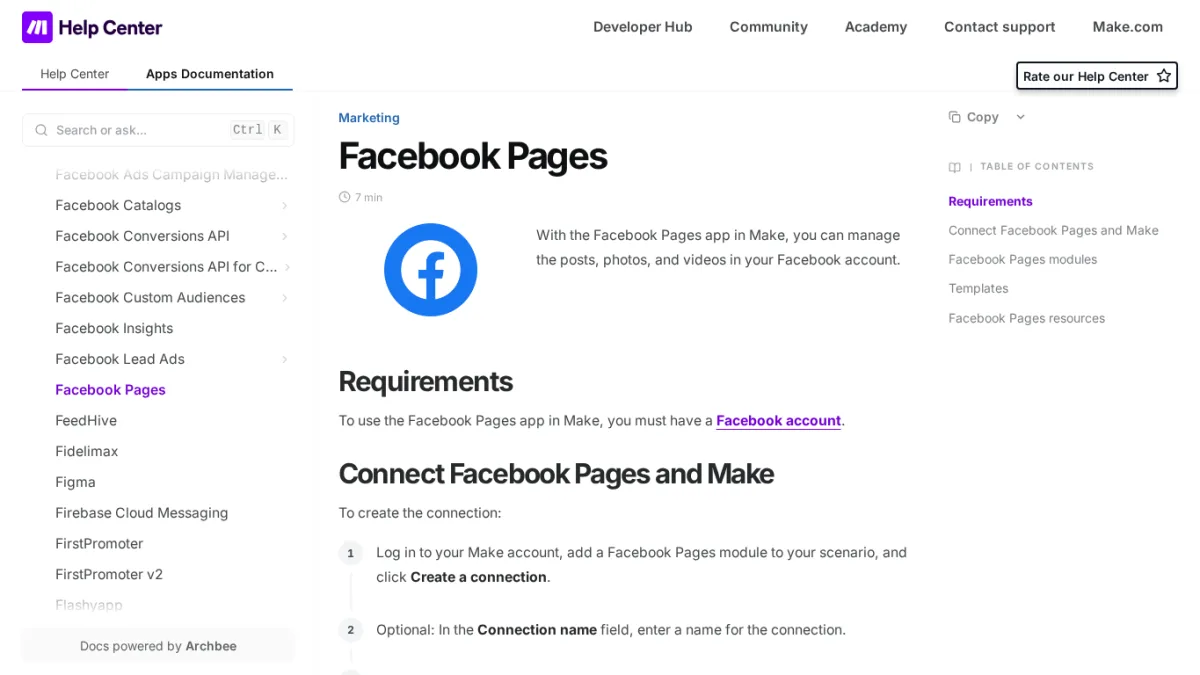
Make (formerly Integromat) is Zapier's more flexible cousin. The visual scenario editor handles branching, error handling, iterators, and aggregators that Zapier locks behind higher tiers. Facebook Pages publishing is supported through the official Facebook modules.
Key features:
- Visual scenario builder with drag-and-drop modules and live data preview.
- Branching, error handling, iterators, and aggregators on every paid plan.
- Webhook support for custom triggers.
- 1,000 free operations per month on the free tier; unlimited active scenarios on paid tiers.
Pricing: Free with 1,000 operations per month and two active scenarios. Core at $9/month with 10,000 operations. Pro at $16/month. Teams at $29/month. Enterprise is custom.
Why it fits: Make is the right pick when you want to design a multi-step Facebook flow (for example: fetch an RSS item, generate a caption with OpenAI, post to a Facebook Page, log the result to Airtable) on a visual surface, and you do not want Zapier's price tag.
What to watch for: Make has a steeper learning curve than Zapier. Operation-based pricing surprises buyers who run very chatty scenarios, so build with a quota-friendly design in mind.
10. Meta Business Suite
Category: Native Meta dashboard.
Best for: Solo creators, restaurants, local businesses, and small marketing teams whose social presence is Facebook plus Instagram only.
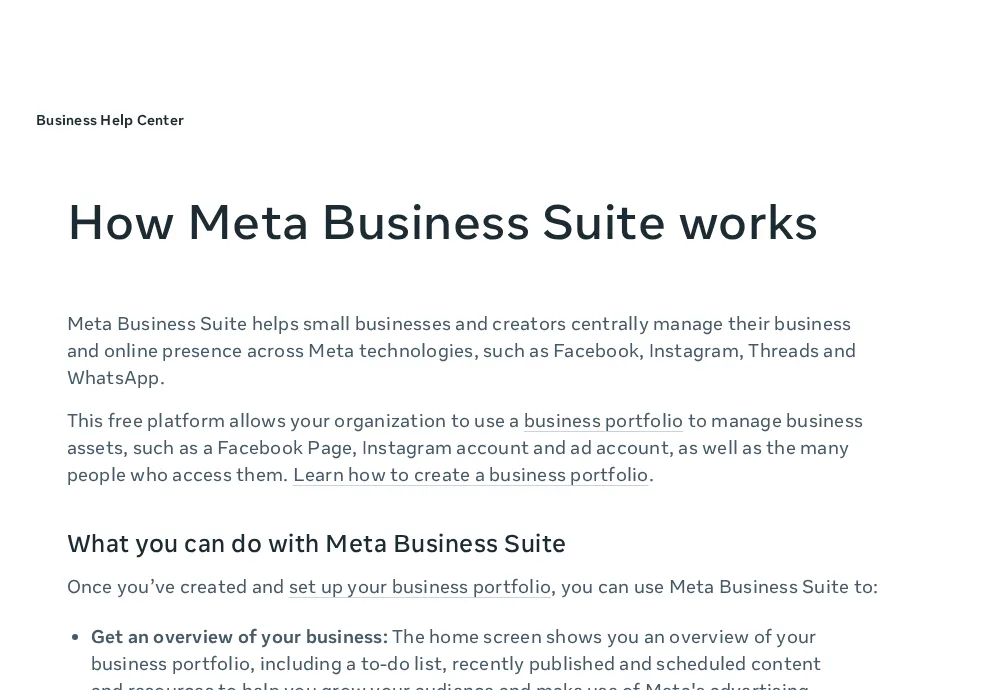
Meta Business Suite is Meta's own free dashboard for Facebook Pages and Instagram Business accounts. It covers scheduled and published posts, Reels, Stories, basic insights, the unified Messenger and Instagram DM inbox, and a side door into Ads Manager. It is included here as a free baseline, not as a recommendation for serious automation, which is why it sits at the bottom of this list.
Key features:
- Native scheduling for Facebook Pages and Instagram Business posts, Reels, and Stories.
- Unified inbox for Messenger and Instagram DMs.
- Free Insights for Pages and Instagram with basic engagement metrics.
- Direct access to Ads Manager and boost flows.
Pricing: Free.
Why it fits: When Facebook and Instagram are your only two channels and you do not need approvals, content categories, Groups automation, or comment sync to a website, Meta Business Suite covers the job for zero dollars. It also never breaks when Meta tightens third-party permissions, which is a real advantage for very small teams that do not want to deal with reconnects.
What to watch for: Meta Business Suite does not publish to LinkedIn, X, Pinterest, TikTok, YouTube, or any non-Meta network. There are no approval flows, no agency dashboards, no Groups scheduling, no first comment scheduling, and no content categories. Publishing always starts inside the dashboard, never from a WordPress publish event or external trigger. For deeper guidance on the native dashboard itself, see the Facebook Business Suite usage guide.
How to choose
The shortest version of this list is a single question: what is the trigger that should publish your Facebook posts?
- If the trigger is "I hit Publish in WordPress," pick FS Poster. It is the only tool here built around the WordPress publish event, and the flat per-site licensing keeps the bill predictable as you add channels.
- If the trigger is "I sit down with a calendar once a week and queue posts," pick a SaaS scheduler. Buffer for simplicity, Publer for Groups plus a free tier, SocialBee for evergreen rotation, Later for visual brands, Hootsuite for enterprise monitoring, Sendible for agencies.
- If the trigger is "a Stripe payment clears" or "a CRM stage changes," pick a workflow automation platform. Zapier if your team already lives there, Make if you want a visual flow editor at a lower price.
- If the trigger is "I open the Meta dashboard and post," Meta Business Suite is enough. It is the right choice only when Facebook and Instagram are your only two channels and you do not need approvals.
The mistake most buyers make is starting with a tool name and retrofitting their workflow around it. Start with the trigger, pick the category, then pick the product.
FAQ
What is the best Facebook automation software overall?
For most serious publishers, FS Poster is the best Facebook automation software in 2026 because the trigger (WordPress publish) matches the workflow most websites actually run. For teams without WordPress, Buffer wins on simplicity, Publer on Facebook Groups plus a free tier, Hootsuite on enterprise approvals and monitoring, and Sendible on agency client management. Meta Business Suite is the free baseline for Facebook-and-Instagram-only setups.
Can I auto-post to Facebook from WordPress?
Yes. FS Poster is the leading WordPress plugin for auto-posting to Facebook Pages and (where Meta allows) Groups on publish, with custom captions, scheduled queues, and first-comment support. You can also wire a Zapier or Make scenario from your WordPress RSS to a Facebook Page, but the WordPress-native plugin gives per-post overrides inside the editor and a flat per-site licence. See the Facebook auto-post from WordPress guide for the full walk-through.
Can I auto-post to Facebook Groups?
Sometimes. Meta restricts third-party Group publishing to scenarios where the connected Page has the right role in the Group. Among the tools here, FS Poster, Hootsuite, Publer, SocialBee, and Sendible can post to Groups where the API allows. Buffer publishes to Groups by sending a phone notification rather than auto-publishing. Later is Pages-only. Zapier and Make rely on the Facebook Pages connector, not a Groups connector. Always confirm the live admin UI exposes the Group as a destination before standardizing on it.
What is the best free Facebook automation software?
Meta Business Suite is free forever and covers Facebook Pages plus Instagram Business with scheduling, Inbox, and Insights. Buffer has a free plan with up to three channels and limited scheduled posts. Publer has a free tier covering a handful of accounts and basic scheduling. Make offers 1,000 free operations per month for very small flows. FS Poster does not have a free tier but offers a 14-day money-back guarantee.
Does Buffer schedule first comments on Facebook?
Yes, on Essentials and above. Buffer's free plan does not include first comment scheduling. First comments on Facebook Group posts are not a Buffer feature; Groups support is notification-based on Buffer.
Is Facebook automation against Meta's rules?
Properly scheduled, properly attributed posts published through official integrations are allowed. Meta provides the Graph API for exactly this purpose. What Meta penalizes is spammy patterns: identical posts at high frequency, mass-tagged content, automation that fakes engagement, and tools that try to bypass authentication. Stick to mainstream tools, write unique per-network captions, and Facebook automation is a normal marketing activity.
Should I pair two Facebook automation tools?
Sometimes. The two pairings that genuinely help are FS Poster (for the WordPress publish event) plus Meta Business Suite (free, for native Reels and Stories), or FS Poster plus Sendible (for agencies serving WordPress clients with approval workflows). Stacking three or four paid tools at once usually means nobody owns Facebook.
Final recommendation
Match the tool to the trigger. FS Poster is the right starting point for any WordPress publisher because the trigger and the tool are the same workflow. Buffer, Publer, SocialBee, Sendible, Later, and Hootsuite each fit a specific SaaS calendar profile, in that order of buyer fit from simplest to most enterprise. Zapier and Make are the right answer when Facebook is the destination of a wider business flow, not the heart of your publishing. Meta Business Suite is the free baseline for Facebook-and-Instagram-only teams.
The shortest answer for serious Facebook publishers in 2026 is FS Poster first, a SaaS scheduler second if your content does not live in WordPress, and Meta Business Suite as a free secondary tool for native Reels and Stories.
Write once. Post to 26 networks.
- 26 social networks
- Schedule & auto-repost
- Runs inside wp-admin


